Brayer
usebrayer.com- Category
- Developer Tools
- Rank
- No. 2270Tools index
Previous survey · No. 2090 ·
- Pricing
- Freemium
- Type
- TOOL
- Use case
- Design & Media
- Interfaces
- Web
- Date
About
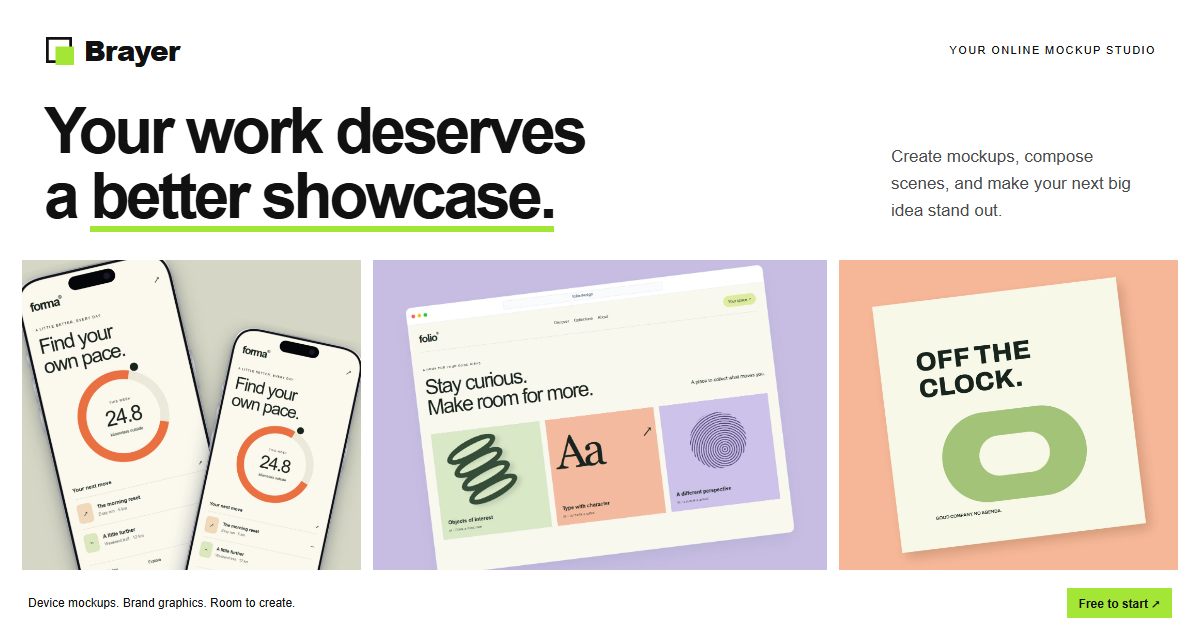
Brayer is a browser-based mockup tool that places an app screenshot into browser, phone, laptop, or 3D device scenes for landing pages and launch posts, plus a fuller editor for arranging multiple mockups with text and backgrounds. Editing, rendering, and file storage all happen locally in the browser, and images only leave the device if the optional paid cloud sync is turned on.
At a glance
Brayer frames screenshots for launch graphics in a desktop browser. It is worth trying if you need a product visual quickly and want to start from a browser or device scene before adjusting the layout.
Good fit
App makers preparing launch images, product examples or variants from screenshots.
Consider something else when
Skip it if you need to edit on a phone or need a format reserved for Pro without paying.
Start here
Open Quick mockup and select Try with a sample screenshot. The Folio sample should appear in the frame. Choose the intended output size and review the crop before replacing it with your own screenshot.
Cost and requirements
The studio lists watermark-free PNG and JPEG exports up to 3,000 pixels for free. It lists WebP, transparency, higher scaling and premium scenes under Pro. The public editor is designed for a desktop browser.
Limits to know
The browser test used the built-in sample with Connect AI off. The interface saved the design in the browser. Check sharing and AI settings before using private screenshots.
Sources checked 2026-11-05. Source-based assessment.
Why it made the leaderboard
Brayer turns a screenshot into a device/3D mockup for a launch page entirely in-browser, with no account or upload required on the free tier.
Tags
Media
Comments (0)
No comments yet
Editorially curated, with community endorsements as a secondary signal. Corrections welcome.