DocuSeal Agent Skills
https://github.com/docusealco/docuseal-agent-skills- Category
- AI Agents
- Rank
- No. 2868Tools index
Previous survey · No. 2745 ·
- Pricing
- Open Source
- Type
- AGENT
- Interfaces
- Agent Skill / Plugin
- Builder
- docusealco
- GitHub
- 9 stars
- Date
About
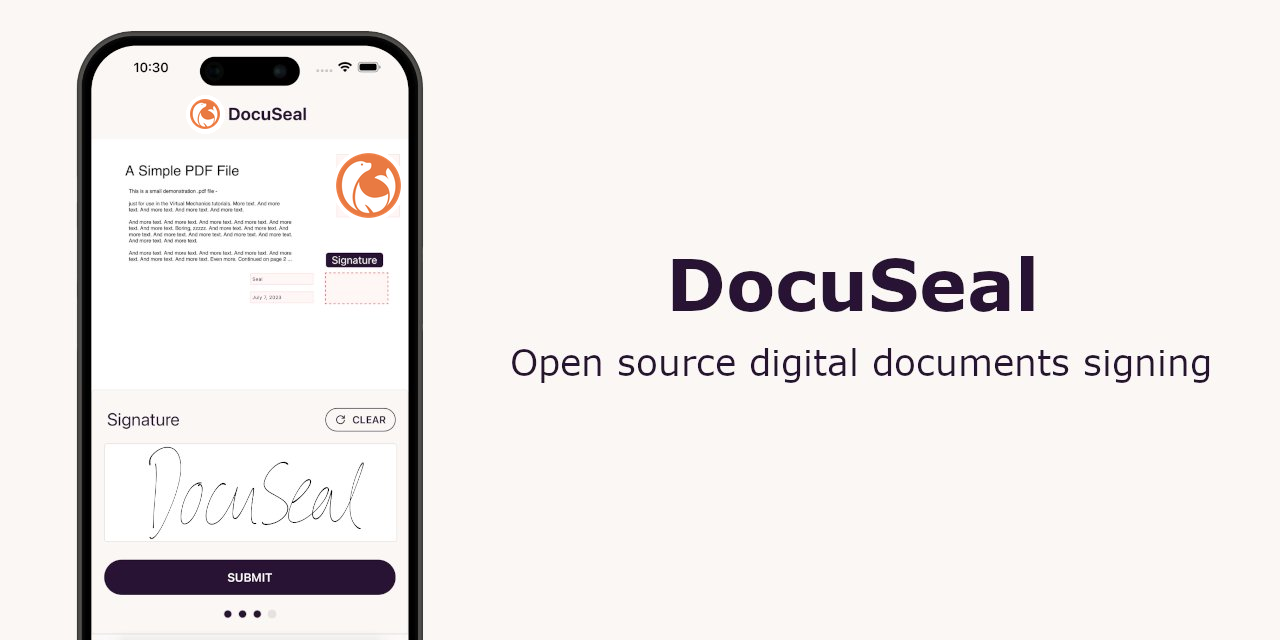
DocuSeal's official collection of agent skills for AI coding agents.
What it does
It teaches coding agents to build and operate DocuSeal signing workflows. One skill guides terminal automation for templates, submissions, and signers. The other supplies integration references for embedded signing interfaces, REST endpoints, SDKs, webhooks, authentication, and security.
Why it's ranked here
The collection is practical because it pairs operational commands with application integration guidance. Its strongest material anticipates consequential mistakes, including exposed API keys, forged browser events, insecure builder access, wrong regional hosts, and malformed command parameters.
What's good
The references cover the full document lifecycle: create templates, collect signatures, monitor completion, and download results. Examples span several frontend frameworks and server languages. Clear decision rules steer agents toward official SDKs, backend JWT signing, verified webhooks, and authenticated embedding pages.
Tradeoffs
Terminal use requires a separately installed global CLI and an API key. Several document creation and merging commands require a Pro subscription. Mobile integration relies on WebView because no native SDK exists. Official API SDK coverage is limited to JavaScript, TypeScript, Python, Ruby, and PHP.
How to use it well
Use it when an agent must automate DocuSeal operations or add signing and template management to an application. It fits shell scripts, CI pipelines, web integrations, and WebView-based mobile flows. It does not replace the DocuSeal service, credentials, CLI, frontend packages, or application authentication.
Technical notes+
skills/docuseal-cli/SKILL.md defines an agent protocol requiring complete flags, JSON output, DOCUSEAL_API_KEY, and the docuseal binary; its command details are split across files such as skills/docuseal-cli/references/templates.md and skills/docuseal-cli/references/submissions.md. skills/docuseal-code/SKILL.md routes agents to stack-specific embed and endpoint references, documents X-Auth-Token authentication, and lists webhook and SDK guidance. .codex-plugin/plugin.json and .claude-plugin/plugin.json point skills at ./skills/; .cursor-plugin/plugin.json provides metadata but does not declare that field. .agents/plugins/marketplace.json marks authentication for installation.
Observed
- License
- MIT
- Installation
- Universal skill installation uses npx skills add docusealco/docuseal-agent-skills; terminal operations additionally require the globally installed docuseal npm package.
- Interfaces
- Agent skills cover a CLI, REST API, embedded UI components, official SDKs, and webhooks.
- Agent platforms
- Plugin manifests are provided for Claude Code, OpenAI Codex, and Cursor.
- Deployment targets
- Documentation covers Global Cloud, EU Cloud, and self-hosted DocuSeal servers.
- Structure
- The repository defines two skills: one for terminal workflows and one for application integration reference material.
Read from README.md, LICENSE, .codex-plugin/plugin.json, .claude-plugin/plugin.json, .cursor-plugin/plugin.json, .claude-plugin/marketplace.json, .cursor-plugin/marketplace.json, skills/docuseal-cli/SKILL.md, skills/docuseal-code/SKILL.md, .agents/plugins/marketplace.json, skills/docuseal-cli/references/templates.md, skills/docuseal-cli/references/field-tags.md, skills/docuseal-cli/references/submitters.md, skills/docuseal-cli/references/html-fields.md, skills/docuseal-cli/references/submissions.md.
What it can do
Create digital document templates
Document specifications and field requirements → Fillable document templates
Generate electronic signature workflows
Document template and recipient list → Automated signature process
Extract data from completed documents
Signed or filled documents → Structured data fields
Validate document completion status
Document ID or file → Completion status and missing fields
Send document signing requests
Document template and recipient email addresses → Email notifications with signing links
Track document workflow progress
Document or workflow ID → Real-time status updates and completion metrics
Tags
Media
Comments (0)
No comments yet
Editorially curated, with community endorsements as a secondary signal. Corrections welcome.