peon-ping
www.peonping.com- Category
- Developer Tools
- Rank
- No. 423Tools index
- Pricing
- Open Source
- Type
- TOOL
- Use case
- Coding
- Interfaces
- CLI
- Builder
- @PeonPing
- GitHub
- 5.1k stars
- Latest release
- v2.37.0
- Date
About
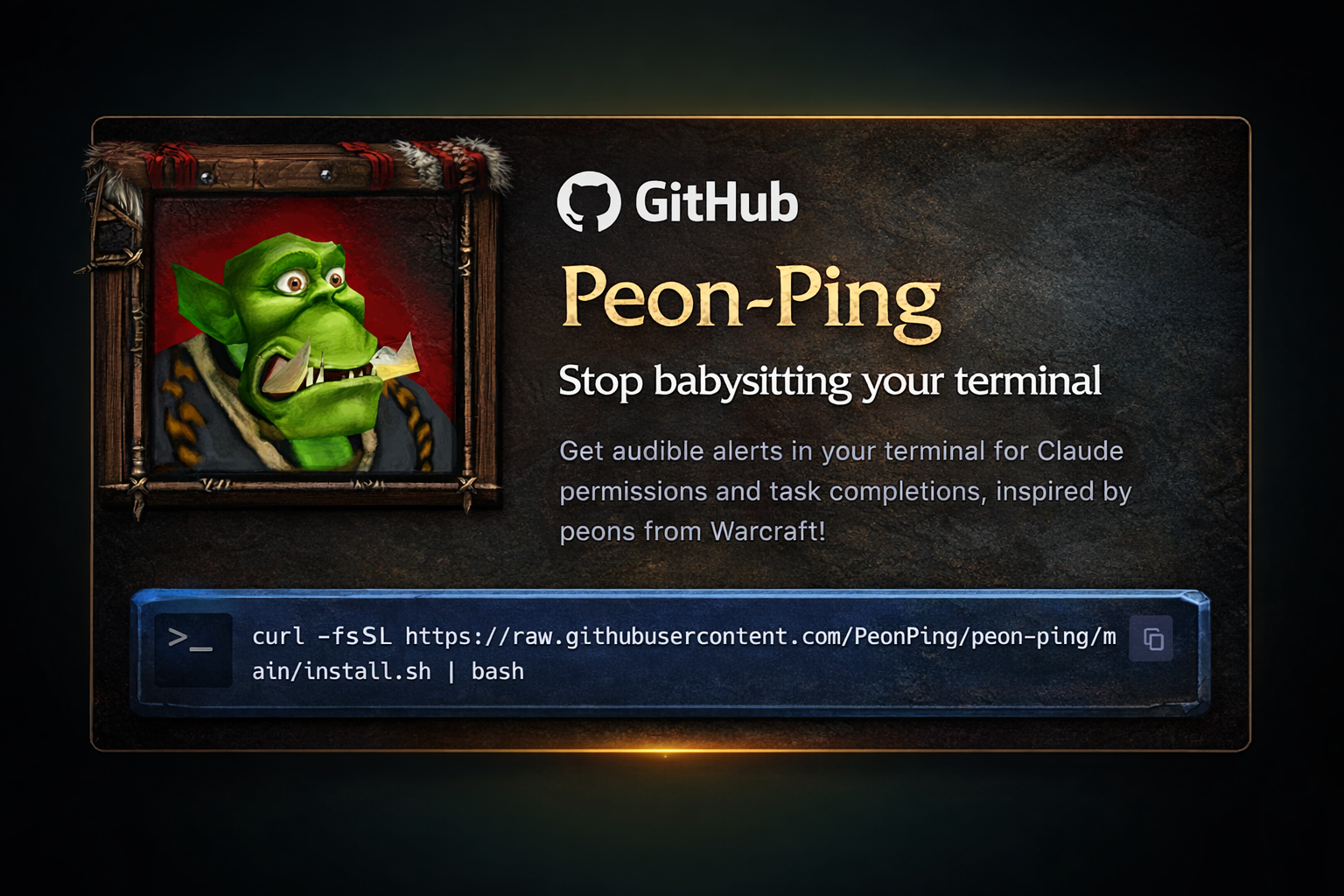
A command-line tool that provides audio notifications when AI coding agents finish tasks or need permission. Features game character voice lines and works with popular AI coding tools like Claude Code, Cursor, and Codex to help developers stay in flow without constantly monitoring their terminal.
What it does
peon-ping turns coding-agent events into distinct audio and visual signals. It maps session starts, completions, errors, permission requests, limits, and rapid prompts to configurable sound categories. Users can choose packs, set project-specific rules, rotate packs, mute output, adjust volume, and optionally send desktop or mobile notifications. It also exposes an MCP interface that lets compatible agents select sounds.
Why it's ranked here
The appeal is unusually broad integration paired with serious configuration depth. The documented adapters cover many coding agents, while Homebrew, installer scripts, Nix, and Home Manager address very different setup preferences. Its event categories, pack rules, notification templates, remote workflow support, and trainer controls make it more than a novelty. The cost is a large cross-platform shell system with platform-specific behavior and substantial configuration surface.
What's good
The event model is clear: completion, failure, permission, limits, and other states receive separate categories instead of one generic alert. Project path rules and session overrides make different repositories distinguishable by sound. Pack installation supports curated and custom sources. Audio runs asynchronously, preserving hook responsiveness. Users can mute quickly, honor macOS Focus, restrict playback to headphones, and pair sounds with overlays, terminal titles, desktop notifications, or mobile notifications.
Tradeoffs
Cross-platform audio requires different backends and failure modes. WSL2 may need host probing, cached backend selection, and ffmpeg for non-WAV packs on newer Windows builds. Windows exposes fewer controls than the broader Unix command set described in the README. Other IDE integrations remain opt-in under declarative Nix configuration. The text-to-speech and structured logging documents describe planned work, so buyers should not assume those capabilities are already implemented.
How to use it well
It suits developers who run long agent tasks, switch between projects, or keep several sessions active. Assign recognizable packs with path rules, reserve permission and error cues for urgent attention, and mute everything during meetings. Pair sound with overlays when headphones are unreliable. Use MCP when agent-selected feedback is useful. It does not replace task tracking, centralized monitoring, or detailed diagnostics, and the proposed richer logging and spoken summaries are not established features in the supplied implementation evidence.
Technical notes+
README.md documents the shipping CLI, MCP support, hook and adapter integrations, installers, Nix packaging, event categories, and configuration controls. docs/plans/2026-02-19-path-rules-design.md specifies the override order from session choice through local configuration, path matching, rotation, and global fallback. docs/designs/win-notification-templates.md describes parity logic for template selection and variable replacement on Windows. docs/designs/structured-hook-logging.md and docs/designs/tts-integration.md describe target architectures rather than confirmed shipped behavior. Their associated product documents, docs/prds/PRD-002-hook-observability.md and docs/prds/PRD-003-tts-spoken-feedback.md, explicitly frame logging and text-to-speech as proposed capabilities.
Observed
- License
- MIT
- Interfaces
- Command-line tool, coding-agent hooks and adapters, and MCP server
- Packaging
- Homebrew, shell installer, PowerShell installer, Nix profile, Nix run, and Home Manager module
- Platform support
- macOS, Linux, Windows, WSL2, MSYS2, and SSH workflows
- Implementation languages
- Bash with embedded Python for Unix paths, plus PowerShell for Windows
- Configuration
- Global and project-local setup, sound packs, path rules, pack rotation, volume, categories, and notification controls
Read from README.md, docs/designs/tts-integration.md, docs/designs/structured-hook-logging.md, docs/prds/PRD-002-hook-observability.md, docs/prds/PRD-003-tts-spoken-feedback.md, docs/plans/2026-05-09-omp-adapter-plan.md, docs/designs/win-notification-templates.md, docs/plans/2026-02-16-trainer-mode-plan.md, docs/plans/2026-02-19-path-rules-design.md.
What it can do
Play audio notification when AI coding agent completes a task
AI agent task completion signal → Game character voice line audio notification
Play audio notification when AI coding agent needs permission
AI agent permission request signal → Game character voice line audio notification
Monitor AI coding tools for status changes
Claude Code, Cursor, or Codex terminal activity → Detected status change events
Provide sound notifications from multiple character voice packs
User selection from 160+ sound packs → Character-specific audio notifications
Enable developers to work without constantly watching terminal
Background AI agent processes → Audio alerts allowing focus on other tasks
Tags
Media
Comments (0)
No comments yet
Editorially curated, with community endorsements as a secondary signal. Corrections welcome.