Gemini 3.5 Transcribe folds cleanup and screen context into dictation
- Source
- x.com
- Date

Today we’re introducing Gemini 3.5 Transcribe, our latest transcription model built for incredibly precise, smart dictation across your favorite apps and devices. Remember when traditional speech-to-text meant shouting over background noise, constantly hitting backspace to fix misspelled words, and manually deleting every "um" and "uh"? Those days are over. Gemini 3.5 Transcribe isn't just dictation — it’s active intelligence with precise, context-aware speech-to-text support in 85+ languages. The model automatically filters out filler words, formats unstructured speech, and even pairs with your screen context to execute voice commands. Watch as Gemini 3.5 Transcribe removes filler words and uses multimodal capabilities to seamlessly turn messy voice input and local files into a polished email draft.

— Try it out in the @Geminiapp on macOS and Gboard on @Android — Build in the Gemini API via @googleaistudio, @antigravity, and the Gemini Enterprise Agent Platform (public preview) — Coming soon to @googlechrome and Gemini Enterprise for Customer Experience Learn more: https://t.co/mGPWSdloR8
Context
Gemini 3.5 Transcribe treats dictation as text preparation: it can remove filler words, handle spoken corrections and format the result. Google AI's launch explanation also describes voice commands in the Gemini macOS app that use screen and call other Gemini models for tasks such as analyzing local files.
Those capabilities belong to different parts of the workflow. Speech recognition supplies cleaned text, while the app coordinates additional model calls to act on a request. The developer offering likewise separates live transcription from recorded-audio processing, where speaker attribution and word-level timestamps are available.
- context window — The maximum amount of text a model can consider at once — its working memory for the current conversation or task.
- streaming — Sending a model's response token by token as it is generated, so the reader sees text immediately instead of waiting for the whole answer.
- postGoogle's week: EmbeddingGemma 2, Nano Banana 2.1, Gemini business agent
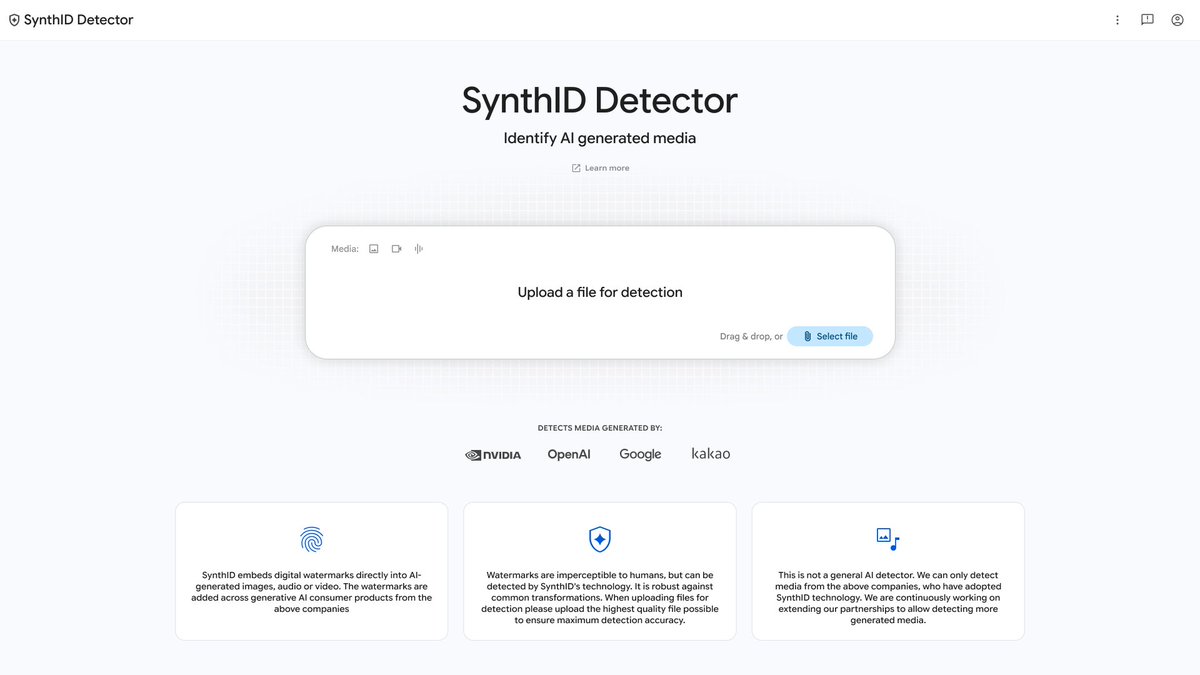 postGoogle opens SynthID watermark checks to everyone, with partner coverage
 postGemma 4 orchestrates a plant DNA model to find crop mutations in minutes
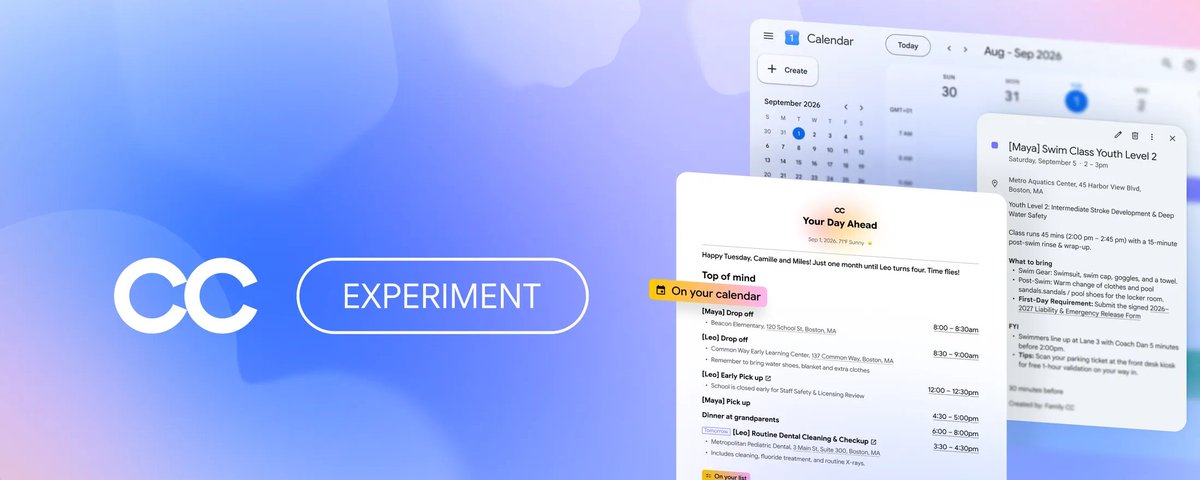 articleGoogle's Project CC gives a family agent its own identity and sandbox
Checking sign-in…
Loading comments…