T3rnel Browser
t3ratech.github.io- Category
- Developer Tools
- Rank
- No. 2070Tools index
Previous survey · No. 1969 ·
- Pricing
- Freemium
- Type
- TOOL
- Use case
- Workflow Automation
- Interfaces
- MCP · Browser Extension
- Date
About
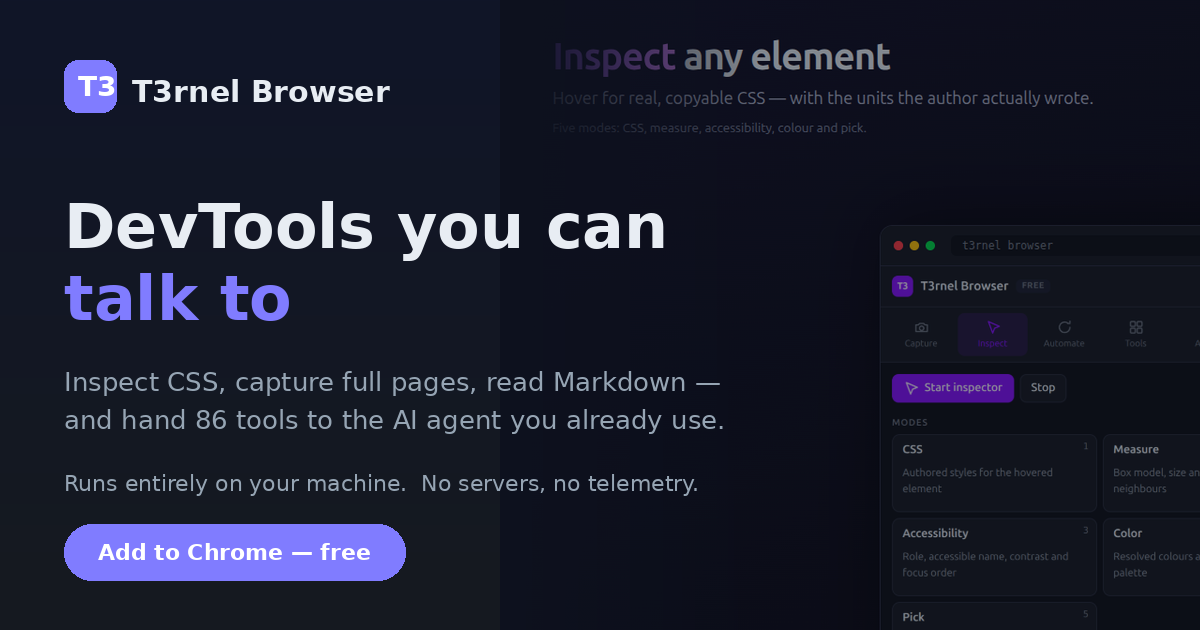
A browser extension that turns Chrome/Brave/Edge into an MCP server exposing 98 tools (CSS inspection, full-page screenshots, Markdown viewing, page audits, record/replay) so AI coding agents like Claude Code, Cursor, and Windsurf can drive your logged-in browser. It differentiates from free automation tools like Playwright MCP by adding a human-in-the-loop safety layer: credential redaction, action confirmation for page-changing steps, and a scrubbable action timeline.
What it does
According to its homepage, T3rnel is a browser extension that gives AI coding assistants like Claude Code, Cursor, and Windsurf control of your own signed-in Chrome, Brave, or Edge browser through the Model Context Protocol, while a human confirms page-changing actions and can review or step back through a saved timeline.
Stated on the product site
- Pricing model
- A free tier plus a one-time Pro purchase covering three activations, with no subscription
- Platform support
- Available for Chrome, Brave, and Edge, which share one store package; other browsers are listed separately
- Credential handling
- Per-site credentials are stored encrypted on the user's device rather than in plaintext
- Human-in-the-loop control
- The site states that page-changing actions require confirmation and that a scrubbable timeline lets a user step backward through a run
- Interface type
- Operates as an MCP server so external MCP clients drive the user's own browser session
Not stated on the site
- The page does not state how far along Opera, Chromium, or Firefox support is, only that those store listings are described as in review.
- The page does not state what happens to a Pro license's three activations if a device is lost, reset, or replaced.
- The page does not state the encryption method or standard used for the on-device identity vault.
Written from the product site at t3ratech.github.io.
What it can do
Expose browser control to AI coding agents via MCP server
AI agent commands → Browser actions
Inspect CSS of web page elements
Web page → CSS data
Capture full-page screenshots
Web page → Screenshot image
View Markdown content in browser
Markdown file → Rendered view
Run page audits
Web page → Audit results
Record and replay browser actions
User browser actions → Replayable action sequence
Redact credentials from captured data
Page content or logs → Redacted content
Require confirmation before executing page-changing actions
Proposed browser action → Confirmation prompt
Tags
Media
Comments (0)
No comments yet
Editorially curated, with community endorsements as a secondary signal. Corrections welcome.