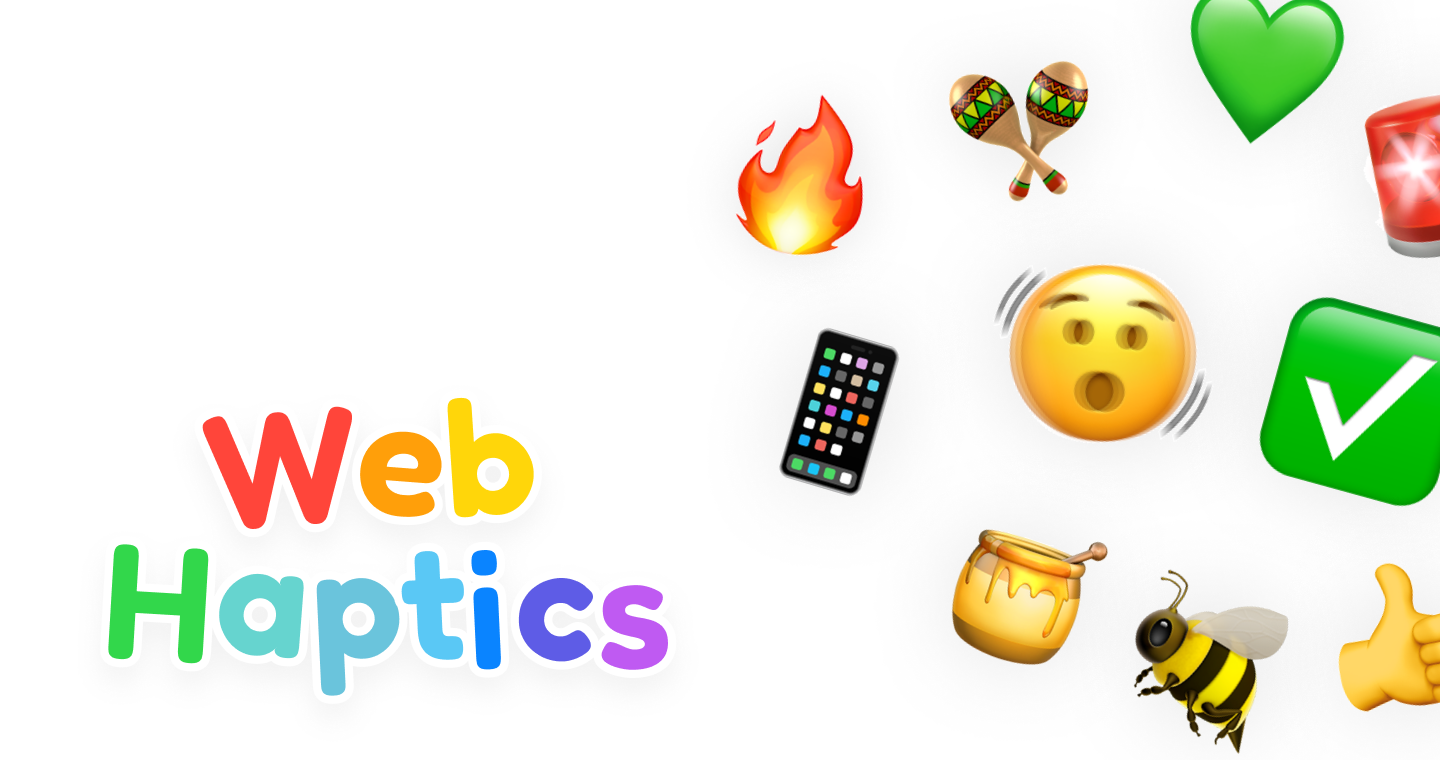
WebHaptics
haptics.lochie.me- Category
- Developer Tools
- Rank
- No. 1107Tools index
Previous survey · No. 1076 ·
- Pricing
- Open Source
- Type
- TOOL
- Use case
- Design & Media
- Interfaces
- Web · Mobile · API · SDK
- Builder
- lochie
- GitHub
- 2.8k stars
- Date
About
WebHaptics enables haptic feedback functionality for mobile web applications. It allows developers to add tactile vibration responses to web interfaces, enhancing user experience on mobile devices.
What it does
WebHaptics turns presets, durations, alternating timing arrays, or structured patterns into browser vibration sequences. It offers framework adapters, cancellation, support detection, adjustable intensity, and optional visual or audio debugging for devices where physical feedback is unavailable.
Why it's ranked here
Its strongest case is practical breadth in a small library. One package serves vanilla TypeScript plus React, Vue, and Svelte, while presets and custom patterns cover both quick interaction cues and longer sequences. The browser abstraction is useful, but hardware support and intensity fidelity remain constrained.
What's good
Inputs range from a single duration to named presets and detailed patterns with delays and per-pulse intensity. Values are validated, intensity is clamped, active sequences can be cancelled, and framework adapters clean up their instances. Both CommonJS and ES modules ship with generated TypeScript declarations.
Tradeoffs
Physical output depends on browser vibration support. Intensity is approximated by rapidly alternating vibration and silence, so it is not true hardware amplitude control. Individual vibration phases are capped at one second. The React adapter updates debug and switch visibility after creation, while the Vue adapter only watches debug mode.
How to use it well
Use it for tactile confirmation on mobile-oriented controls, selections, warnings, and success states in vanilla, React, Vue, or Svelte projects. Start with presets, then add restrained custom timing where interaction meaning demands it. Keep visual feedback and accessibility cues because this does not replace them or native platform-specific haptic engines.
Technical notes+
packages/web-haptics/src/lib/web-haptics/index.ts normalizes numeric, string, array, and preset inputs, validates timing, clamps each phase to 1000 ms, converts intensity into 20 ms pulse-width-modulated segments for navigator.vibrate(), and provides a requestAnimationFrame-driven label-click fallback with optional Web Audio debugging. packages/web-haptics/src/lib/web-haptics/patterns.ts defines eleven presets. packages/web-haptics/tsup.config.ts builds core, React, Vue, and Svelte entry points as CJS and ESM targeting ES2022, with declarations and tree shaking. Framework lifecycle behavior lives in packages/web-haptics/src/react/useWebHaptics.ts, packages/web-haptics/src/vue/useWebHaptics.ts, and packages/web-haptics/src/svelte/createWebHaptics.ts.
Observed
- Primary language
- TypeScript
- Install surface
- Published npm package installed as web-haptics
- Interface
- Client-side library with core, React, Vue, and Svelte entry points
- Module formats
- CommonJS and ES modules with TypeScript declarations
- Build target
- ES2022
- Platform mechanism
- Uses the browser vibration API when available
- Pattern surface
- Eleven bundled presets plus numeric, array, and structured custom inputs
Read from README.md, package.json, packages/web-haptics/tsup.config.ts, packages/web-haptics/src/index.ts, packages/web-haptics/src/vue/index.ts, packages/web-haptics/src/vue/types.ts, packages/web-haptics/src/react/index.ts, packages/web-haptics/src/svelte/index.ts, packages/web-haptics/src/svelte/types.ts, packages/web-haptics/src/vue/useWebHaptics.ts, packages/web-haptics/src/react/useWebHaptics.ts, packages/web-haptics/src/svelte/createWebHaptics.ts, packages/web-haptics/src/lib/web-haptics/index.ts, packages/web-haptics/src/lib/web-haptics/types.ts, packages/web-haptics/src/lib/web-haptics/patterns.ts.
What it can do
Add vibration feedback to button taps
Web button elements and vibration parameters → Tactile vibration response when buttons are pressed
Create haptic responses for form interactions
Form elements and feedback patterns → Vibration feedback for form field focus, validation, and submission
Generate tactile feedback for swipe gestures
Touch swipe events and haptic intensity settings → Directional vibration patterns corresponding to swipe actions
Implement vibration alerts for notifications
Notification events and custom vibration sequences → Distinct haptic patterns for different notification types
Add tactile feedback to scroll interactions
Scroll events and boundary conditions → Vibration responses at scroll limits or specific scroll positions
Create haptic confirmation for user actions
User interaction events and success/error states → Confirming or warning vibration patterns based on action outcomes
Tags
Tech Stack
Media
Comments (0)
No comments yet
Editorially curated, with community endorsements as a secondary signal. Corrections welcome.