REA: Reverse Engineering for Your Coding Agent
rea.tools- Category
- AI Agents
- Rank
- No. 223Tools index
- Type
- TOOL
- Use case
- Coding
- Interfaces
- Agent Skill / Plugin
- GitHub
- 475.3k stars
- Latest release
- rea-agents-6.10.1
- Date
About
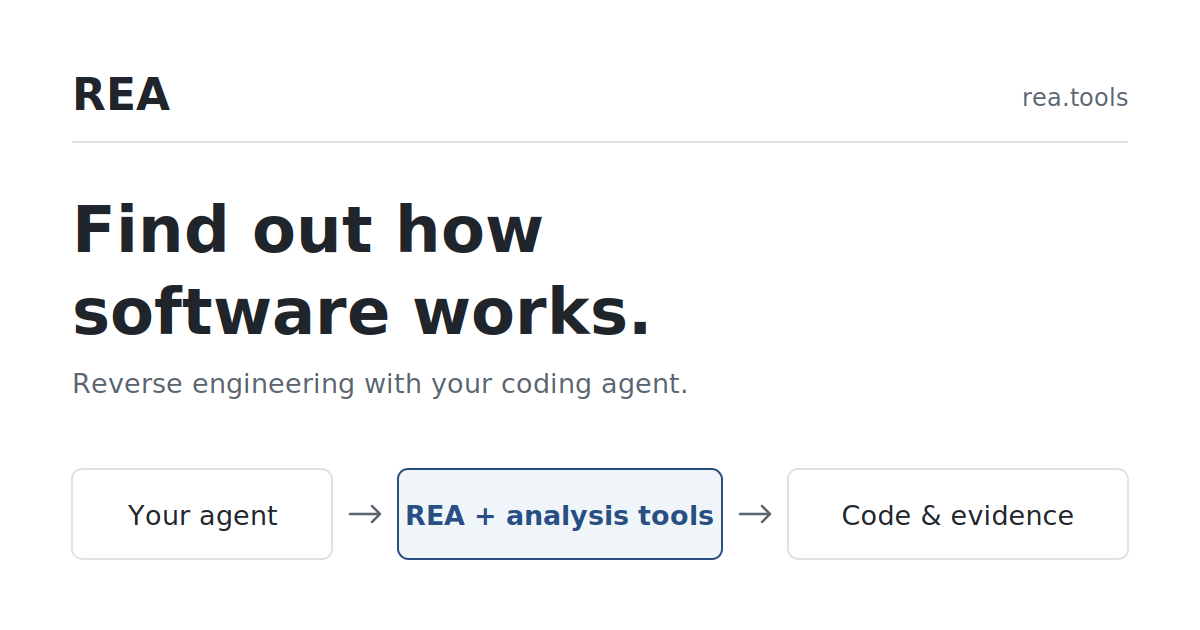
REA gives a coding agent the tools to inspect apps, binaries and browser behavior and explain how they work. It installs with an npx setup command that shows a plan for approval, and the site walks through examples such as why Windows Calculator gives 220 for 200 + 10% and how Chrome's dinosaur game speeds up. The goal is to let a person ask in plain English instead of reading disassembly by hand.
What it does
REA is a reverse engineering toolkit that a coding agent drives through the Model Context Protocol (MCP), the standard way agents call outside tools, and that a person can also run from the terminal. Point it at a compiled program, an Electron app, a website, an Android package or a saved network capture, and it returns the raw material an analyst would dig out by hand: disassembly, imports, network requests, decoded manifests. Each result arrives with the evidence behind it and the gaps it could not close, so the agent can explain a feature or rebuild it without guessing.
Why it's ranked here
Breadth and care, in that order. The target table runs past twenty kinds of artifact, from Go binaries to SQLite files to firmware images, all behind one install that setup wires into Claude Code, Codex, Cursor and Gemini CLI. The care shows where it matters most: setup prints a plan and waits for approval before touching agent configuration, the installer refuses to run a half-downloaded copy of itself, and the project states plainly that it is not a sandbox. MIT licensed, shipped on npm, with metadata for the official MCP registry.
What's good
The parts that touch your machine are written defensively. Connections to the analysis engines are locked with a fresh random token per session over sockets only your user can open, and Ghidra runs in a throwaway project that is deleted when the session ends. The shell installer checks that the installed version matches the one it asked for. Results are meant to separate what was observed from what was inferred and what stays unknown, which is the right shape for an agent that will otherwise state guesses as facts. Static JavaScript analysis needs no native engine at all.
Tradeoffs
The deepest analysis is only as good as the engine underneath, and you bring that yourself: Hopper, Ghidra or IDA, two of which are commercial and must be licensed separately. Many targets also need caller-supplied tools such as pwntools, TShark or Apktool, and several are listed for Linux x64 only. Opening an untrusted binary hands it to that engine with your own permissions, by the project's own account. The shell installer covers macOS and Linux only, Node.js must be recent, and the README warns that the tool changes quickly and needs frequent updating.
How to use it well
Best for security researchers, malware analysts and engineers studying how a shipped app implements a feature, who already use an agent like Claude Code or Cursor and want it to do the tedious digging. Start with the JavaScript or website paths, which need nothing beyond Node.js and a Chrome-family browser. Analyse unknown binaries in a disposable machine, since nothing here isolates them. It will not help with cracking license checks or cheats, which the disclaimer rules out, and it does not replace judging whether you are allowed to inspect the target.
Technical notes+
src/main.ts is the MCP entry: it snapshots the environment, parses config, creates a binary session, opens any initial target, then serves over stdio via the MCP server SDK; runEntrypoint deliberately redacts unexpected startup causes and prints a fixed message. Shutdown is wired to SIGINT, SIGTERM and stdin end or close. src/cli.ts builds the terminal interface on the incur Cli library and registers 35 command groups (wasm, evm, go, sqlite, android, jeb, frida, browser, electron and others) without starting Hopper at import. server.json declares npm transport stdio with the positional argument mcp. install.sh wraps the whole script in a brace group as a truncation guard, validates Node.js against the same engine floor as package.json, resolves the release tag from GitHub, and verifies the installed binary reports the requested version. SECURITY.md notes the Linux Hopper download is checked against a published SHA-1, which the project itself calls a corruption check rather than a signature. AGENTS.md mandates additive, idempotent config changes with backups.
Observed
- License
- MIT
- Language
- TypeScript, ES modules on Node.js
- Distribution
- npm package rea-agents, exposing the rea and rea-agents commands
- Interfaces
- CLI and MCP server over stdio, listed in the MCP registry metadata (server.json)
- Runtime requirement
- Node.js 22.19+, 24.11+ or 26+ (package.json engines)
- Shell installer platforms
- macOS and Linux only (install.sh)
- Native analysis engines
- Hopper, Ghidra or IDA, supplied by the user
- Agents supported by setup
- Claude Code, Codex, Cursor, Gemini CLI, Grok Build and others
- Test tooling
- Vitest with separate domain, boundary, MCP and acceptance projects defined in package.json scripts
- Isolation
- Not a sandbox: untrusted binaries are parsed by the local engine with the user's permissions (SECURITY.md)
Read from README.md, package.json, server.json, src/main.ts, src/cli.ts, install.sh, SECURITY.md, DISCLAIMER.md, AGENTS.md.
Tags
Tech Stack
Media
Comments (0)
No comments yet
Editorially curated, with community endorsements as a secondary signal. Corrections welcome.