BMXt
bmxt.diozy.net- Category
- Productivity
- Rank
- No. 4674Tools index
- Pricing
- Freemium
- Type
- TOOL
- Use case
- Productivity & Collaboration
- Interfaces
- Browser Extension · CLI
- Date
About
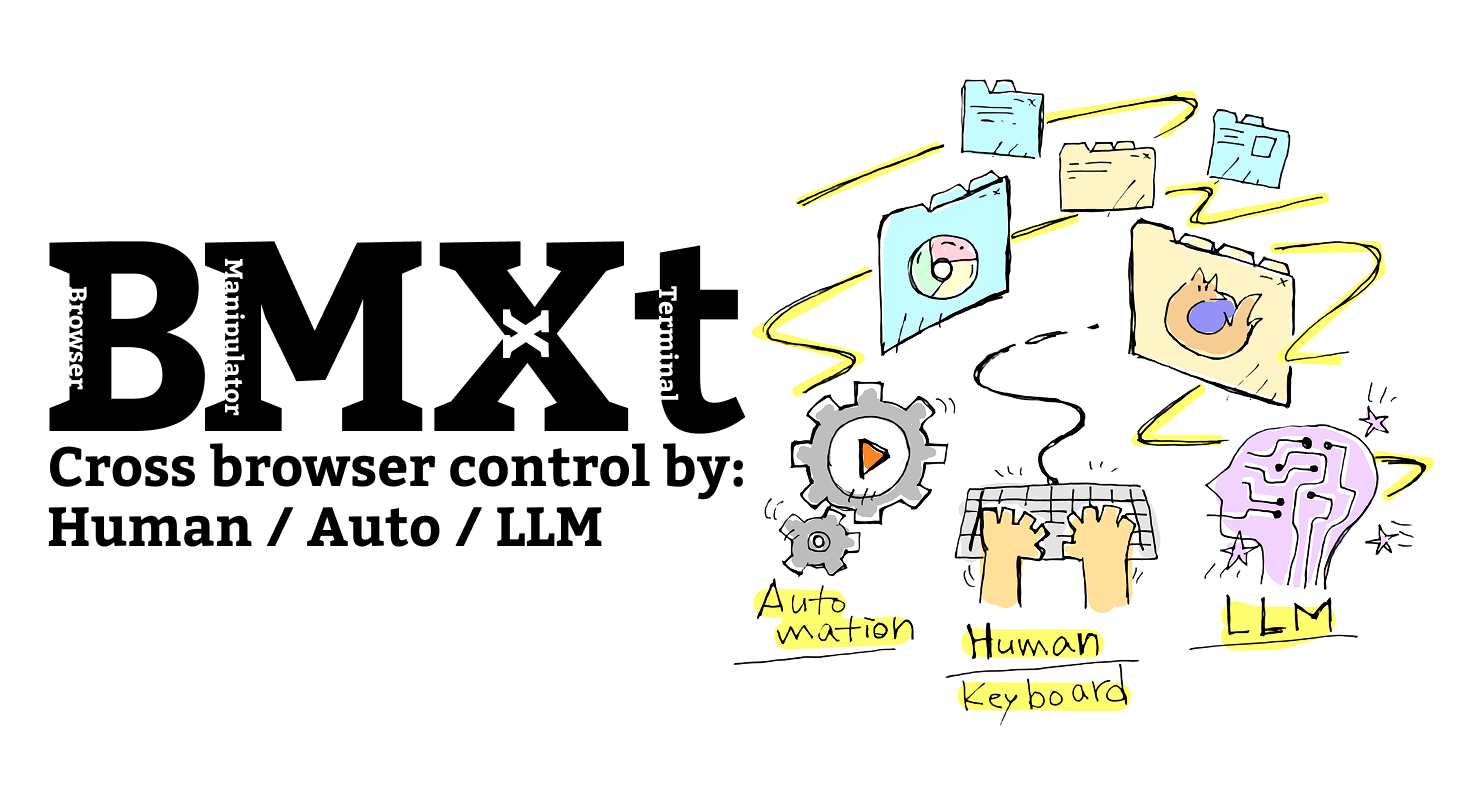
A browser extension and optional Rust command-line program that give keyboard and terminal-style control over the browser. It works across Chromium-based browsers and Firefox, lets users search tabs, bookmarks and history as text, and links different browsers on one computer. Because it runs on text commands, it can be scripted or driven by an LLM in a terminal. It is free today, with paid licensing planned for commercial use only.
At a glance
BMXt is a browser extension that opens its own window, without a tab bar, holding a terminal-style prompt for driving the browser: list and switch tabs, search history, bookmarks and open page text as plain lines, and pipe the results into actions. Command parsing runs in a Rust-to-WebAssembly core, and an optional Rust CLI gives you the same prompt outside the browser.
Good fit
Keyboard-first people who would rather type tab -list | browse than hunt along a tab strip, and anyone who wants browser state reachable as text for shell scripts or a terminal LLM. Chromium builds come from the Chrome Web Store and Firefox from Mozilla Add-ons, and the extension alone covers cross-browser linking.
Consider something else when
You use Safari, which the author has no plans to support, or you want this on a phone, where support is an experimental check that install and launch work rather than desktop behaviour. Broad permissions are the other reason to pass: the Chrome build declares tabs, tabGroups, windows, storage, scripting, history and bookmarks, plus https://*/* host access so the content script can enter already-open tabs without a reload.
Start here
Install the extension and open it with Shift+Alt+C. The interface may come up in Japanese: run setting -list | browse and choose English. Then tab -list prints a plain tree of open tabs, tab -list | browse opens a searchable picker, and search -list --history searches history as text. help lists every command, and Tab on an empty prompt opens the candidate menu.
Cost and requirements
Free today for both commercial and non-commercial use, with paid licensing planned for commercial use only; the author says personal use stays free. The optional CLI ships unsigned prebuilt binaries for Windows and Linux on GitHub Releases with checksums, and macOS is listed as coming soon. The Windows binary needs the Visual C++ x64 redistributable or it exits immediately with no output.
Limits to know
In-page commands (nav, dom, search -list --page, snapshot -save) work on https pages only. Session logs live in the window and go when you close it; command history is capped at 300 entries in extension storage. Linking two browsers or the CLI means copying and pasting a WebRTC handshake code, and the CLI route expects a localhost listener on port 17653. The author describes the project as an early validation stage, implemented with an AI assistant under his own verification.
Still unclear
- What the planned commercial licence will cost, since today's free grant already covers commercial use.
Sources checked 2026-11-28. Source-based assessment.
Why it made the leaderboard
Controls tabs, bookmarks and history across several browsers from one text command surface and a Rust CLI. Because it is text-driven, scripts and terminal LLM agents can drive the browser locally.
Similar tools
Tags
Media
Editorially curated, with community endorsements as a secondary signal. Corrections welcome.