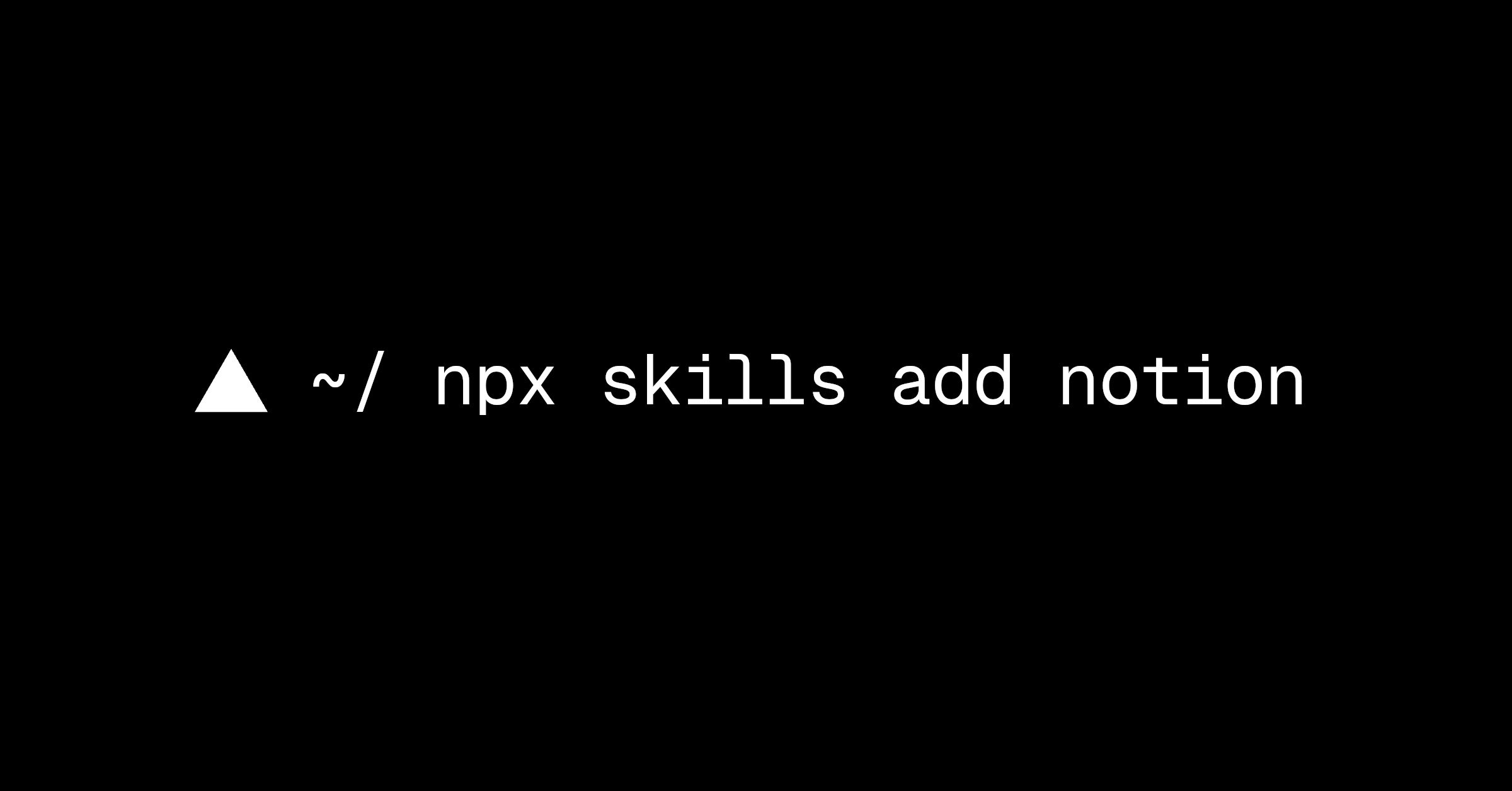
Vercel's skills CLI added Notion pages as a source for installing AI agentAn AI system that doesn't just answer once but works toward a goal in a loop — taking actions, reading the results, and deciding what to do next.Full definition → skills, built on Notion's new Agent Skills API, which exposes skills stored in Notion as standard Agent Skills folders any compatible agent can read (vercel.com). A team authors and updates skills as pages in the Notion workspace it already uses, then runs npx skills add notion to browse and install agent skillA reusable instruction file that teaches an agent how to do one job well — the procedure, the tools, and what counts as done.Full definition → packs shared with them, or installs a single skill by its page URL. Because access follows Notion's existing page permissions, controlling who can install a skill is the same as controlling who can view the page, and the integration authenticates through Notion's own CLI.
Key takeaways · AI-distilled
Installing a Notion skill authenticates through the separate Notion CLI (`ntn`), which requires the workspace to allow personal access tokenThe chunk of text a model reads and writes in — roughly three-quarters of a word — and the unit AI usage is billed in.Full definition → before `ntn login` will work.
Access to a Notion-hosted skill is entirely inherited from Notion's own page-sharing permissions, so controlling who can install a skill means controlling who can view its Notion page.
The integration runs on a new Notion Agent Skills API that exposes Notion pages in the standard Agent Skills folder format, so a skill authored in Notion works in any compatible agent, not only this CLI.
Two install paths exist: `npx skills add notion` browses every skill pack shared with you for bulk install, or `npx skills add <page-url>` installs a single skill by its Notion page URL directly.
Terms in this piece · Glossary
AI agent — An AI system that doesn't just answer once but works toward a goal in a loop — taking actions, reading the results, and deciding what to do next.
agent skill — A reusable instruction file that teaches an agent how to do one job well — the procedure, the tools, and what counts as done.
token — The chunk of text a model reads and writes in — roughly three-quarters of a word — and the unit AI usage is billed in.