Claude Code sessions can now start from a phone
- Source
- x.com
- Date

Last month you told us Remote Control was the thing you'd most like us to fix, so we've been working hard on reliability. Here's what's better today: 🧵
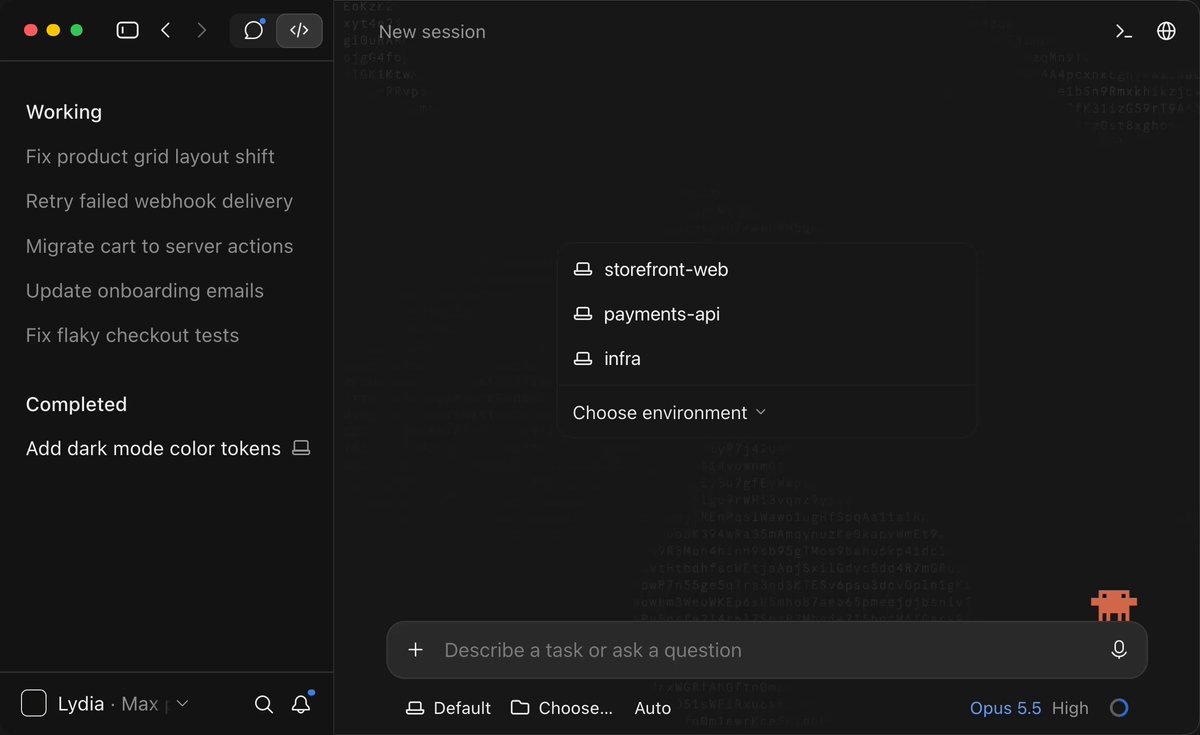
You can now start a Claude Code session directly from your phone. Any machine running claude remote-control shows up as a device card at the top of the Code tab. Tap it, pick a directory, and it starts on that machine.
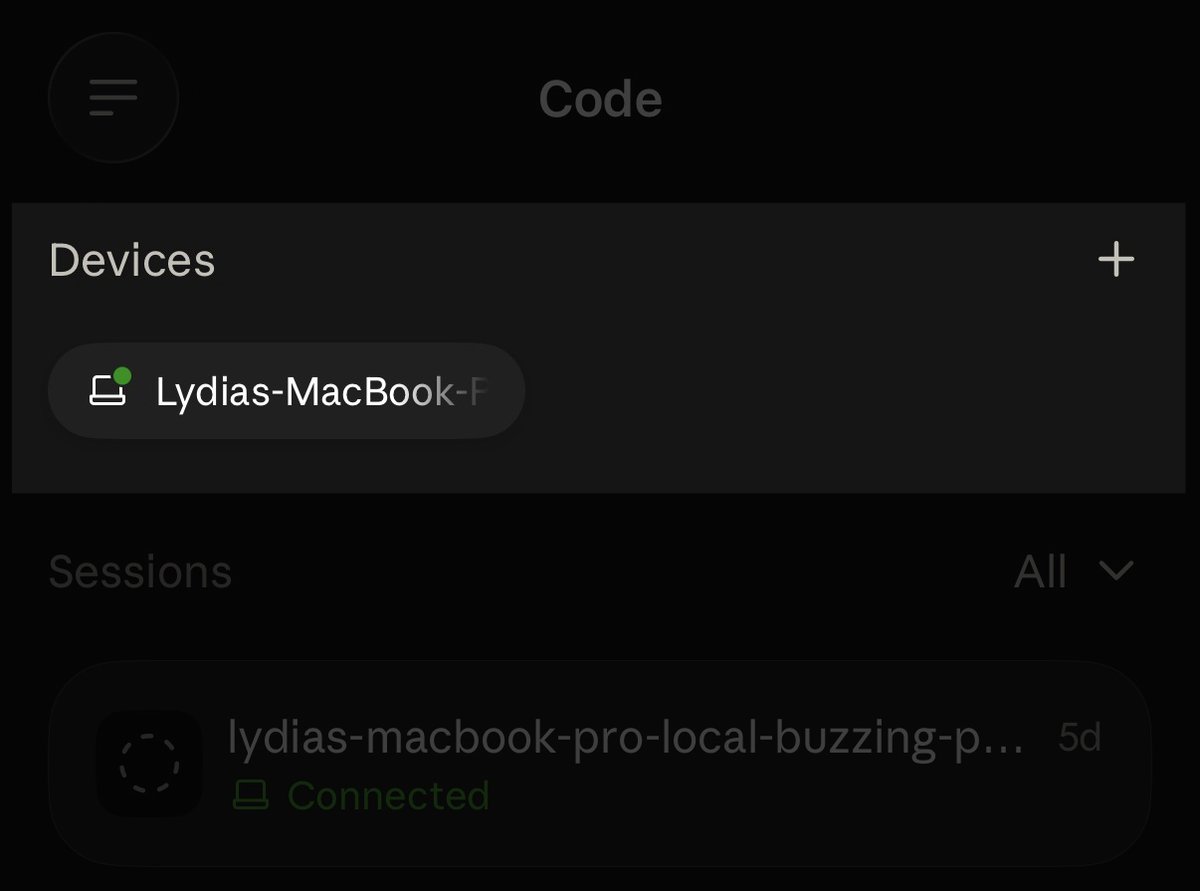
Your phone now stays in sync with what's running on your machine. Resuming a session on your laptop keeps the phone on the live session instead of archiving it. When Claude Code exits, your phone shows it offline within seconds instead of leaving a stale session hanging around
Dropped connections now recover on their own, so if you briefly close your laptop or switch wifi, it'll automatically reconnect.
Context
Anthropic's Remote Control update lets a phone initiate a Claude Code session on a computer already running the Remote Control process. The computer appears as a device card; selecting it and choosing a directory starts work on that machine. The phone supplies the controls, while the host supplies the project and execution environment.
The update also keeps a resumed laptop session connected to its phone view and reconnects after a dropped connection. Those changes reduce the need to reopen or manually reconnect a session when switching devices. Execution still depends on the host machine being available.


Checking sign-in…
Loading comments…