QuickLook Pro
quicklookpro.com- Category
- Productivity
- Rank
- No. 2635Tools index
Previous survey · No. 2500 ·
- Type
- APP
- Use case
- Productivity & Collaboration
- Interfaces
- Host Plugin
- Date
About
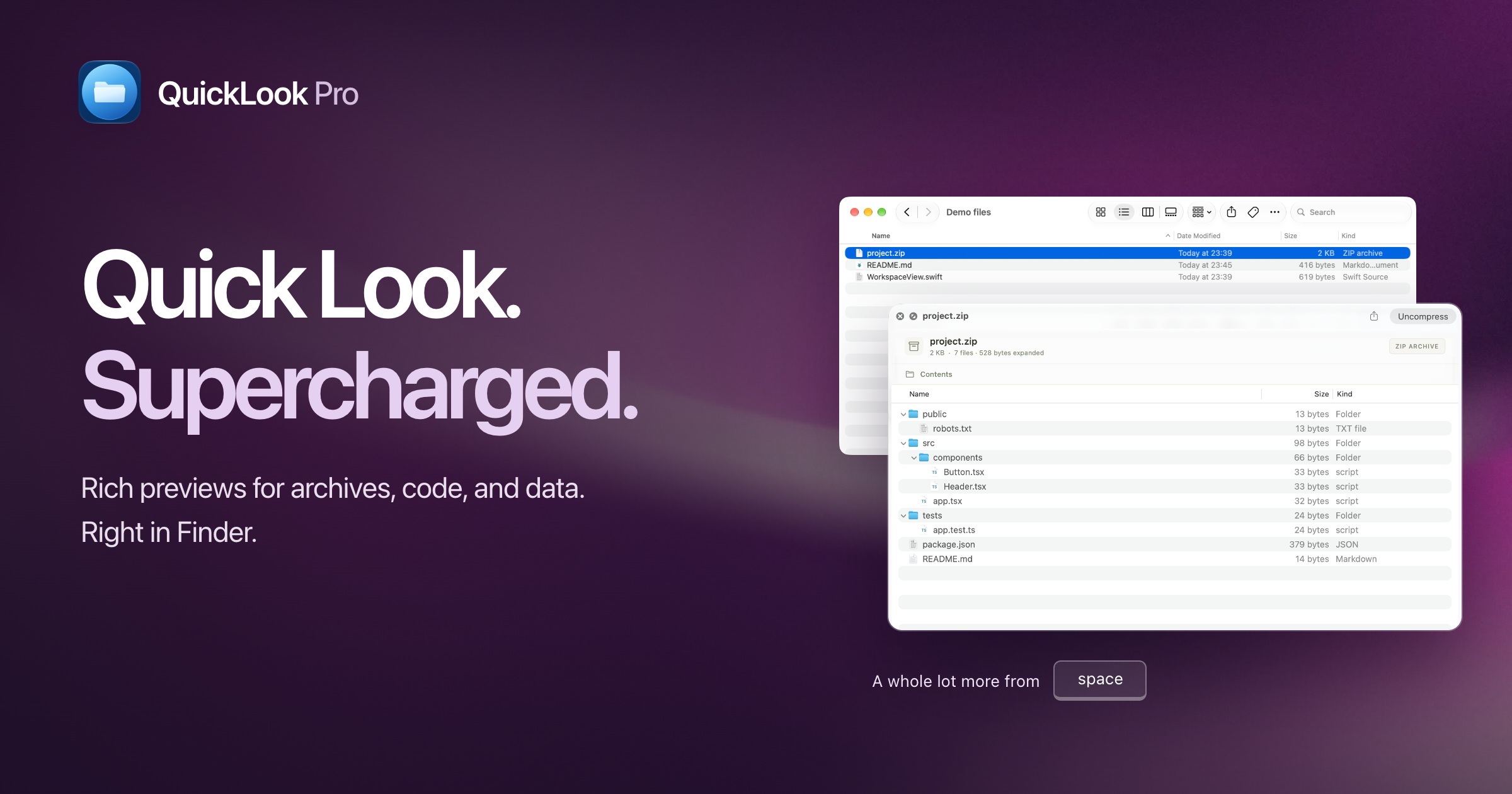
QuickLook Pro extends macOS's built-in Quick Look feature in Finder with rich previews for more than 300 file types, including archives, code, and data files that Quick Look does not natively support. Users select a file and press space to preview its contents without opening a separate application.
At a glance
QuickLook Pro adds Finder previews for formats such as JSONL, SQLite and ZIP archives. It is worth a look if you routinely open a separate app just to identify a file or inspect an archive.
Good fit
Apple silicon Mac users who sort unfamiliar files in Finder and only need a quick read-only preview.
Consider something else when
Use the file’s usual application when you need the complete contents or work with encrypted archives.
Start here
Enable the Quick Look extension, then press Space on a small sample archive and a JSONL file. Check which previews Finder actually picks for those file types.
Cost and requirements
Requires Apple silicon and macOS 15 or later. The vendor says previews are processed locally without file uploads.
Limits to know
macOS chooses which extension gets each format. Large files or deeply nested archives can produce a labeled partial preview, and encrypted, split and ZIP64 archives are unsupported.
Sources checked 2026-11-05. Source-based assessment.
Why it made the leaderboard
Lets developers inspect archive, database, and code file contents directly from Finder without opening a separate app.
Tags
Media
Comments (0)
No comments yet
Editorially curated, with community endorsements as a secondary signal. Corrections welcome.