Browser Harness
https://github.com/browser-use/browser-harness- Category
- AI Agents
- Rank
- No. 223Tools index
- Pricing
- Open Source
- Type
- AGENT
- Use case
- Workflow Automation
- Interfaces
- CLI · SDK
- Builder
- browser-use
- GitHub
- 18.6k stars
- Latest release
- v0.1.13
- Date
About
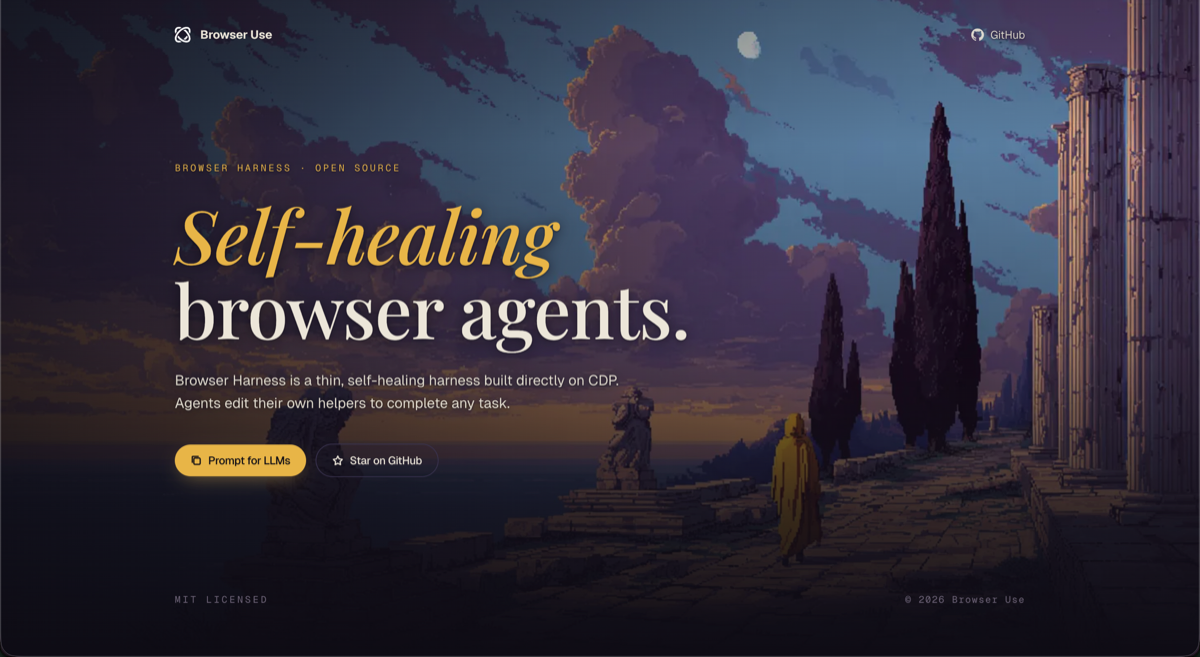
Self-healing browser harness from Browser Use — gives LLMs a reliable interface to navigate websites and complete tasks autonomously.
What it does
Browser Harness is a Python command-line bridge between a coding agent and a live Chromium-family browser. It feeds Python snippets through preloaded browser controls, keeps the DevTools connection in a background daemon, and lets the agent extend an editable helper workspace when a task needs behavior the core package lacks.
Why it's ranked here
The design is unusually direct and adaptable. Agents can use convenient controls or issue raw DevTools commands, then preserve site knowledge as reusable skills. Careful daemon authentication, diagnostic commands, and privacy-aware recording show practical engineering. Its alpha status and browser permission setup still make it better suited to technical users than unattended general deployment.
What's good
It supports an existing local browser, a separately launched automation browser, or an optional cloud browser. The helper layer covers navigation, tabs, screenshots, framework-managed inputs, keyboard events, waits, and raw DevTools access. Windows loopback requests carry a secret token, while POSIX sockets use private permissions. Recordings scrub credential-like URL parameters and mask text entered into password fields.
Tradeoffs
Local use requires remote debugging and may require a per-connection permission click. The documented browser discovery targets Chromium-family products, so this is not a cross-browser test system. Agent-editable helpers and site skills add flexibility but also place code quality and maintenance on the workflow. Optional recordings store screenshots and action details, so users should inspect them before sharing.
How to use it well
Use it with coding agents for repeated workflows in Chromium-based browsers, especially when tasks need raw browser access or site-specific knowledge that can accumulate over time. Start with the supplied controls, add focused helpers only when needed, and keep recordings disabled unless useful. Choose another tool when the requirement is broad cross-browser compatibility testing.
Technical notes+
pyproject.toml defines a setuptools package requiring Python 3.11 or newer and exposes browser-harness through browser_harness.run:main. src/browser_harness/run.py reads Python from stdin, pre-imports helpers, traces helper calls, manages recordings, and reports telemetry. src/browser_harness/daemon.py holds the CDP WebSocket and discovers local Chromium-family profiles or explicit remote endpoints. src/browser_harness/_ipc.py uses AF_UNIX sockets with restricted permissions on POSIX and authenticated loopback TCP on Windows. src/browser_harness/helpers.py supplies high-level controls plus raw cdp() access. src/browser_harness/recorder.py writes screenshots and JSONL action traces, while src/browser_harness/video.py validates and compiles recordings for reviewed MP4 export. src/browser_harness/auth.py implements browser and device-code authentication for Browser Use Cloud.
Observed
- License
- MIT
- Primary language
- Python
- Packaging
- Setuptools package requiring Python 3.11 or newer, with a browser-harness console entry point
- Interface
- Command-line tool that executes Python supplied on standard input, with preloaded browser controls and raw CDP access
- Browser support
- Local discovery targets Chromium-family browsers, with explicit CDP endpoints and Browser Use Cloud as alternatives
- Platform IPC
- AF_UNIX sockets on POSIX and token-authenticated TCP loopback on Windows
- Recording surface
- Optional local screenshots and JSONL action traces, plus video review and export commands
Read from README.md, pyproject.toml, src/browser_harness/run.py, src/browser_harness/_ipc.py, src/browser_harness/auth.py, src/browser_harness/admin.py, src/browser_harness/paths.py, src/browser_harness/video.py, src/browser_harness/daemon.py, src/browser_harness/helpers.py, src/browser_harness/__init__.py, src/browser_harness/recorder.py.
What it can do
Navigate to websites autonomously
Website URL or navigation instructions → Successful page navigation and loading
Complete web-based tasks automatically
Task description and target website → Completed task results or confirmation
Self-heal browser interactions when failures occur
Failed browser action or broken web element → Recovered browser session with working functionality
Provide reliable browser interface for LLMs
LLM requests for web interactions → Stable browser control interface and responses
Extract data from web pages
Target web page and data extraction requirements → Structured data extracted from webpage
Fill out web forms automatically
Form data and target web form → Completed and submitted web form
Click and interact with web elements
Web element selectors or descriptions → Executed click actions and element interactions
Tags
Tech Stack
Media
Comments (0)
No comments yet
Editorially curated, with community endorsements as a secondary signal. Corrections welcome.