Agentation
agentation.dev- Category
- Developer Tools
- Rank
- No. 1067Tools index
Previous survey · No. 1056 ·
- Pricing
- Free
- Type
- TOOL
- Use case
- Coding
- Interfaces
- Desktop · Web · API
- Builder
- @benjitaylor
- GitHub
- 5.2k stars
- Latest release
- v3.1.0
- Date
About
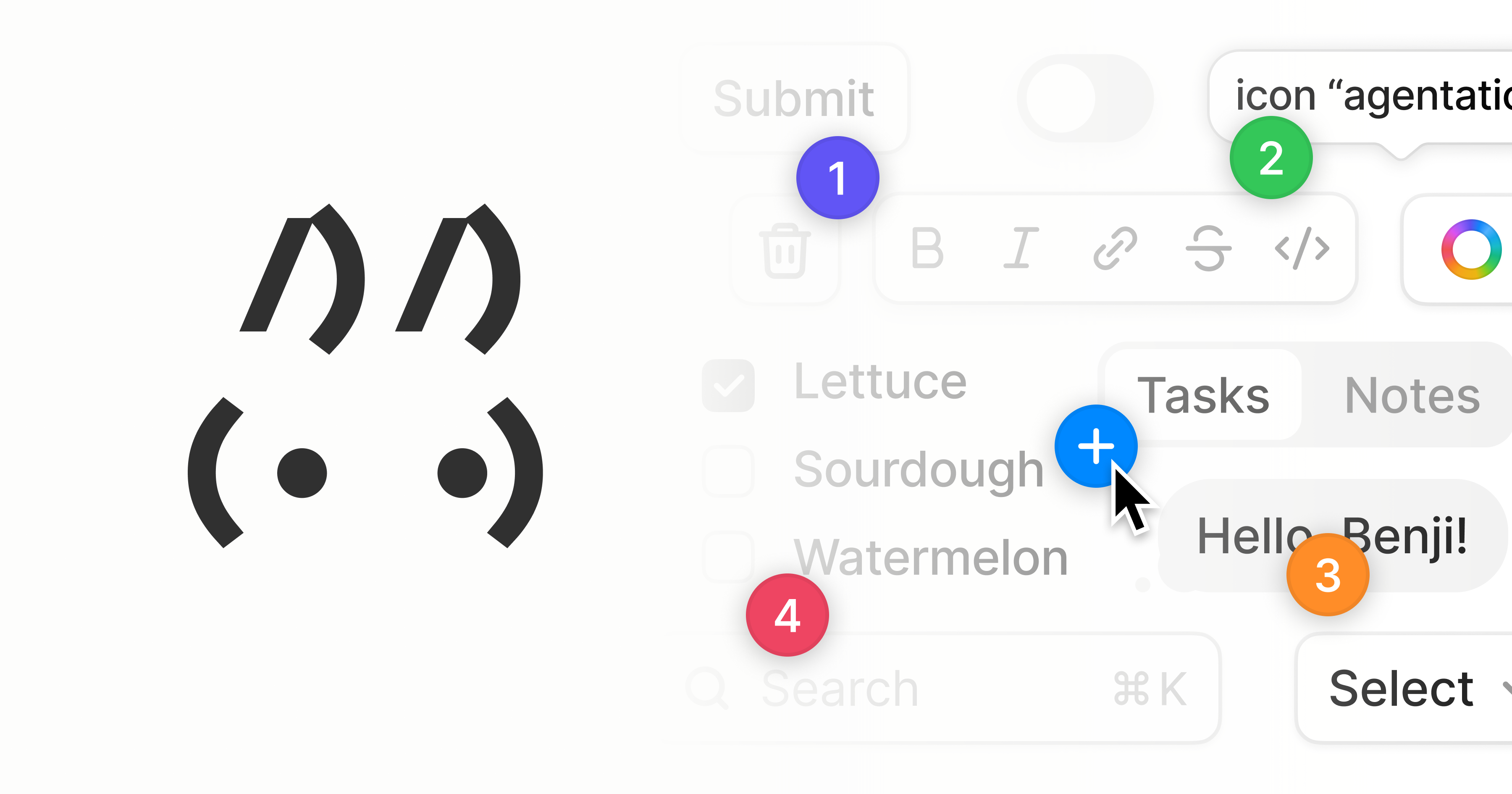
A visual feedback tool that turns UI annotations into structured context that AI coding agents can understand and act on. Users can click on any web element, add notes, and export the feedback as formatted markdown with CSS selectors and component paths for AI tools like Claude Code and Cursor.
What it does
Agentation adds an in-page review toolbar to React applications. It supports element, text, group, region, placement, and rearrangement feedback, plus frozen animation states. Feedback can stay local, become markdown, or flow through a server where an agent can watch sessions, reply, and update resolution status.
Why it's ranked here
The strongest case is its unusually complete feedback loop. It identifies page context, supports several annotation shapes, and gives agents session, thread, acknowledgement, dismissal, and resolution operations. That moves it beyond screenshot markup. The narrower React and desktop requirements keep it from serving as a universal product-review layer.
What's good
Selection goes beyond single elements: reviewers can mark text, multiple elements, empty regions, placements, and layout rearrangements. Captured context includes nearby text, accessibility data, computed styles, component hierarchy, and optional source locations. The default component has no runtime libraries beyond its React peers, while animation freezing helps reviewers discuss transient states precisely.
Tradeoffs
The toolbar requires React 18 or newer and explicitly excludes mobile browsers. Live agent handling adds a Node server, configuration, and communication between the browser, HTTP service, and MCP client. Cloud mode introduces an API key and a fixed hosted backend. The supplied setup wizard targets Claude Code, despite the toolbar being described as agent-agnostic.
How to use it well
Use it with desktop React teams that repeatedly hand visual changes to coding agents. Start with copied output for occasional feedback, then add the server when sessions, replies, status tracking, or continuous watching justify the setup. It does not cover mobile review, cross-framework embedding, or general project management beyond annotation sessions and threads.
Technical notes+
package/src/index.ts exports the React toolbar, annotation popup, icons, element-identification helpers, storage helpers, and public types. package/tsup.config.ts builds CommonJS and ESM with declarations and injects compiled SCSS through an SSR-safe browser guard. mcp/tsup.config.ts separately builds a library and executable CLI. mcp/src/cli.ts provides setup, diagnostics, and server commands. mcp/src/server/http.ts implements native Node HTTP, SSE, webhooks, cloud proxying, and Streamable HTTP transport, while mcp/src/server/mcp.ts exposes annotation lifecycle tools over MCP. mcp/src/index.ts also publishes store, event, tenant, and type APIs for programmatic use.
Observed
- License
- PolyForm Shield 1.0.0
- Primary language
- TypeScript
- Install surface
- Development dependency from npm as agentation
- Library interface
- React 18+ component with CommonJS, ESM, and TypeScript declarations
- Agent interface
- Separate agentation-mcp package with CLI, MCP, HTTP, SSE, and programmatic library surfaces
- Platform support
- Desktop browsers only; mobile is not supported
- Runtime dependencies
- The React package declares React and React DOM as external peers and describes zero runtime libraries
Read from README.md, package.json, mcp/tsup.config.ts, package/tsup.config.ts, package/vitest.config.ts, mcp/src/cli.ts, mcp/src/index.ts, mcp/src/types.ts, package/src/index.ts, package/src/types.ts, package/src/scss.d.ts, package/src/globals.d.ts, mcp/src/server/mcp.ts, mcp/src/server/http.ts, mcp/src/server/index.ts.
What it can do
Annotate web UI elements
Web page elements and user clicks → Visual annotations on UI components
Add contextual notes to UI elements
Selected web elements and user text input → Notes attached to specific UI components
Extract CSS selectors from web elements
Selected web page elements → CSS selector strings
Generate component paths for UI elements
Web page DOM structure and selected elements → Structured component path information
Export UI feedback as structured markdown
UI annotations, notes, CSS selectors, and component paths → Formatted markdown document
Convert visual feedback into AI-readable context
UI annotations and user notes → Structured data compatible with AI coding agents
Tags
Tech Stack
Media
Comments (0)
No comments yet
Editorially curated, with community endorsements as a secondary signal. Corrections welcome.