Krea opens LoRA fine-tuning on its Krea 2 image model
- Source
- x.com
- Date

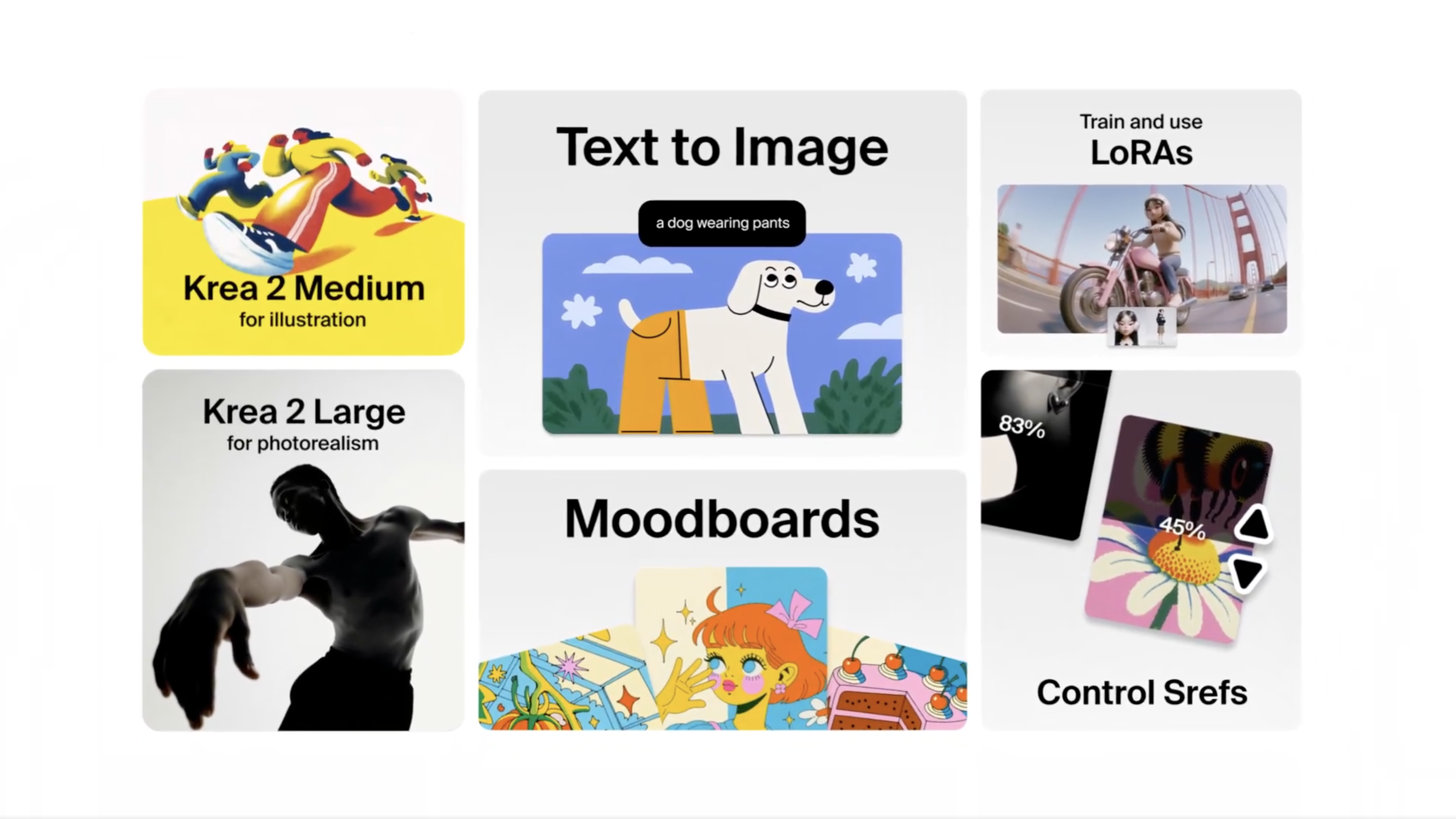
introducing LoRAs for Krea 2 (beta). our most powerful fine-tuning system to date; now you can train Krea 2 on a your own specific style, object, or character with incredible precision. learn how it works 👇

Krea 2 LoRAs are now available for Max and Business subscribers as we test them in Beta. LoRAs are not new to Krea, we had them available for a while with models like Flux, Qwen, or Wan. though, with Krea 2 the quality and precision of LoRAs is way higher than anything we had until now.
to start, head to https://t.co/wqpKvZQ1SE, select "Train new Lora", and then press "Next step".

then, select a set of images and add them into the trainer. on the right sidebar, make sure that "Krea 2 Medium" or "Krea 2 Large" are selected. you can change settings like "Steps", which will determine how strong the training is.

Context
Krea's Krea 2 beta lets users train a customization from their own images for a particular style, object or character. The May 21 thread describes uploading examples, selecting Krea 2 Medium or Large and training the customization before using it in the Image tool.
Once trained, the LoRA's strength can be adjusted, and multiple LoRAs can be combined. This turns a set of visual examples into a reusable generation control. Krea's announcement made the beta available to Max and Business subscribers.
- LoRA — A cheap way to fine-tune a model by training a small add-on layer instead of changing all of the model's weights.
Checking sign-in…
Loading comments…