Timewaster
timewasterapp.com- Category
- Productivity
- Rank
- No. 209Apps board
Previous survey · No. 185 ·
- Type
- TOOL
- Date
About
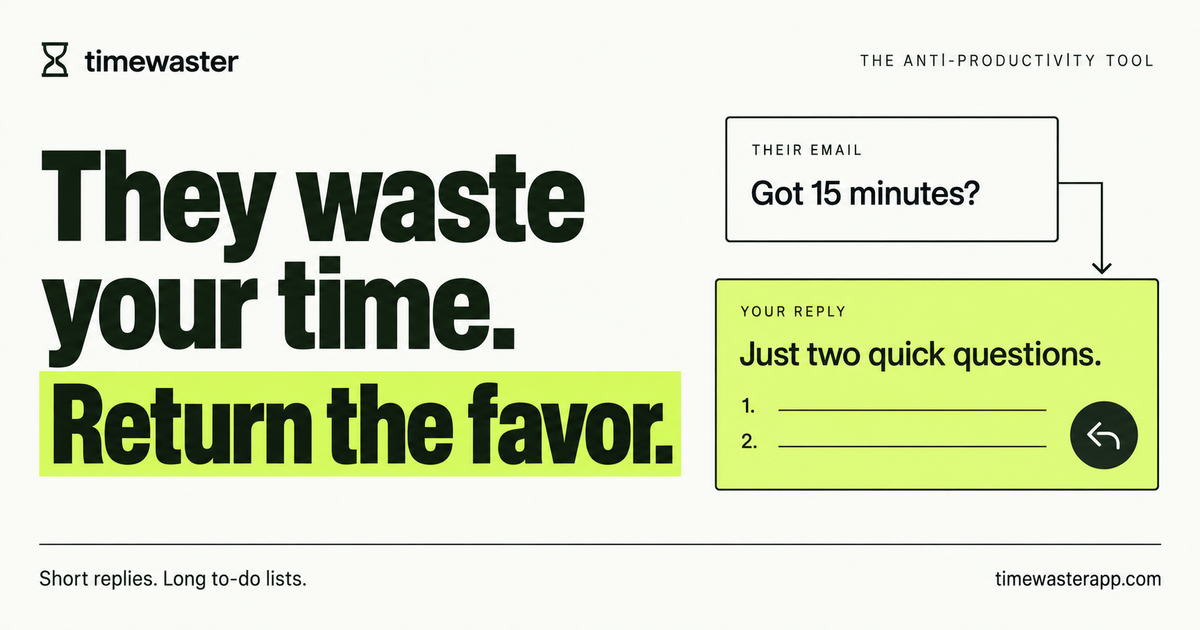
Desktop Chrome extension for Gmail and Fastmail that drafts specific follow-up questions to unwanted sales emails. The publisher describes on-device Gemini Nano processing, Quick/Essay modes and manual review and sending. Chrome 148+, supported AI hardware and a separate model download are required.
At a glance
Time Waster drafts pointed follow-up questions for unwanted sales emails in Gmail or Fastmail, using Chrome’s on-device Gemini Nano model. It makes most sense as a joke you enjoy reviewing: turn a vague pitch into a request for a worked example or supporting detail, then decide whether to send it. If your aim is fewer inbox interactions, skip it. Preparing another reply still takes your attention and does not establish that outreach will stop.
Good fit
Someone who already wants to answer a persistent pitch but would like help finding a specific question. Quick produces a focused request; Essay develops connected questions with more detail. The documented workflow inserts a draft into the mail editor and leaves editing and sending to you. Website examples are prewritten illustrations, so they show the intended humour and structure without establishing the quality of generated replies.
Consider something else when
You need automatic spam removal, inbox-wide scanning, attachment analysis, calendar handling or automatic follow-ups. Those are outside the published scope. It targets desktop Chrome 148 or later and English replies, with a separate hardware-dependent AI model. A small extension download does not mean your device can run the model.
Start here
Review the store listing, permissions and required terms before choosing whether to install. In Options, choose Quick or Essay and a sign-off name. Open one unsolicited message, then click the extension’s toolbar icon to prepare a reply. Check its wording, recipients and context before sending it yourself. A further click can replace the current draft, including edits made before that click. No extension or email workflow was tested for this guide.
Cost and requirements
The published terms describe a free extension, and the store listing says there is no subscription, account or API key. Chrome manages the separate model download. Its current Prompt API requirements include 22 GB free on the Chrome-profile volume, supported desktop systems, and qualifying GPU or CPU resources. That is a free-space requirement, not the model’s stated download size. Check the official requirements before installing merely to discover that generation is unavailable.
Limits to know
The publisher says selected emails are processed locally after a click, without background inbox scanning or automatic sending. Gmail or Fastmail can still save an inserted draft to their servers. Uninstalling the extension does not remove those drafts or Chrome’s model download. No extension source audit or independent local-processing check was performed. Treat the privacy notice’s data-handling statements as publisher claims and review generated messages rather than assuming an appropriate or funny result.
Still unclear
- What the current release does after local generation fails: the older privacy notice describes a built-in fallback draft, while the current homepage and store listing say the editor stays untouched.
Sources checked 2026-11-04. Source-based assessment.
Why it made the leaderboard
May appeal if you enjoy answering a vague pitch with a detailed question and want help drafting it. It adds a reply to review rather than removing spam automatically. Local-processing claims do not prevent your mail provider saving inserted drafts, and current failure behaviour is inconsistently documented.
Tags
Media
Comments (0)
No comments yet
Editorially curated, with community endorsements as a secondary signal. Corrections welcome.