So Very Bright
www.soverybright.com- Category
- Developer Tools
- Rank
- No. 4737Tools index
- Pricing
- Free
- Type
- TOOL
- Use case
- Design & Media
- Interfaces
- Web
- Date
About
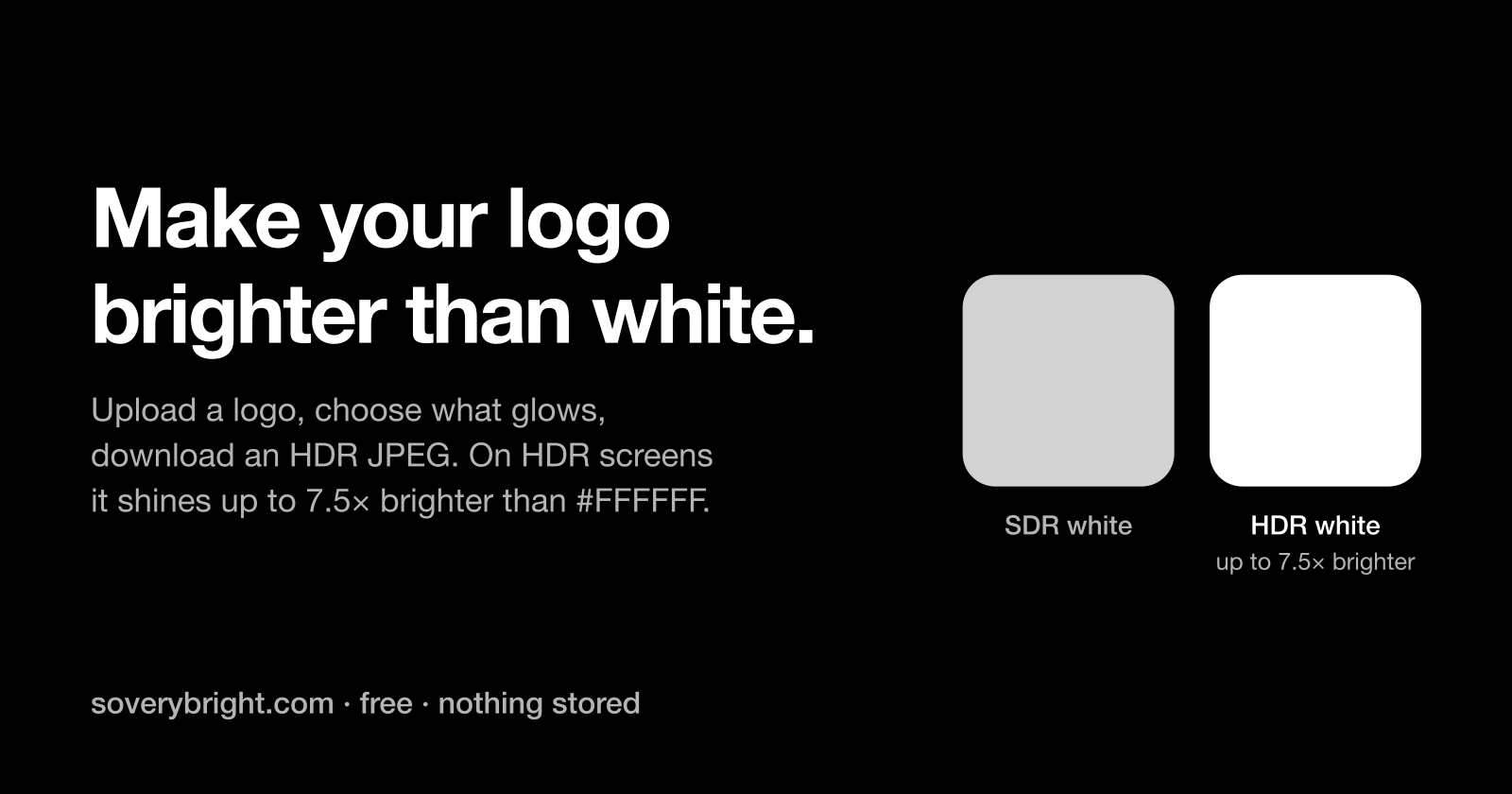
Free web utility for adding selected HDR-bright accents to a logo. It offers a web gain-map JPEG and a separate PQ/ICC export intended for LinkedIn. Appearance depends on display and destination support; transparent inputs are flattened, and some bases are re-encoded.
At a glance
So Very Bright converts a logo into a JPEG whose selected parts can shine above ordinary white on a compatible HDR display. It is worth a small branding experiment if you can check the result on the display and platform where people will see it. Bright lettering on a dark background is the intended use. Most viewers may see an ordinary image, so keep a conventional logo rather than making the glow essential to recognition.
Good fit
Designers who want an HDR accent without manually building the image metadata. The web export carries a gain map, an extra image describing the brightness boost for capable viewers. A separate LinkedIn export uses PQ color encoding and an ICC profile. The choice matters: the tool says LinkedIn strips gain maps, while a PQ file can show gray highlights if another platform removes its profile. Treat destination support as something to verify, rather than assuming one JPEG works everywhere.
Consider something else when
You need transparent output, guaranteed brightness for every viewer, or a lossless copy of arbitrary input. JPEG has no transparency; the tool flattens it onto a selected background. In the built-in PNG trial, the result reported a re-encoded sRGB base, not preserved original JPEG bytes. HDR appearance depends on the screen, browser, image viewer and any processing by the publishing platform.
Start here
Choose Use this under the wordmark example before supplying your own logo. Leave Whites and Strong selected, choose Web / everywhere else, then Make it glow. This guest workflow returned a downloadable 1600×1600 JPEG; the downloaded file’s dimensions matched. The result includes a comparison slider and website embedding guidance. Next, inspect it on a real HDR display and check an SDR fallback. The trial display reported no HDR support, so the brighter appearance and claimed nit output were not verified.
Cost and requirements
The site presents the converter as free; the sample export completed without an account. It accepts PNG, JPEG and WebP. Client code allows input up to 25MB and prepares oversized images to fit a smaller upload, potentially reducing dimensions. Images are sent to the service’s analysis and conversion endpoints. The publisher says processing is in memory and files are not stored; that is not a browser-only workflow or an independently verified retention policy.
Limits to know
Only the built-in wordmark’s web export was exercised. Its result selected 2.8% of pixels and reported a 7.5× boost, but those are service-reported values. File checks confirmed a JPEG, 1600×1600 main image and multi-picture structure; they did not certify gain-map conformance or pixel equivalence. Custom colors, the PQ export, LinkedIn preservation and visual HDR quality remain untested. Keep high-brightness treatment to small accents rather than assuming it improves readability.
Still unclear
- How the exported image looks on your actual HDR device and after your destination platform processes it.
- Server retention and operational logging beyond the publisher’s no-storage statement.
Sources checked 2026-11-04. Source-based assessment.
Why it made the leaderboard
Provides a focused way to experiment with HDR branding without manually assembling image metadata. A built-in sample web export completed, but physical brightness and LinkedIn behavior were not tested. Choose the export for its destination and retain an ordinary fallback.
Similar tools
Tags
Media
Editorially curated, with community endorsements as a secondary signal. Corrections welcome.