How To Edit Video With Krea Agent
- Source
- krea.ai
- Author
- Krea editorial sitemap
- Date

Context
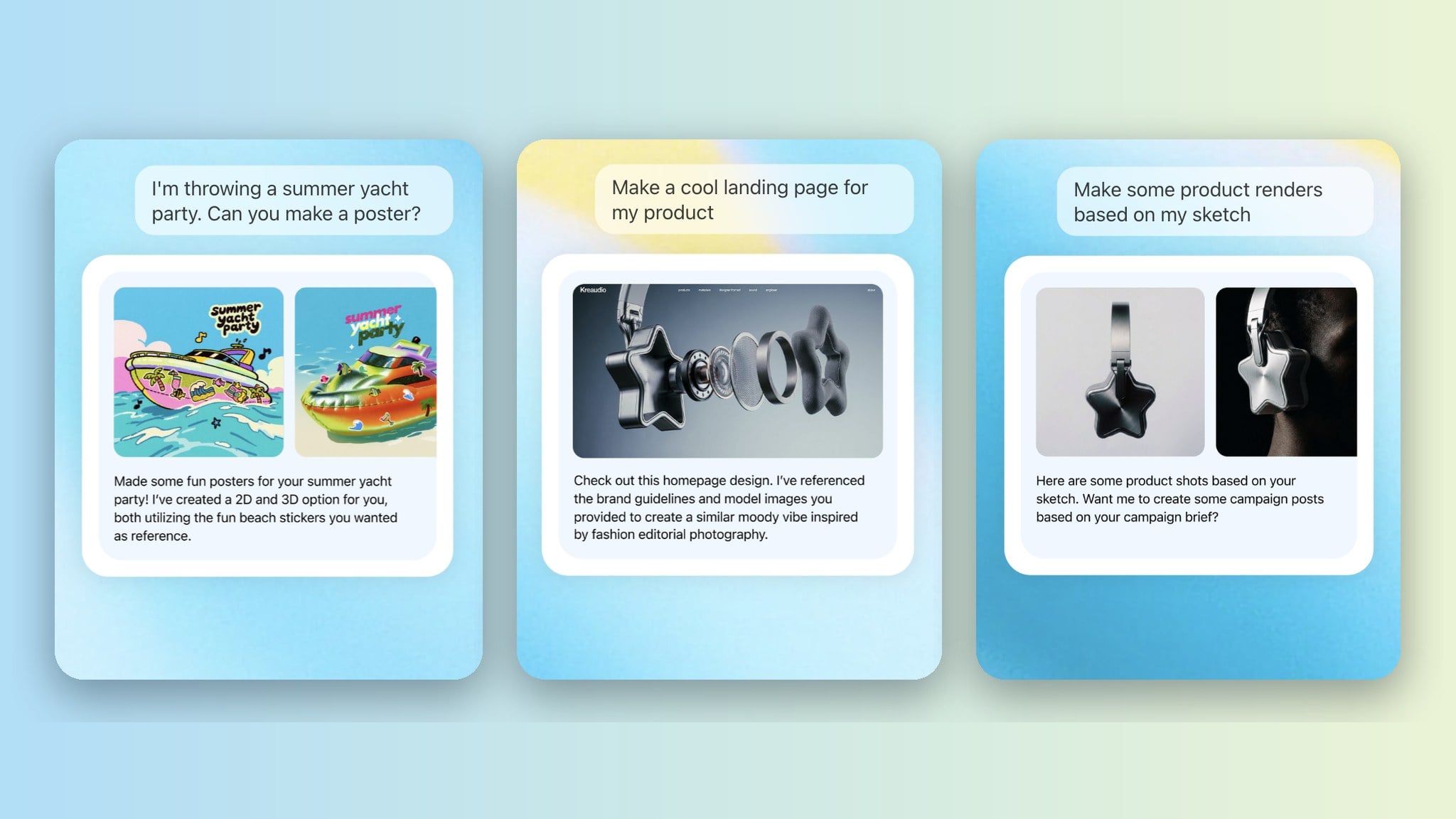
On September 17, 2026, Krea added a video editor to Krea , its agent that generates images and video in a chat session; this guide walks through it (krea.ai). Before, generated clips had to be taken to another tool to be cut together. Now a timeline sits in the session's preview panel next to the chat, where you can arrange generated clips, uploaded files and still images, cut and trim them, add audio, and export a single MP4.
The feature that sets it apart from an ordinary editor is generative extend. Holding ⌘ or Ctrl while dragging the end of a clip asks a video model to generate 2 to 10 seconds of what happens next, while a plain drag only reveals footage that was trimmed away. The editor sends up to 15 seconds of the clip's ending to the model, the clip being extended must be at least 2 seconds long, and each model sets its own minimum: 4 seconds for Seedance 2.5, 5 for FLUX 3 Video and 2 for Grok Video. Extensions and clips use normal Krea compute credits rather than a separate subscription.
The guide is frank about what the editor does not do. The agent generates clips and audio but does not operate the timeline itself, though it can use FFmpeg on its attached computer for things like captions or crossfades. Workspaces with zero data retention cannot export, because rendering needs a server-side copy of the clips, and Krea warns the feature is new. Agent is included on the Max, Business, Creator Max and Enterprise plans.
- The editor sits in the agent session's preview panel: sessions start with two video and two audio tracks, up to eight in total, and it accepts video, audio, PNG, JPG and WebP. Krea says Agent is included on Max, Business, Creator Max and Enterprise plans.
- A plain drag on a clip's end only reveals trimmed footage. Holding Cmd or Ctrl while dragging creates a 2 to 10 second generative extension from a source clip of at least 2 seconds, with an optional prompt for what happens next.
- Extensions run on Seedance 2.5 (4s minimum), FLUX 3 Video (5s) or Grok Video (2s). The editor sends up to 15 seconds of the clip's tail at up to 1280x720, and an extension costs the same credits as a generation of that length.
- The agent generates clips but does not operate the timeline; cutting (C key), trimming, moving and export to a single MP4 rendered on Krea's servers are done by the user.
- AI agent — An AI system that doesn't just answer once but works toward a goal in a loop — taking actions, reading the results, and deciding what to do next.


Checking sign-in…
Loading comments…