GitHub Copilot ships Slack and Teams agents, new models, CLI sessions
- Source
- x.com
- Publisher
- GitHub
- Date

5 things shipped to GitHub Copilot recently 🧵
Context
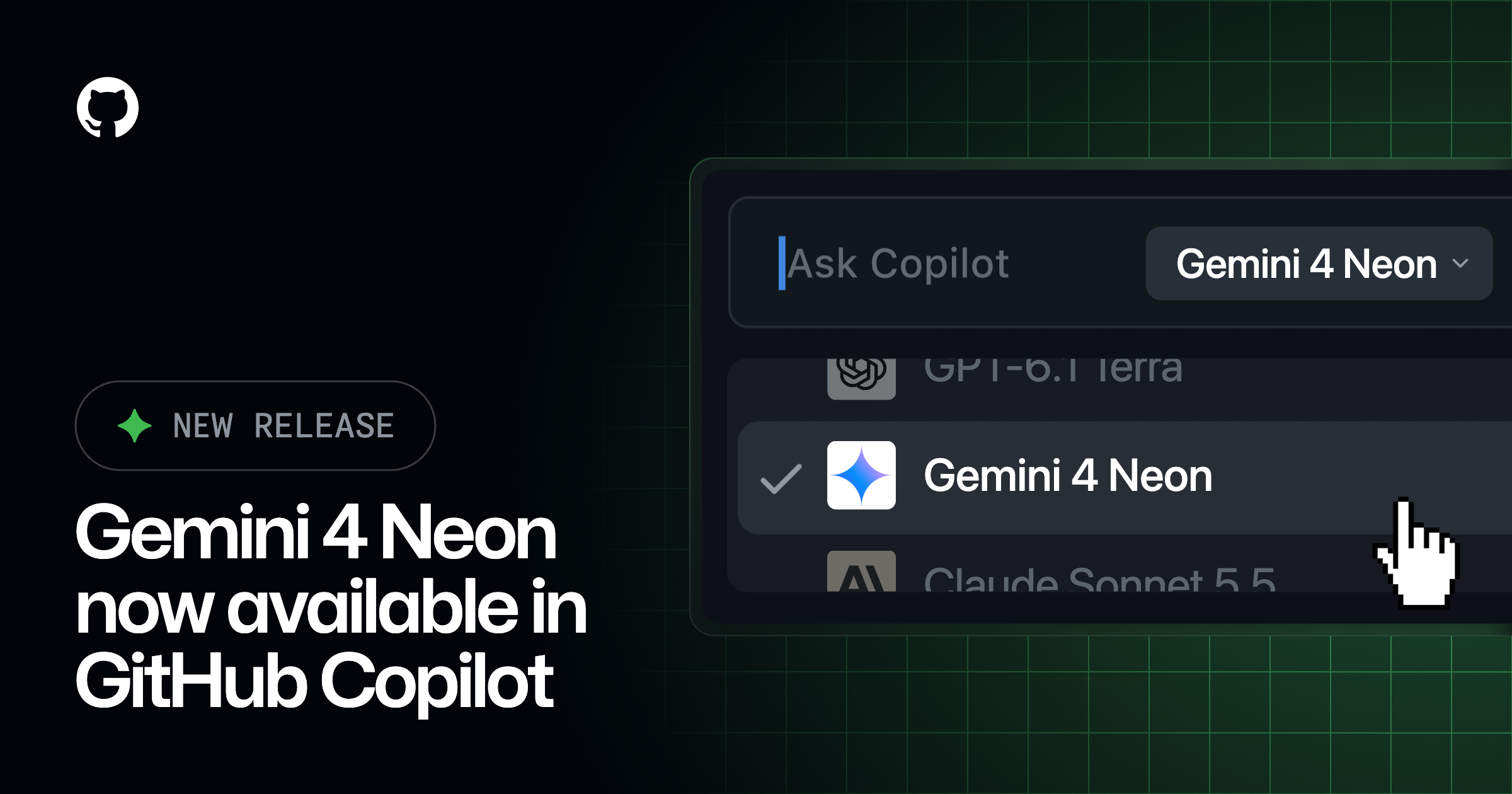
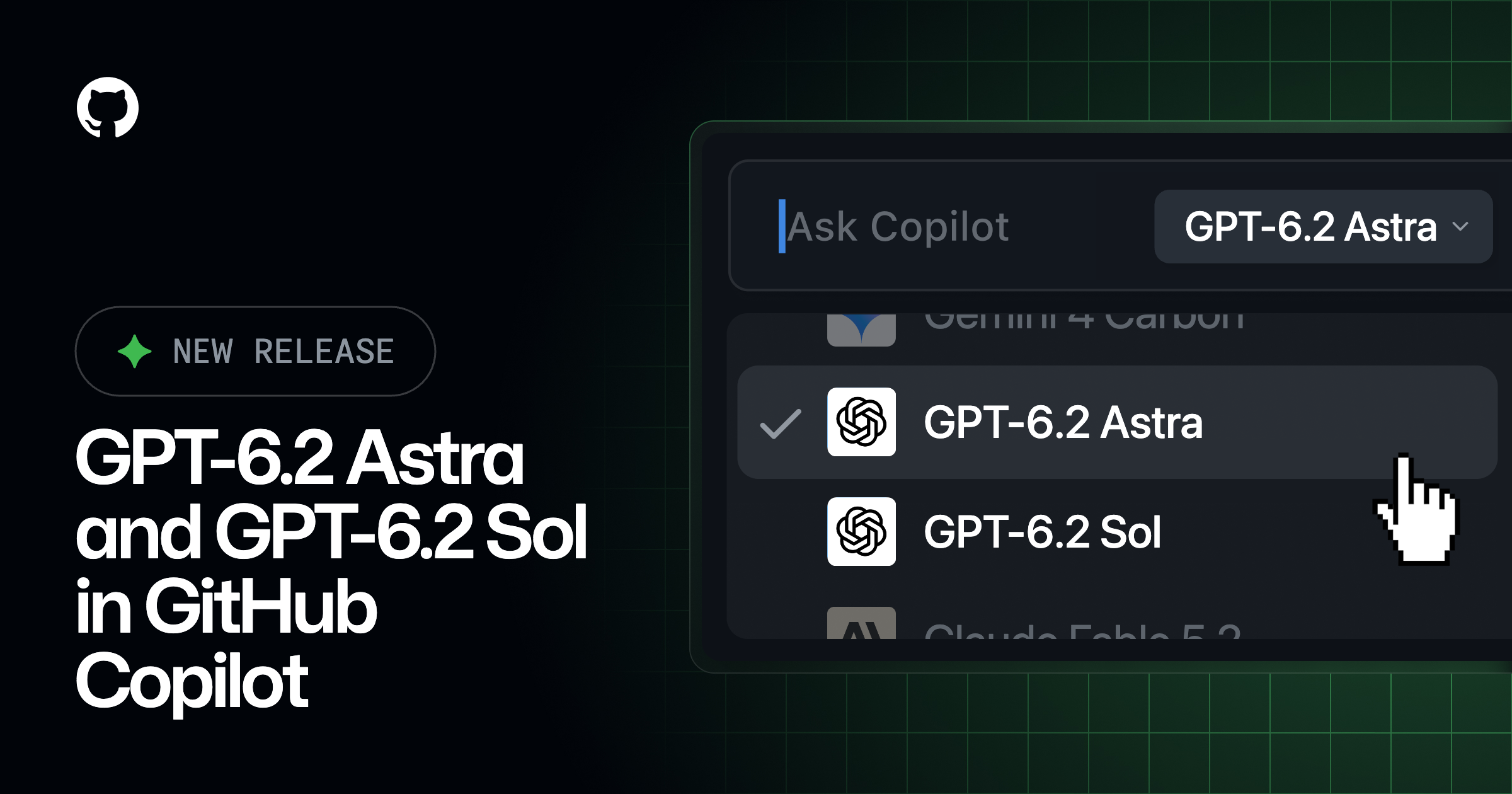
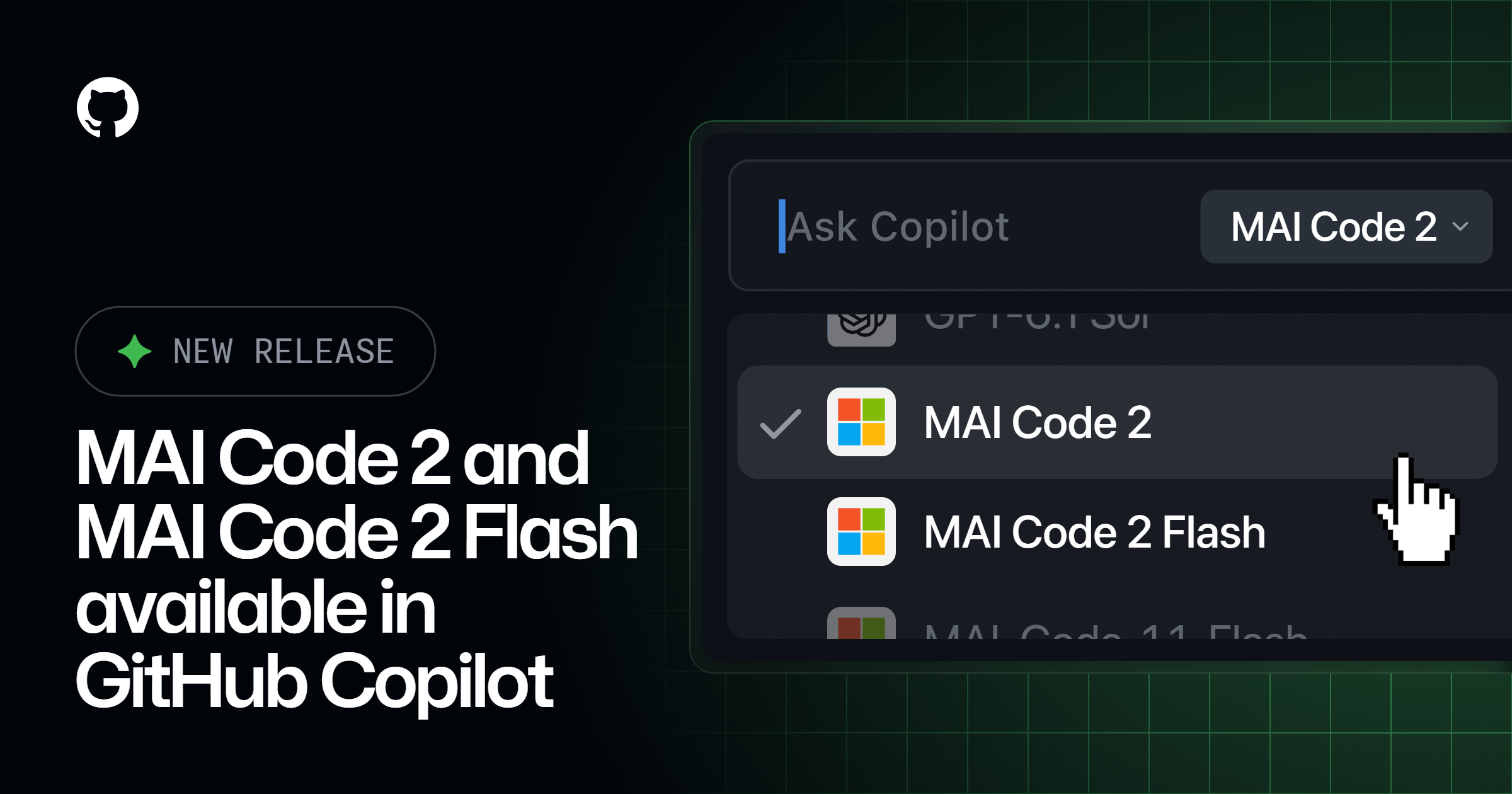
GitHub's August 28 thread gathers Copilot changes that had mostly been announced already. Three of its five items appeared in GitHub changelogs earlier in August, and two others, Copilot in Slack and Microsoft Teams and three newly available models, are explained in the for GitHub's September 2 roundup. Of the remaining three, the Customize tab in the GitHub Copilot desktop app does the most to change how people set Copilot up. According to GitHub's August 25 changelog, the tab is now generally available and brings four kinds of add-ons into one place: servers, plugins, skills and canvases.
The changelog's argument is that Copilot is more useful when it works with the tools a team already relies on, and that people often do not know which add-on they need. The tab answers that with a Featured view drawn from every type, trending MCP servers that can be browsed by category, and a separate section for each type. Canvases are the least familiar of the four. GitHub describes them as views that keep the relevant context visible while you act on work, and its featured example connects to Azure DevOps so a user can triage issues, prioritize a backlog, assign follow-ups and hand items to Copilot to investigate, implement or prepare for review. The changelog shows where to find add-ons; it does not say how many are available or name others.
The other two items are smaller conveniences for people already working in the or the editor, and both first appeared in GitHub's August 7 weekly changelog. The Sessions sidebar lets Copilot CLI users manage several concurrent sessions: the left arrow opens it, n starts a new and x closes the current one. In VS Code, dictation now uses a multilingual on-device model by default, so audio stays on the user's device, and it can follow a configured language, use the system or browser locale, or detect the language automatically. Neither adds a new capability to Copilot. Both make it easier to run and talk to in the places developers already use it.
- Context and context window — Context is the information available for a generation; the context window is the capacity available to hold it.
- Model Context Protocol (MCP) — A published agreement for an AI application to discover what a separate program offers and ask it to run one of those offerings.
- Terminal — A program that shows text and accepts typed text.
- Session — One conversation or piece of work as a harness keeps it: a record of messages, tool calls and observations that can be saved and resumed.