Event-driven agentic workflows for filling forms from source documents
- Source
- x.com
- Date

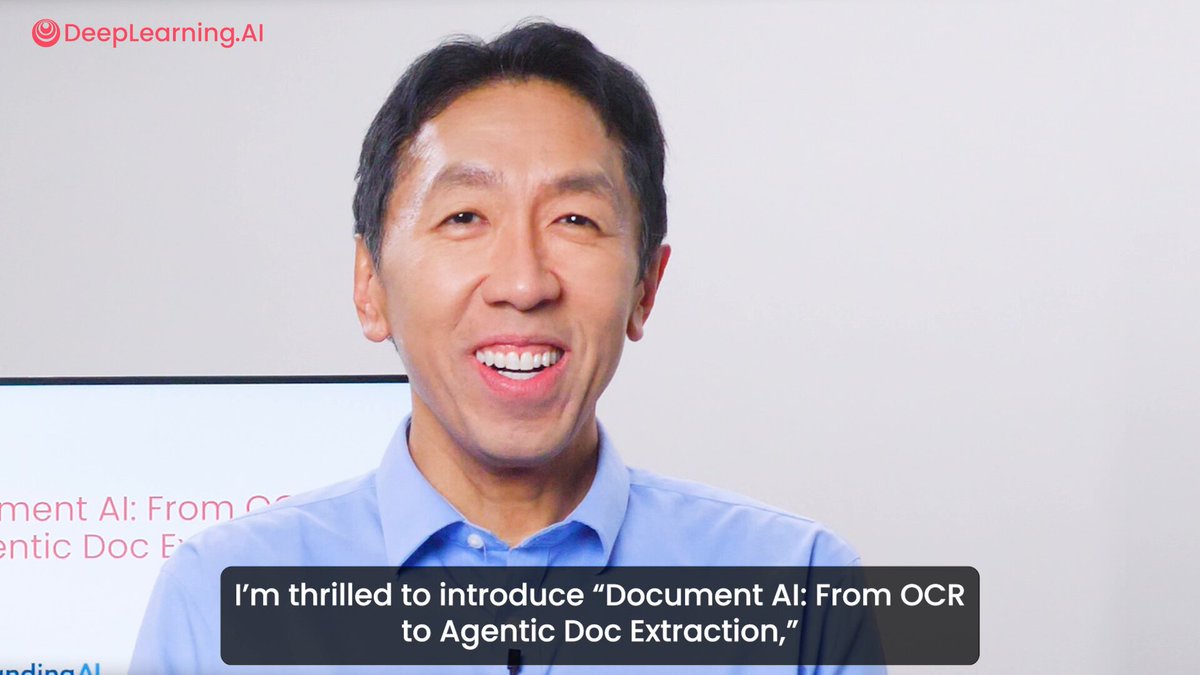
New short course: Event-Driven Agentic Document Workflows. Event-driven workflows are a key design pattern in which many pieces of work (LLM calls, tool use, etc.) can be carried out asynchronously and in parallel, and completion of specific steps generate events that trigger other work to begin. In this course, created in partnership with @llama_index and @seldo, VP of Developer Relations, you'll learn to apply this technique to document workflows. Filling out complex forms can be tedious, time-consuming, and error-prone. Agentic workflows can automate this. This course teaches you how to build an agentic document workflow using an event-driven architecture. You'll design an event-driven agentic workflow that fills out a PDF form based on information from a source document. The agent will use RAG to retrieve relevant data from the source document, parse the form to identify the required fields, convert the blank spaces into questions, and send those questions to the RAG system to fill the form. You'll collaborate with the agent using a human-in-the-loop feedback approach through text and with your voice. In detail, you’ll: - Understand the basic concepts of event-driven…

Context
A blank form can become a set of questions to answer from a source document. In the workflow announced by Andrew Ng, the system identifies the form's fields, turns them into questions, and retrieves relevant information from the source to supply answers. An event signals that a step has finished and starts the work that depends on it; independent work can proceed concurrently. Human feedback can send an answer back for revision. The announcement therefore describes a form-filling process with retrieval and correction built into its steps.
- AI agent — An AI system that doesn't just answer once but works toward a goal in a loop — taking actions, reading the results, and deciding what to do next.
- RAG — Retrieval-augmented generation — fetching relevant documents first and pasting them into the model's context so it answers from your data instead of memory.



Checking sign-in…
Loading comments…