Inside Gemini in Workspace: native Docs structure and 70% on SpreadsheetBench
- Source
- x.com
- Date

Gemini in @GoogleWorkspace just got a lot more helpful. To do this, we had to tailor the model to each specific product and their user needs. Here's a little behind-the-scenes on how that came to life in @GoogleDocs, Sheets, Slides, and @GoogleDrive:
While most AI writing tools operate on plain text structured with Markdown, we’re teaching Gemini the underlying data model of @GoogleDocs. By understanding Docs natively, Gemini generates and edits documents with full-fidelity formatting, fonts, and styles. That’s why when you ask Gemini to "match the format," it duplicates the exact structure— even clearing out the old text so you get a high quality, ready-to-use template instantly.
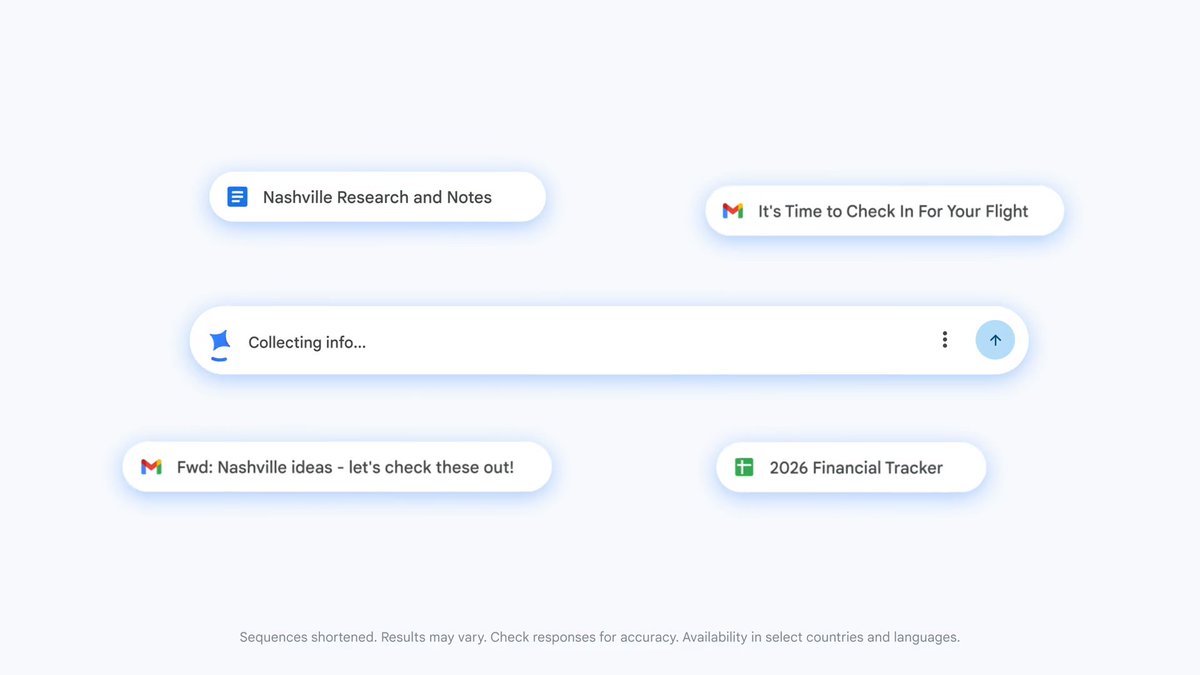
Most AI presentation tools rely on their own rigid templates and structured styles, but ask for something custom and they break. With Gemini in Google Slides, we use a custom translation between Gemini and Slides that fully leverages Gemini’s visual creative abilities while creating editable slides. For example, with our new “enhance” feature, Gemini will be able to up-level the look and layout of your slide while matching the style and structure of your deck.

While we don't have favorites, the evolution of Gemini in Google Sheets might be our most impressive yet. Gemini in Google Sheets has achieved a state-of-the-art benchmark, achieving a 70.48% success rate on the full SpreadsheetBench dataset. This performance not only exceeds competitors but nears human expert ability. We accomplished this by equipping Gemini with better verbalization and enhanced coding capabilities. With these, Gemini can now natively build complex models and dashboards, solve your most complex optimization problems, and verify its own work for expert-level precision. Read more about Sheets here:

Context
Gemini's document work in Google Workspace includes the structure and formatting that make a document reusable. Google AI says it is teaching the model Docs' underlying data model so it can generate and edit fonts, styles and formatting along with text, rather than working from plain text structured with Markdown. Its March 10 explanation gives a concrete example: asking Gemini to match the format duplicates an existing document's structure and clears the old text, producing a template.
- postGoogle's week: EmbeddingGemma 2, Nano Banana 2.1, Gemini business agent
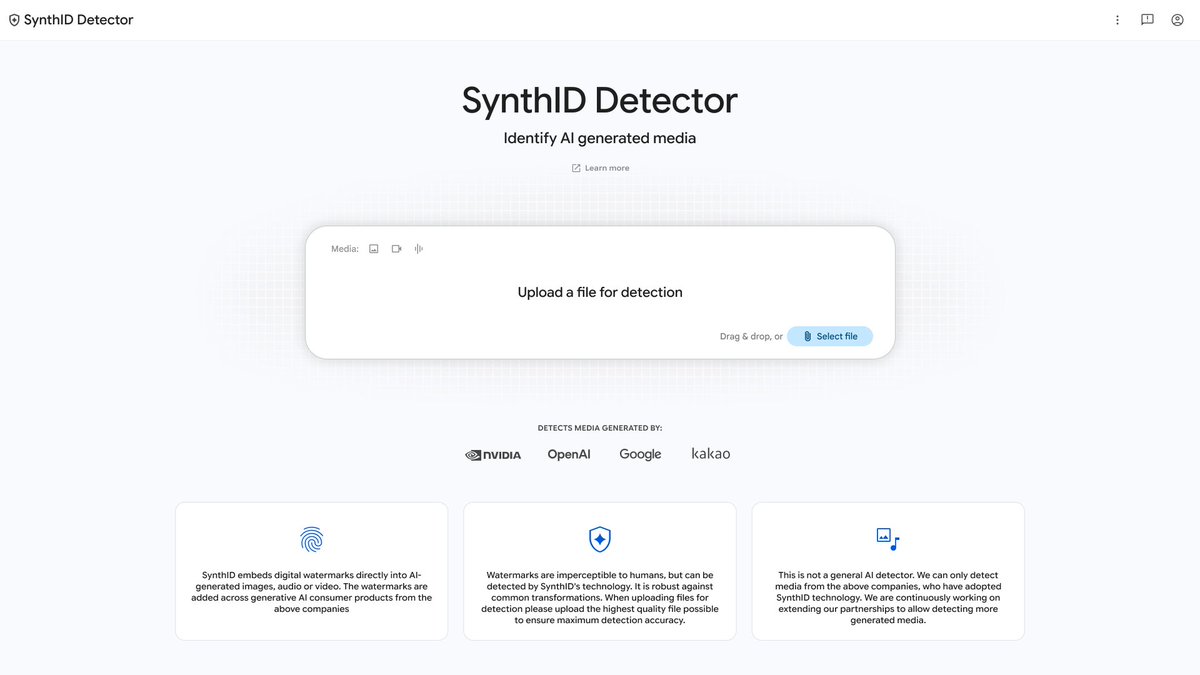 postGoogle opens SynthID watermark checks to everyone, with partner coverage
 postGemma 4 orchestrates a plant DNA model to find crop mutations in minutes
 articleGoogle's Project CC gives a family agent its own identity and sandbox

Checking sign-in…
Loading comments…