GitHub Copilot app for Beginners: Using the diff, terminal, and browser
Source
github.blog
Author
Kayla Cinnamon
Date
Context
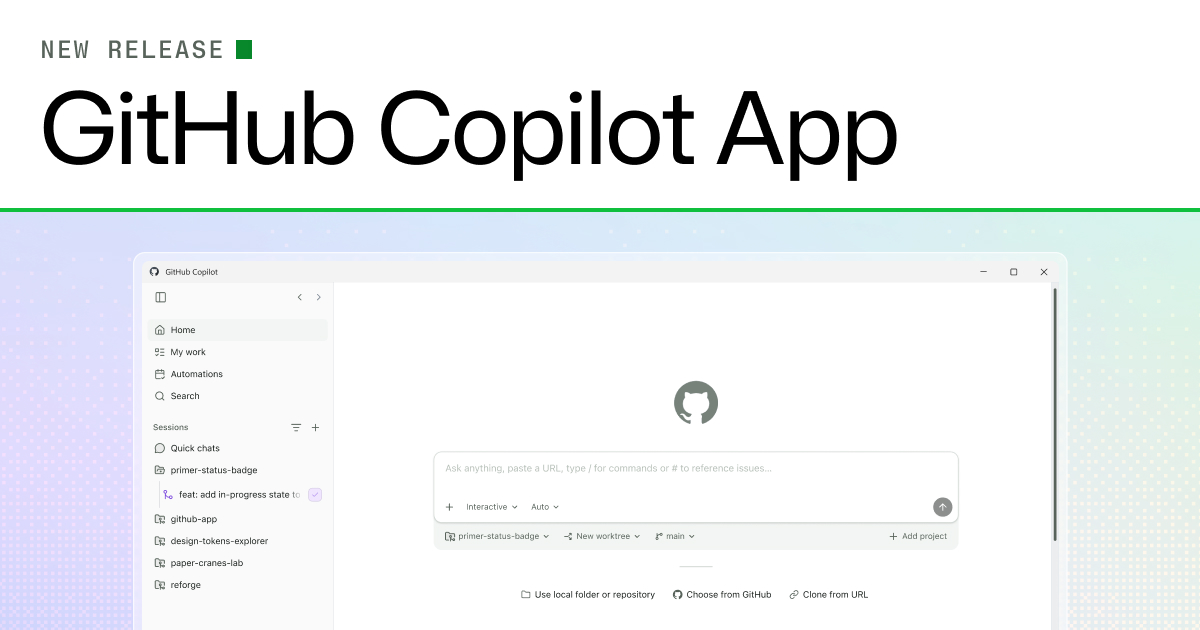
GitHub's Copilot app puts code inspection and application testing beside the AI agentAn AI system that doesn't just answer once but works toward a goal in a loop — taking actions, reading the results, and deciding what to do next.Full definition →'s work. Its beginner walkthrough starts with a diff, a comparison showing the lines changed, then uses the built-in terminal to run the project and the browser panel to try the result.
For a website, that means starting its development server, checking the changed interface and selecting an element with Pick & Polish to request another adjustment. The developer can then accept the change and create a pull request. Keeping these steps together makes it easier to connect a proposed edit with its visible behavior before accepting it.
Terms in this piece · Glossary
AI agent — An AI system that doesn't just answer once but works toward a goal in a loop — taking actions, reading the results, and deciding what to do next.