Introducing Vercel Schedules
- Source
- vercel.com
- Author
- Elliot Dauber
- Date
Context
Vercel Schedules, now in public beta, lets a running application or an create, change or cancel scheduled work through code, without redeploying (Vercel). That is the gap with Vercel's existing cron jobs, which are defined in project configuration and only change when the project is redeployed. A schedule tells Vercel when to trigger a task and where to send it; the application still supplies the code that does the work.
Vercel's example is a user telling an agent, "Tomorrow morning, summarize the top five stories on Hacker News." The usual approach is to save the request and its time in a database and run a cron job that keeps checking for work that is due. With Schedules, the agent is given a tool that creates a one-time schedule holding the request and the time to run it. When it is due, Vercel delivers the saved request through its Queues service to the app, which checks the user's current permissions and starts the agent. These dynamic schedules, one-time or recurring, are created through a JavaScript SDK, the command line or an API and are delivered through Queues topics.
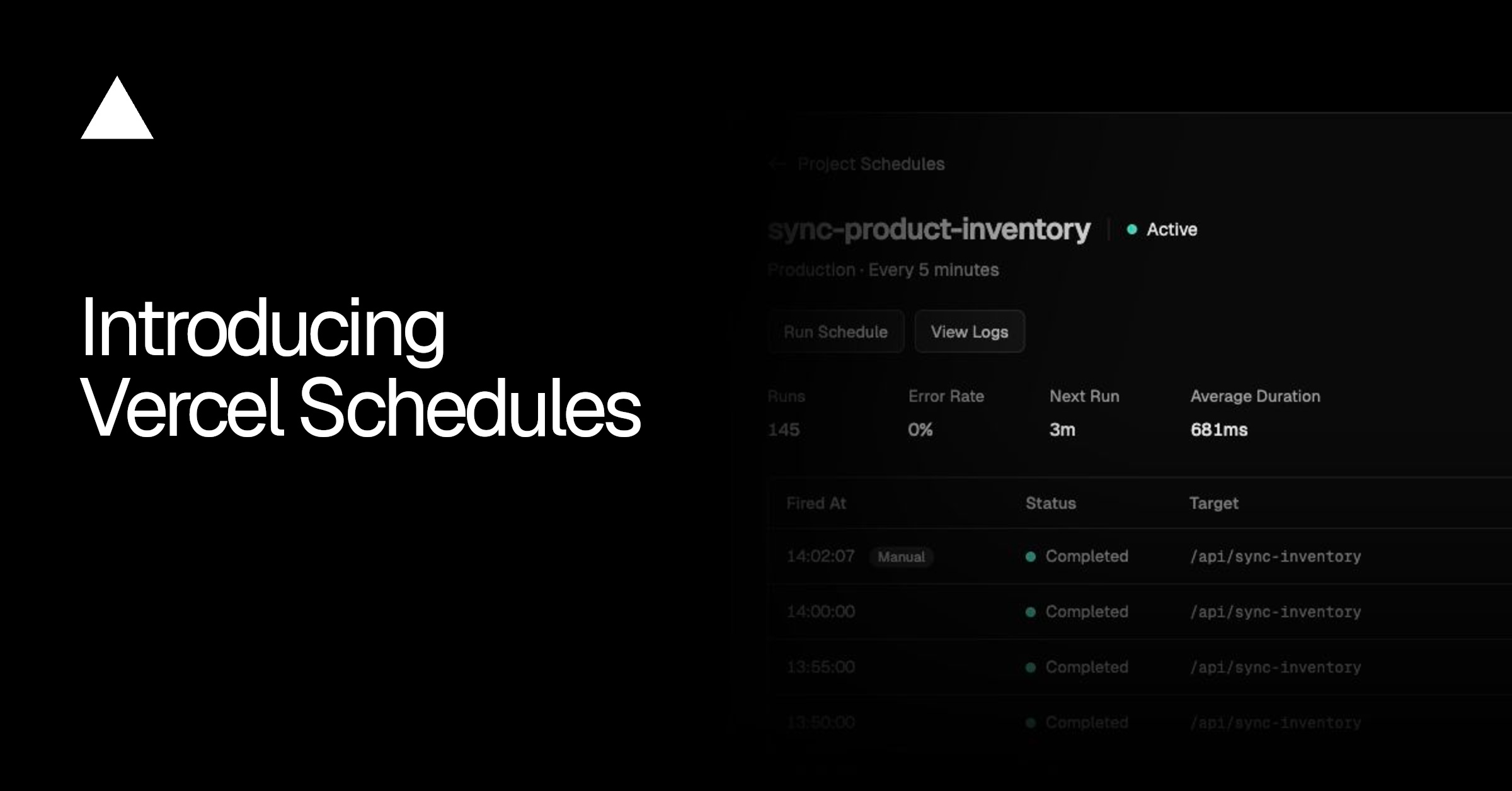
Fixed jobs can still live in configuration. A static schedule, set in vercel.json, can call a private function, such as a nightly cleanup at 2 a.m. New York time, that is never exposed at a public URL, and Vercel checks that each call comes from its scheduling service. Both kinds can be tested on preview deployments before production, and a project's Schedules tab can run a schedule on demand and show past runs. Vercel says its eve agent framework already uses Schedules to give agents hosted on Vercel their scheduling tools.
- Vercel Schedules has two modes: static schedules kept in vercel.json or Build Output API config that sync on deploy, and dynamic schedules an app creates at runtime through the JS SDK, CLI or API, delivered via Queue topics.
- Instead of storing an agent's request in a database and polling with a cron job, an AI SDK tool can call Schedules.create with a run time, IANA time zone, Queue topic and payload; Vercel delivers it through Queues when due.
- In Vercel's agent example, when a scheduled task is due, the app's own code reads the saved request and checks the user's current permissions before starting the agent.
- Scheduled functions can stay private: Vercel invokes them directly without a public URL and verifies each call comes from the scheduling service, so the app does not need its own check.
- Schedules can be tried locally with vercel dev and on Preview or custom environments, and a Run Schedule button fires a task immediately and shows past runs; the product is in Public Beta.
- AI agent — An AI system that doesn't just answer once but works toward a goal in a loop — taking actions, reading the results, and deciding what to do next.


Checking sign-in…
Loading comments…