You can now set Claude Code's output style to Concise.
- Source
- x.com
- Date

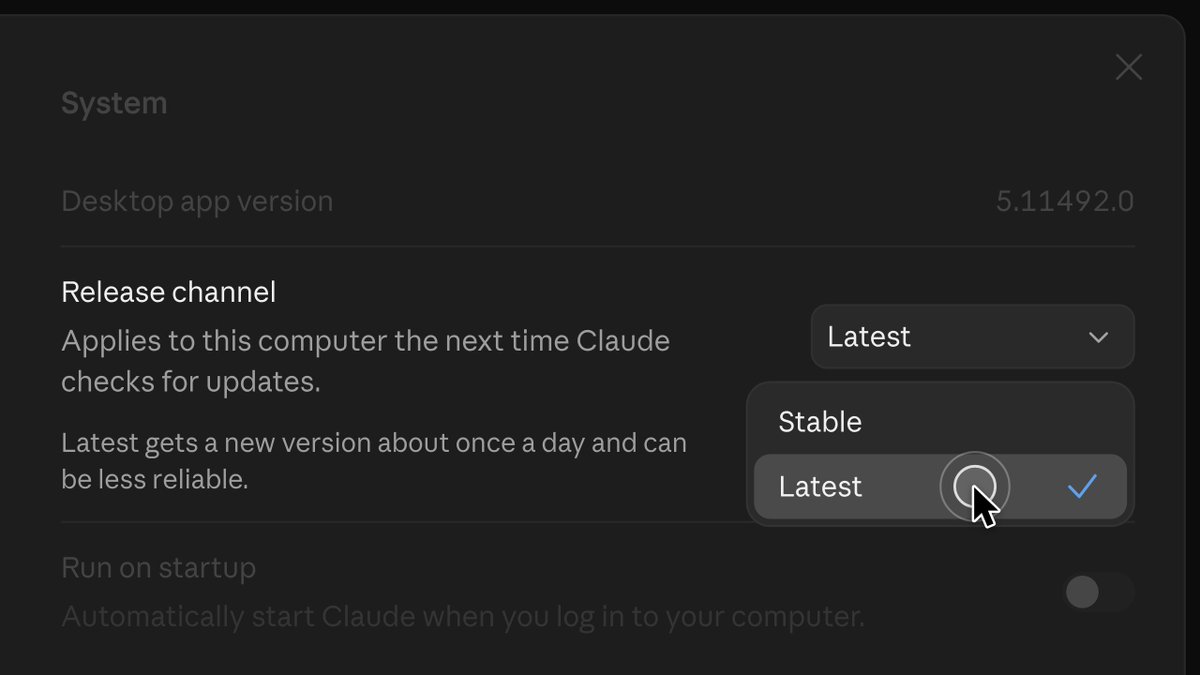
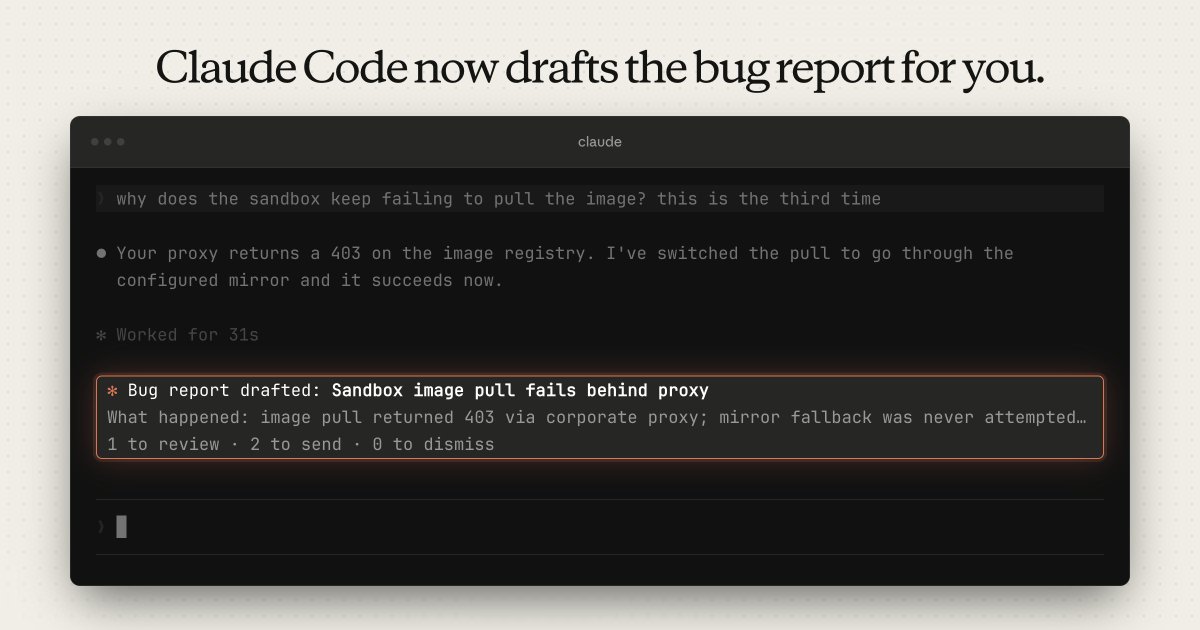
You can now set Claude Code's output style to Concise. Claude leads with the result, keeps responses short, and still gives full detail when you ask. Turn it on in /config → Output style, or set "outputStyle": "Concise" in settings.json.

Context
ClaudeDevs announced on August 20 that Claude Code, Anthropic's coding , can now be set to a Concise output style. An output style is a set of instructions Claude Code sends with every request in a session to set Claude's role, tone and response format, so a preference such as shorter answers does not have to be repeated in each prompt, according to the output styles documentation. In the current documentation, Concise is one of four built-in styles, alongside Proactive, Explanatory and Learning; Default means Claude Code adds no style instructions at all. The Claude Code changelog lists Concise under version 2.1.237, where Claude "leads with results and skips preamble and narration, while doing the work just as thoroughly."
The current documentation spells out what changes. In Concise, the first sentence of a reply states what happened or what the answer is. The lead-in, the step-by-step narration of what Claude is doing and the closing recap are dropped, and a simple question gets one to three sentences. Two kinds of output stay at full length: anything you explicitly ask to have explained, and what you need in order to act safely, which the docs list as error reports, failing test output, security warnings and confirmations before destructive actions. The style shortens the replies, not the work; the docs say Claude does the engineering as thoroughly as in Default, and that Concise lowers output use by telling Claude to keep responses short.
It is still an instruction to the model rather than a setting Claude Code enforces. The documentation says an output style "doesn't guarantee that something always happens or never happens" and points to hooks for anything that must run every time. A style applies to the main conversation and to forks of it, but other subagents run their own , so their reports are unaffected. To turn it on, pick Concise under Output style in /config or set "outputStyle": "Concise" in a settings file. The settings value is case-sensitive: a value that does not match a style name exactly, such as a lowercase "concise", gives the Default style. The current documentation also describes options added after this announcement, such as an /output-style command, and notes that before version 2.1.251 a new style took effect only after /clear or a new session.
- AI agent — An AI system that doesn't just answer once but works toward a goal in a loop — taking actions, reading the results, and deciding what to do next.
- token — The chunk of text a model reads and writes in — roughly three-quarters of a word — and the unit AI usage is billed in.
- system prompt — The standing instructions a model receives before any user input — defining its role, rules, tools, and tone for the whole conversation.

Checking sign-in…
Loading comments…