Claude Code Remote Control can now start sessions from a phone
- Source
- x.com
- Date

Last month you told us Remote Control was the thing you'd most like us to fix, so we've been working hard on reliability. Here's what's better today: 🧵
Context
A phone can now start a new Claude Code session on a computer, not just pick up one already running there. Remote Control is the Anthropic feature that connects the Claude mobile app or claude.ai/code to a Claude Code session running on the user's own machine; according to the Remote Control documentation, the code runs and the files stay on that computer, and the phone or browser is a window into the session. In this thread, ClaudeDevs says users had named Remote Control as the thing they most wanted fixed, and lists reliability changes.
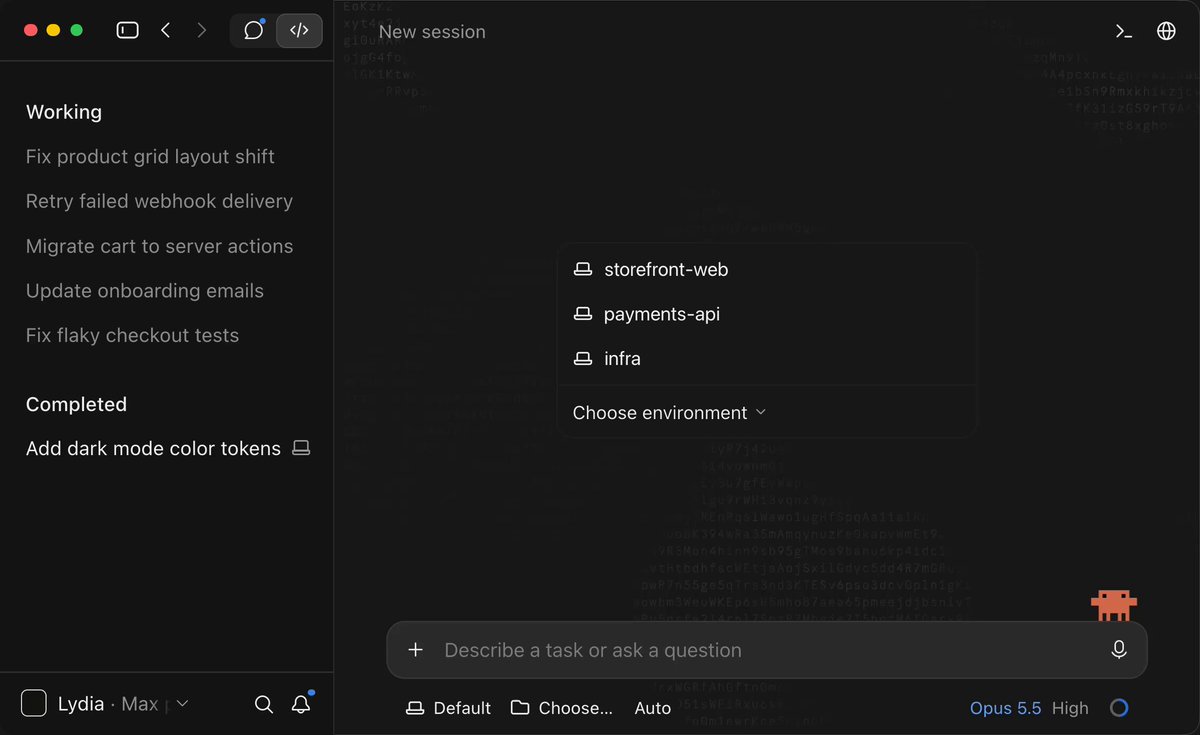
The headline change is in the second post: any machine running the remote-control appears as a device card in the mobile app's Code tab, and tapping it and choosing a directory starts a session there. The next post addresses sessions falling out of step. Resuming a session on the laptop now keeps the phone attached to the live session instead of archiving it, and when Claude Code exits, the phone marks the session offline within seconds. ClaudeDevs also says dropped connections now reconnect automatically, so closing a laptop briefly or switching Wi-Fi should not break a session, and that model and effort settings stay in sync between phone and .
These are fixes to the connection, not a change in where work happens. The documentation says the computer has to stay on and the Claude Code has to keep running for the phone to reach it. Remote Control requires a Pro, Max, Team or Enterprise plan and does not work with API keys; on Team and Enterprise, an owner must first turn it on. The thread gives no measurements of how much more reliable the connection has become.
- Server — Software that receives requests, processes them and returns responses; the computer running it is its host.
- Terminal — A program that shows text and accepts typed text.
- Process — A running instance of a program, with its own working memory, open files and identity.
- slash command — A named, reusable prompt invoked with a leading slash, turning a workflow you repeat into one word you type.



Checking sign-in…
Loading comments…