GitHub Team Demos Self-Improving Copilot Automation Loops and Projects
- Source
- video.twimg.com
- Author
- GitHubTop Viber
- Date
Context
In this video, members of GitHub's Copilot team try to make the industry's talk of "loops" and "software factories" concrete. By their account, the loop is just a Copilot automation: an job that runs on a schedule or fires on a trigger (GitHub on X). One speaker gives the canonical simple case as a daily 9 a.m. job that looks for dead code in a repository. The point the team keeps returning to is that nobody goes from zero to a fully automated factory overnight. Teams automate the parts of their work they already understand and connect them over time. The video recaps launches GitHub announced in October, including automations and Copilot Fusion. This explanation is based on an automatic speech transcript of the video, so it covers only what was said, not what was shown on screen.
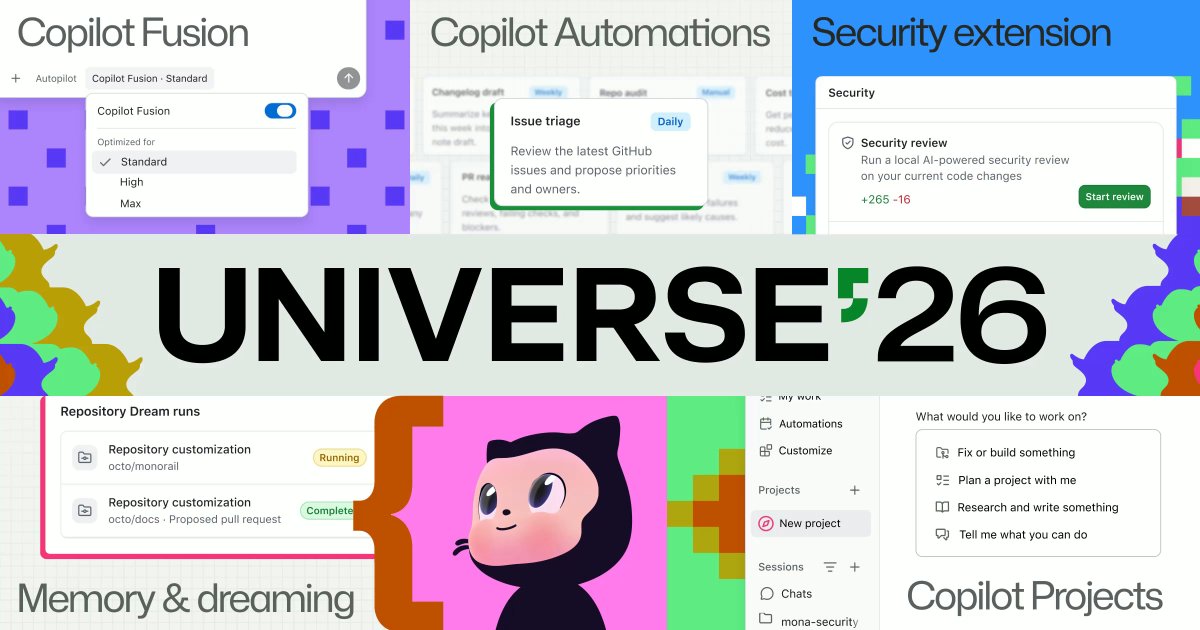
The main example is how the team handles the fast-growing issue volume for the GitHub Copilot app. They use a group of three automations. One assigns every new issue to a team member and labels it with the week. Another keeps a profile of each person's areas, built from their pull requests, pull request comments, issues and issue comments in GitHub. A third, which the speaker calls the improver, watches what happens afterward. If someone unassigns themselves and starts committing code in a different area, the profile and the assigner are updated. According to the team, what is new is not scheduling, which Copilot has supported for months. It is grouping automations, letting them learn from their own run history, and letting them modify other automations. Triggers can also come from repository events or from an API, so another tool could start one, for example to investigate an error report.
The second feature is Projects in the Copilot app. Previously the app had chats, which aren't tied to a repository, and sessions, which are tied to a folder or repo. A project groups several repositories as and gives you a main session that acts as an orchestrator: it starts and tracks other agent sessions, and the project shows what is running, which pull requests are open, and a library of everything the agents produced. One presenter describes a personal experiment that chains these pieces together. Overnight, the app tests itself like a user and opens issues for problems it finds. Another automation tries to reproduce each issue and opens a pull request, the agent answers code review comments, and with agent merge enabled a change that clears review merges automatically. He presents this as a test of whether an application can improve itself, not as a recommended default or a measured result.
- GitHub's Copilot app team triages issues with grouped automations: one assigns each new issue and tags it with a week number, profiles of each person are built from PR, issue and comment history, and an improver adjusts when people reassign or unassign themselves.
- New in October, Copilot automations can be grouped, learn from their own run history and modify other automations. Triggers now go beyond cron schedules to repository events and an API, so an external error alert can start an investigation workflow.
- Copilot app Projects attach several repositories as context to one orchestrator session that starts and manages background sessions, with an overview of running work and open PRs and a library of generated assets. A customer told the team one feature can span 50 repositories.
- In one experimental chain shown in the demo, the app tests itself nightly like a user and opens issues for UI problems; another automation reproduces each one, opens a PR that triggers code review, answers comments, and agent merge lands it when none remain.
- Steven, a GitHub engineer, analyzed roughly 2,700 messages sent to agents during a TypeScript-to-Rust CLI port: about 30% checked whether the work did what was expected, 10-15% were co-architecting hard problems, and 10-15% pushed the agent to keep going.
- AI agent — An AI system that doesn't just answer once but works toward a goal in a loop — taking actions, reading the results, and deciding what to do next.
- context window — The maximum amount of text a model can consider at once — its working memory for the current conversation or task.


Checking sign-in…
Loading comments…