Claude artifacts can now be installed as desktop apps
- Source
- x.com
- Date

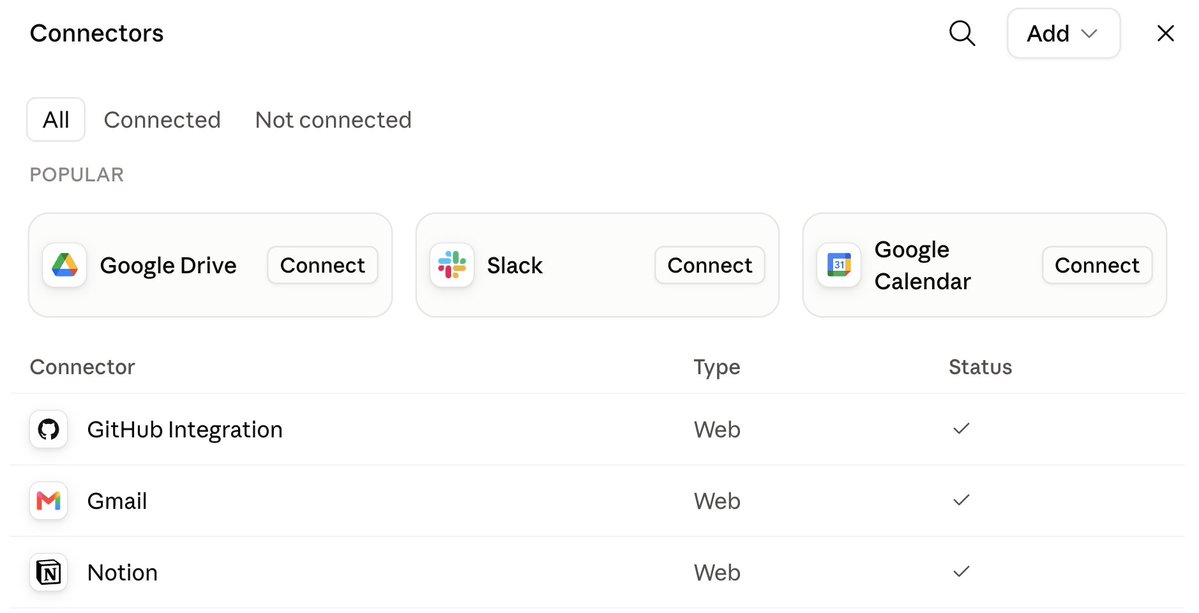
You can now install Claude artifacts as desktop apps on Mac and Windows. Ask Claude to build an artifact, click "Install as app", and open it like any other app. It can use your connectors and, if you allow it, send notifications or add a menu bar item.

Context
An installed artifact is still the live artifact, not a saved copy, and what installation adds over a browser shortcut is a set of desktop features, each behind a permission . ClaudeDevs, the developer account of Anthropic, announced that artifacts, the pages and small programs Claude builds for you in a chat, can now be installed as desktop apps on Mac and Windows. According to Anthropic's help center article, the installed app gets its own window and icon and opens from the Applications or the Start menu like other software, but it is still the same artifact: when you or another editor changes it, the app changes too. It opens only while you are online and signed in to Claude Desktop, and it uses Claude and your connectors the same way the artifact does. The help center notes that a browser's Add to Dock, Add browser shortcut and Add to Home Screen options only create a shortcut, without any of these desktop features.
Those desktop features are what installation adds, and each one sits behind a prompt. An app has to ask before it shows notifications while you use other apps, responds to keyboard shortcuts, floats above other windows (which also lets it read where your mouse cursor is), or puts an item in the macOS menu bar or the Windows system tray. An app with a menu bar or tray item keeps running after you close its window. You answer each request with Allow or Don't allow, and an Allow covers one version of the app: after any update, including your own edits, Claude asks again. That ties each permission to the code you approved, with one stated gap. If an app loads code from another site, that code can change without a new request. Requests from apps made outside your organization, or by someone Claude cannot identify, carry a warning.
The highest tier, full access to the computer, is where the risk sits. It lets an app run programs and read, change or delete your files without asking each time. The help center tells users to allow it only if they trust everyone who wrote the app, and says Anthropic does not review apps before you install them. Claude generally won't let an app request full access if someone outside your organization wrote part of it or its maker cannot be confirmed, and on Free, Pro, Max and Ultra plans anyone other than you counts as outside. Turning full access off stops the programs the app started, except any that separated themselves from it, and does not undo changes the app already made. The per-version prompt makes the smaller permissions easy to judge for an app you built yourself, but granting full access is a decision about every author of the app, which Anthropic does not review before you install it.
The feature is a beta, rolling out on Free, Pro, Max, Ultra, Team and Enterprise plans, and needs Claude for Mac or Claude for Windows version 6.28899.0 or later. Team plans have it on by default, with full access off until an admin enables it; on Enterprise plans the whole feature is off until an owner turns it on. It is not available on Linux, the web or mobile, or to organizations with HIPAA-ready configurations, and artifacts made from a template such as Docs, Slides or Sheets cannot be installed. Building an app, and every request it makes to Claude, counts toward the plan's usage limits.

Checking sign-in…
Loading comments…