Vitals
vitalsmac.com- Category
- Developer Tools
- Rank
- No. 2552Tools index
Previous survey · No. 2503 ·
- Pricing
- Paid
- Type
- APP
- Use case
- Deployment & Operations
- Interfaces
- Desktop
- Date
About
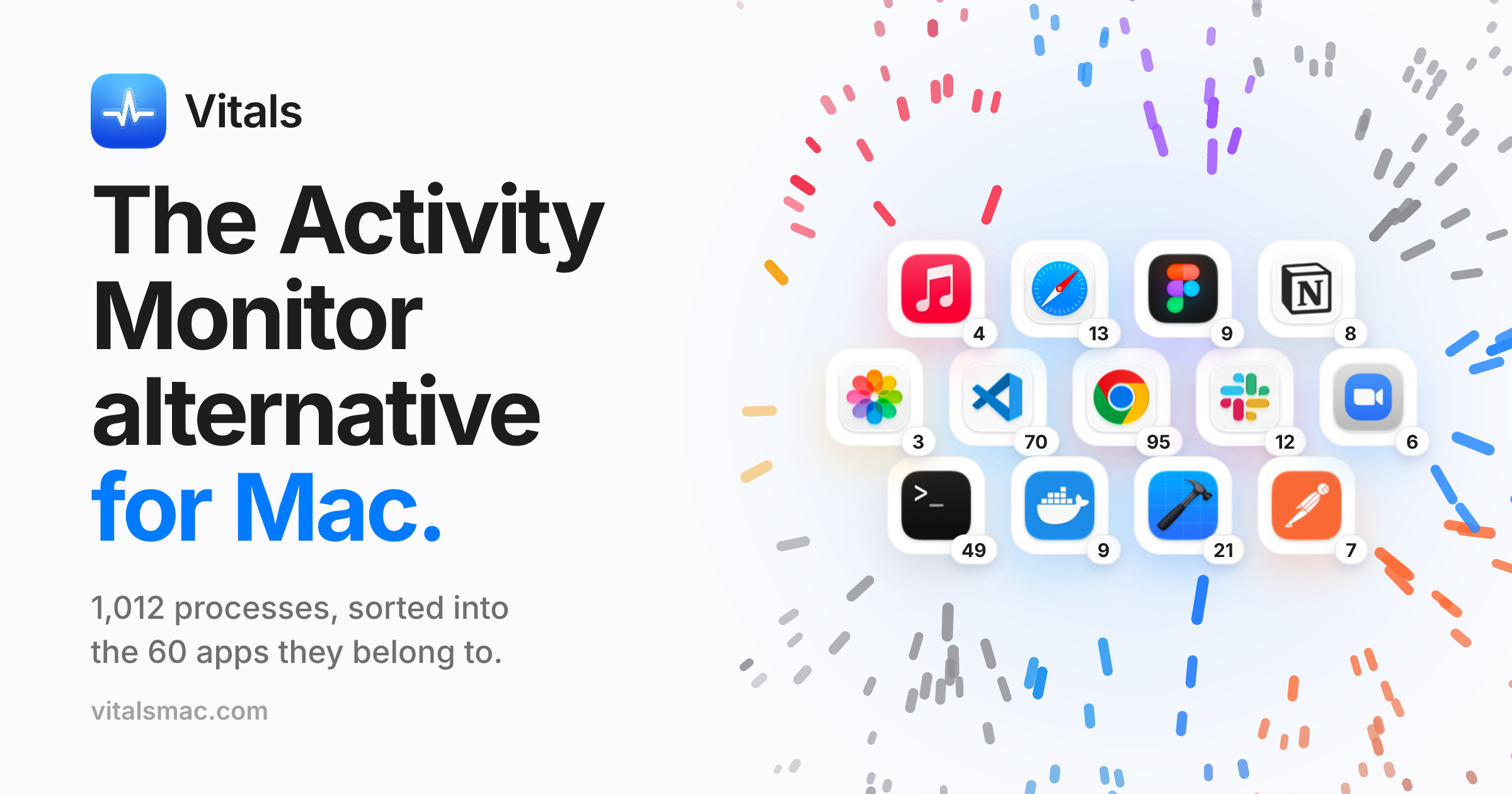
Vitals is a macOS menu bar utility that replaces Activity Monitor by grouping processes under the app they belong to, showing roughly 60 apps instead of over 1,000 individual processes, alongside 30 days of CPU, memory, disk, network, GPU, and battery history with alerts when an app misbehaves.
At a glance
Vitals is a Mac activity monitor that groups processes by app and development project. It is worth a trial if you often need to identify which project owns a port, which app caused a spike, or what was running when the Mac slowed down.
Good fit
Mac developers who run several local servers, containers or coding agents and need to connect resource use to a project.
Consider something else when
Skip it if you only need a quick snapshot of CPU or memory and the built-in Activity Monitor already answers the question.
Start here
Start a harmless test server on a known port and look for it in Projects. Confirm it shows under the right folder and compare its process details with the server you started.
Cost and requirements
Requires macOS 15 or later on Apple Silicon or Intel. The vendor offers a three-day trial and a paid license. Connecting an assistant through MCP is optional.
Limits to know
The vendor says monitoring history stays on the Mac. An assistant you connect may receive process, project or history details through MCP. Check its visibility settings and the assistant’s data policy before enabling access.
Sources checked 2026-11-05. Source-based assessment.
Tags
Media
Comments (0)
No comments yet
Editorially curated, with community endorsements as a secondary signal. Corrections welcome.