Seedance 2 5 What S New How It Works And What You Can Do With It
Source
krea.ai
Author
Krea editorial sitemap
Date
Context
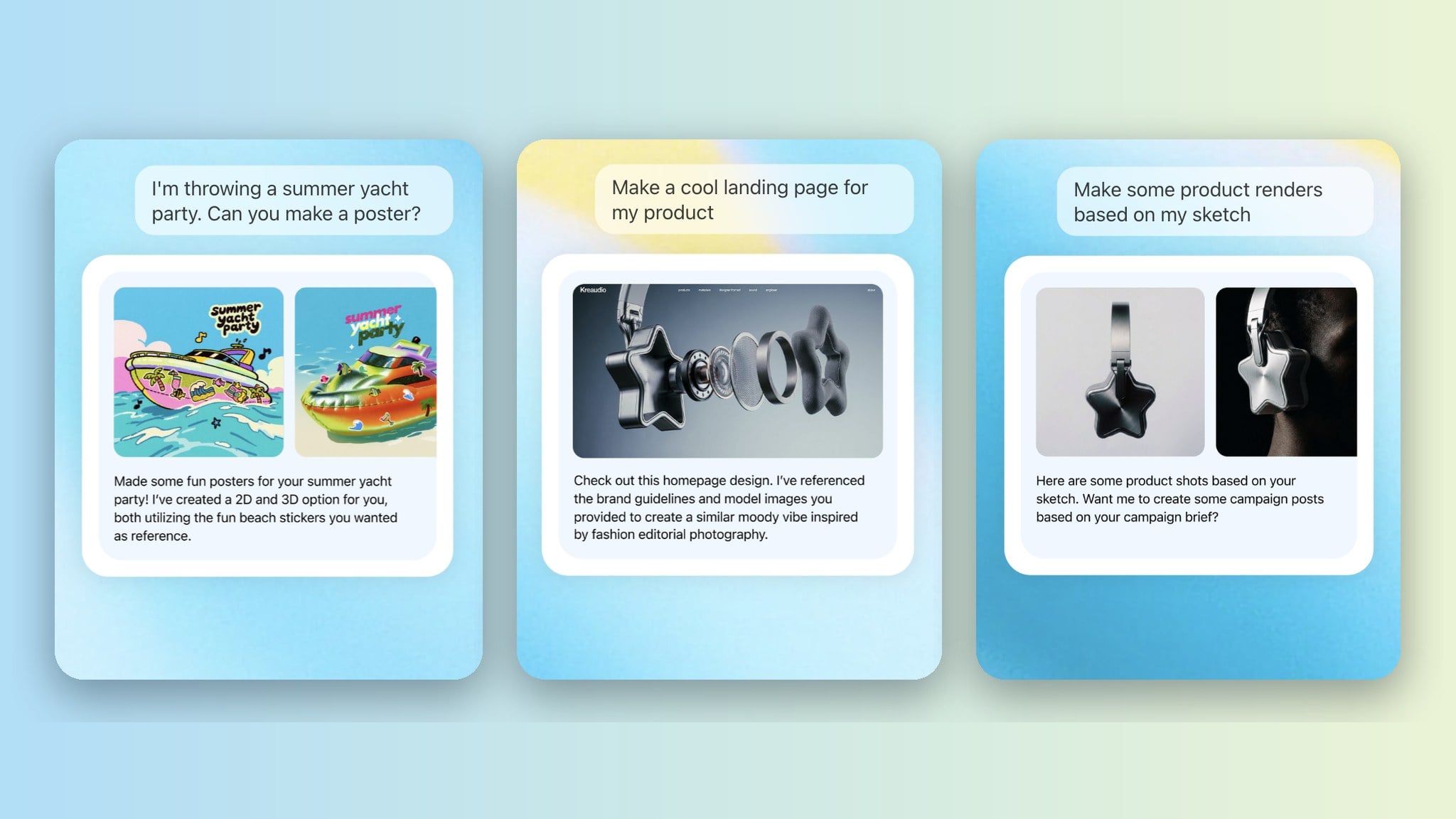
Krea's guide to ByteDance's Seedance 2.5 video model describes three different ways to specify a generated video. Reference assets supply the appearance of a character, product or location. The written prompt describes the action. Start and end images specify the visual boundaries of the clip.
Separating those inputs gives creators a more precise way to express what must remain recognizable and what should change. A product photograph supplies details that a verbal description would otherwise ask the model to invent. This is a method for guiding generation; Krea also reports that small text and fine logo details remain weak points.