wvw.dev
https://github.com/f/wvw.dev- Category
- Developer Tools
- Rank
- No. 3724Tools index
Previous survey · No. 3538 ·
- Pricing
- Open Source
- Type
- APP
- Use case
- Coding
- Interfaces
- Web
- Builder
- f
- GitHub
- 86 stars
- Date
About
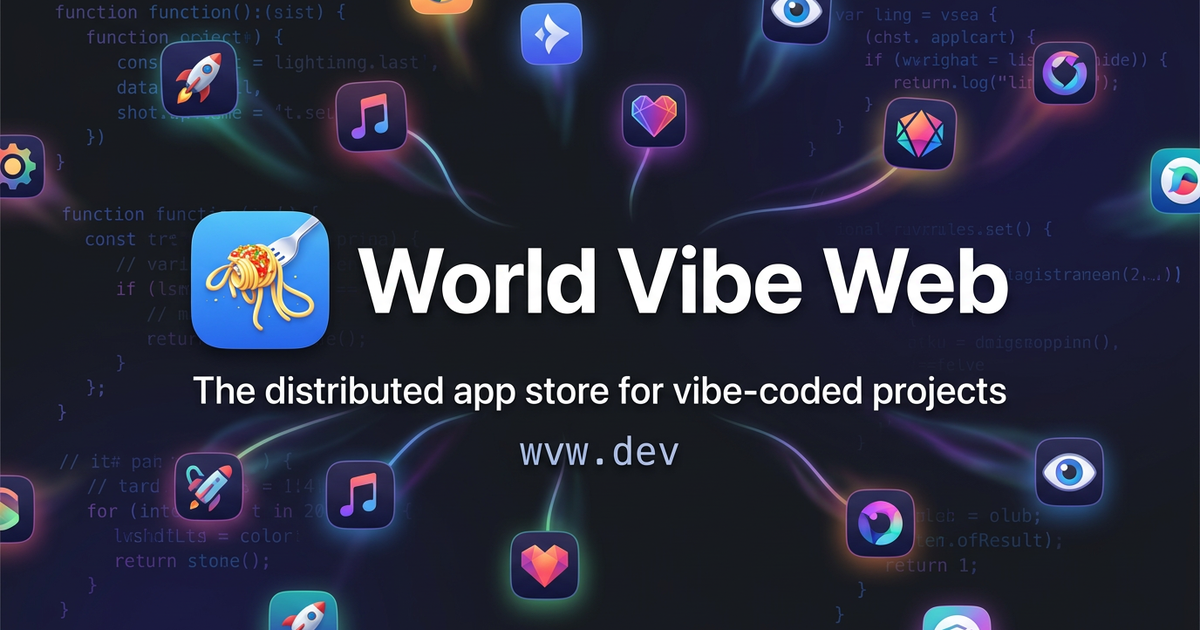
The distributed app store for vibe-coded projects. Federated, AI-curated, fully static on GitHub Pages.
What it does
WVW collects app listings maintained by independent developers into one searchable catalog. A scheduled build fetches each source, filters categories, removes duplicate identifiers, refreshes GitHub statistics, and publishes unified static data. People can browse through the website, install it as a PWA, or use the separate desktop wrapper.
Why it's ranked here
The case for WVW rests on a simple, inspectable publishing model with little central infrastructure. Source attribution, live repository statistics, category enforcement, and public pull requests add useful accountability. Its value is discovery, not trust certification, because listed software receives no security audit or safety guarantee.
What's good
Publishers keep control of their listing data while WVW handles aggregation and presentation. Build-time guardrails ignore self-declared stars, derive ownership from source locations, restrict categories, and expose contributing stores. Offline caching improves repeat access. An MCP interface can generate entries, validate catalogs, return allowed categories, and prepare store metadata.
Tradeoffs
Publication still depends on adding a source through a pull request and waiting for a scheduled rebuild. Duplicate identifiers use first-entry wins, so naming collisions can silently favor an earlier source. AI selects featured apps and generates showcase artwork, while external GitHub and image services support enrichment. Most importantly, WVW explicitly does not audit listed applications.
How to use it well
It suits open-source app authors who want a shared discovery channel without surrendering their own repository as the source of truth. Keep listing metadata current, choose accepted categories, and use validation before submitting. For users, treat each entry as a pointer to inspect and sandbox. It does not replace software distribution, security review, or developer accountability.
Technical notes+
README.md describes a static GitHub Pages frontend built with vanilla HTML, CSS, and JavaScript. build.sh uses Bash, curl, and jq to fetch sources from stores.json, convert DodoApps catalogs, inject attribution, filter categories, deduplicate app IDs, and refresh GitHub statistics before writing apps.json. app.js renders and sorts the client catalog, while sw.js applies network-first caching to catalog data and cache-first behavior elsewhere. 404.html redirects clean paths through a query parameter restored by index.html. mcp/server.js exposes stdio MCP tools and resources through the Model Context Protocol SDK, and .mcp.json launches the published package with npx. showcase.sh and assets.sh integrate fal.ai image generation, ImageMagick conversion, and local asset caching.
Observed
- License
- MIT
- Web implementation
- Vanilla HTML, CSS, and JavaScript with no frontend framework or build step
- Catalog build
- Bash scripts using jq and curl produce flat JSON data
- Web delivery
- Static GitHub Pages site with PWA installation and service-worker caching
- MCP interface
- Stdio MCP server offers catalog generation, validation, category lookup, metadata generation, and reference resources
- Installation surfaces
- Website and PWA, an MCP package launched with npx, and a separate desktop app available through Homebrew or release downloads
- Desktop platforms
- macOS on Apple Silicon and Intel, Windows, and Linux
Read from README.md, app.js, sw.js, mcp/server.js, CNAME, 404.html, build.sh, .mcp.json, assets.sh, style.css, index.html, showcase.sh, stores.json, DISTRIBUTE.md.
What it can do
Distribute vibe-coded projects
Vibe-coded software projects → Published apps in distributed store
Curate apps using AI
Submitted applications and metadata → AI-filtered and organized app listings
Host app store on GitHub Pages
App store data and configuration → Static website served via GitHub Pages
Federate with other app stores
External app store endpoints → Unified app discovery across multiple stores
Browse vibe-coded projects
User search queries and filters → Filtered list of matching applications
Publish projects to federated network
Project metadata and distribution settings → Project available across federated stores
Tags
Tech Stack
Media
Comments (0)
No comments yet
Editorially curated, with community endorsements as a secondary signal. Corrections welcome.