Set up coding agents in one command with AI Gateway
- Source
- vercel.com
- Author
- Sam Chitgopekar
- Date
Context
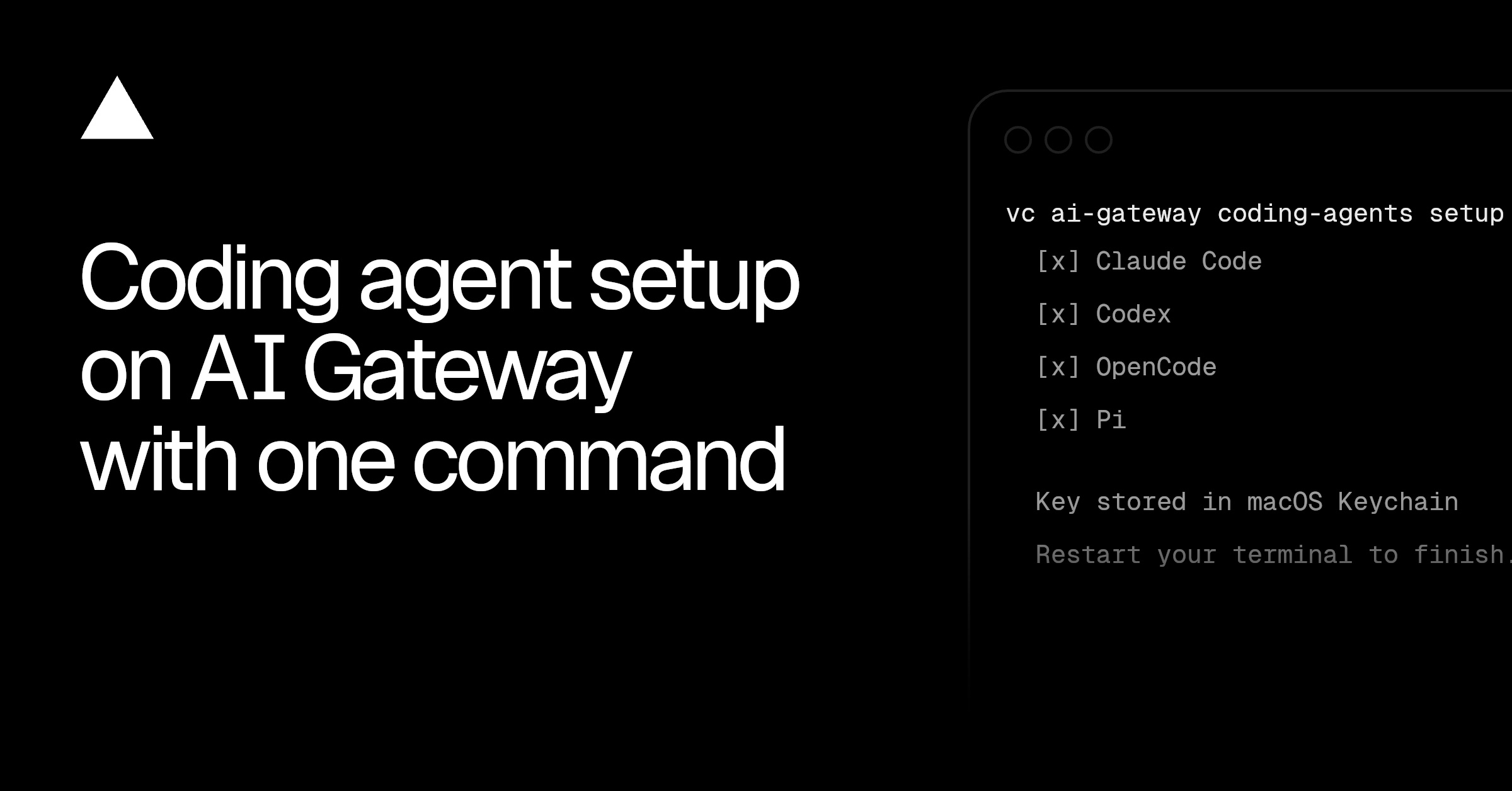
Vercel's AI Gateway setup connects installed coding agents to a shared service for model requests. According to the release announcement, setup detects supported agents, creates an API key and writes the gateway address and access credentials into each 's configuration format.
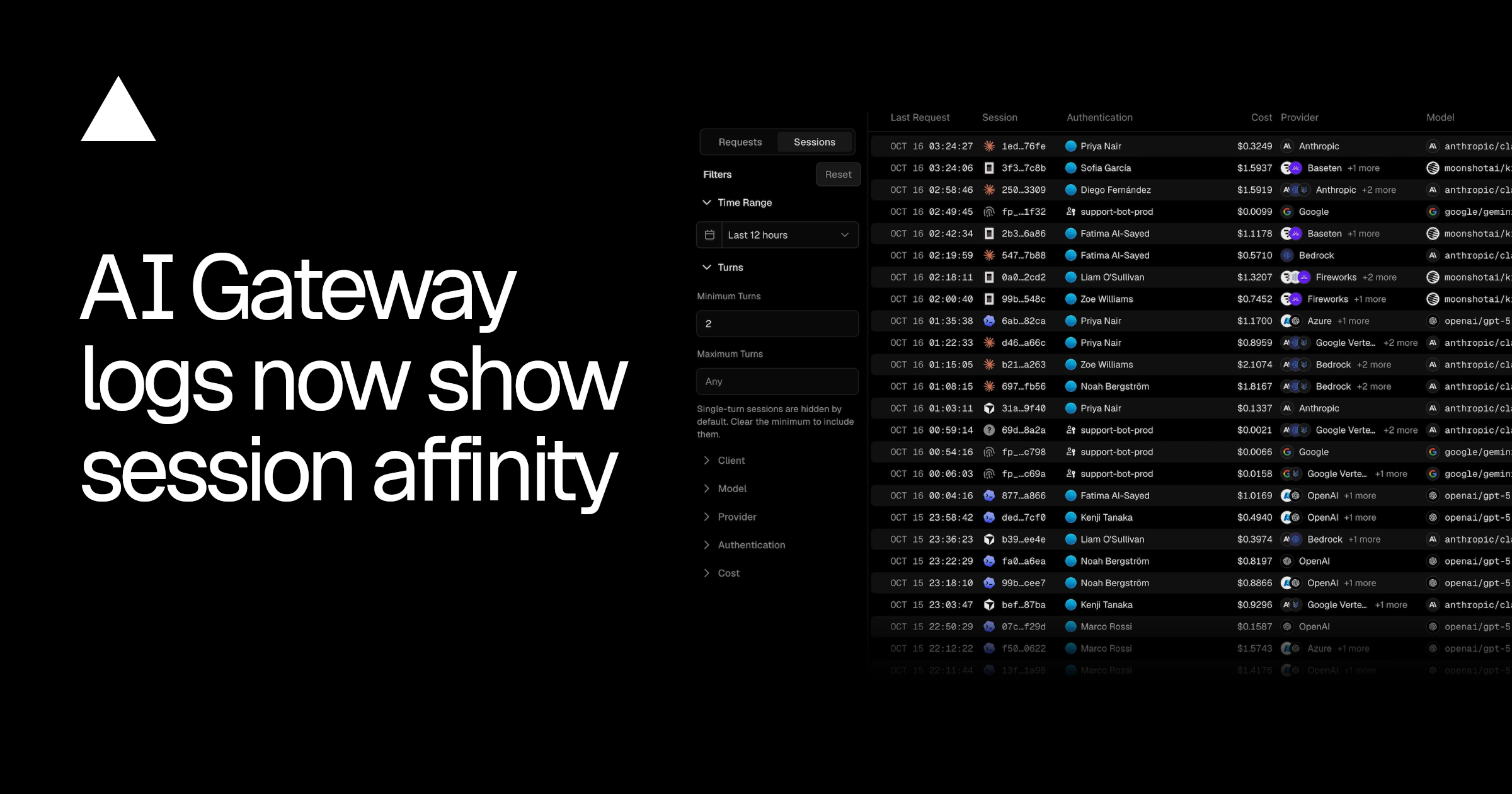
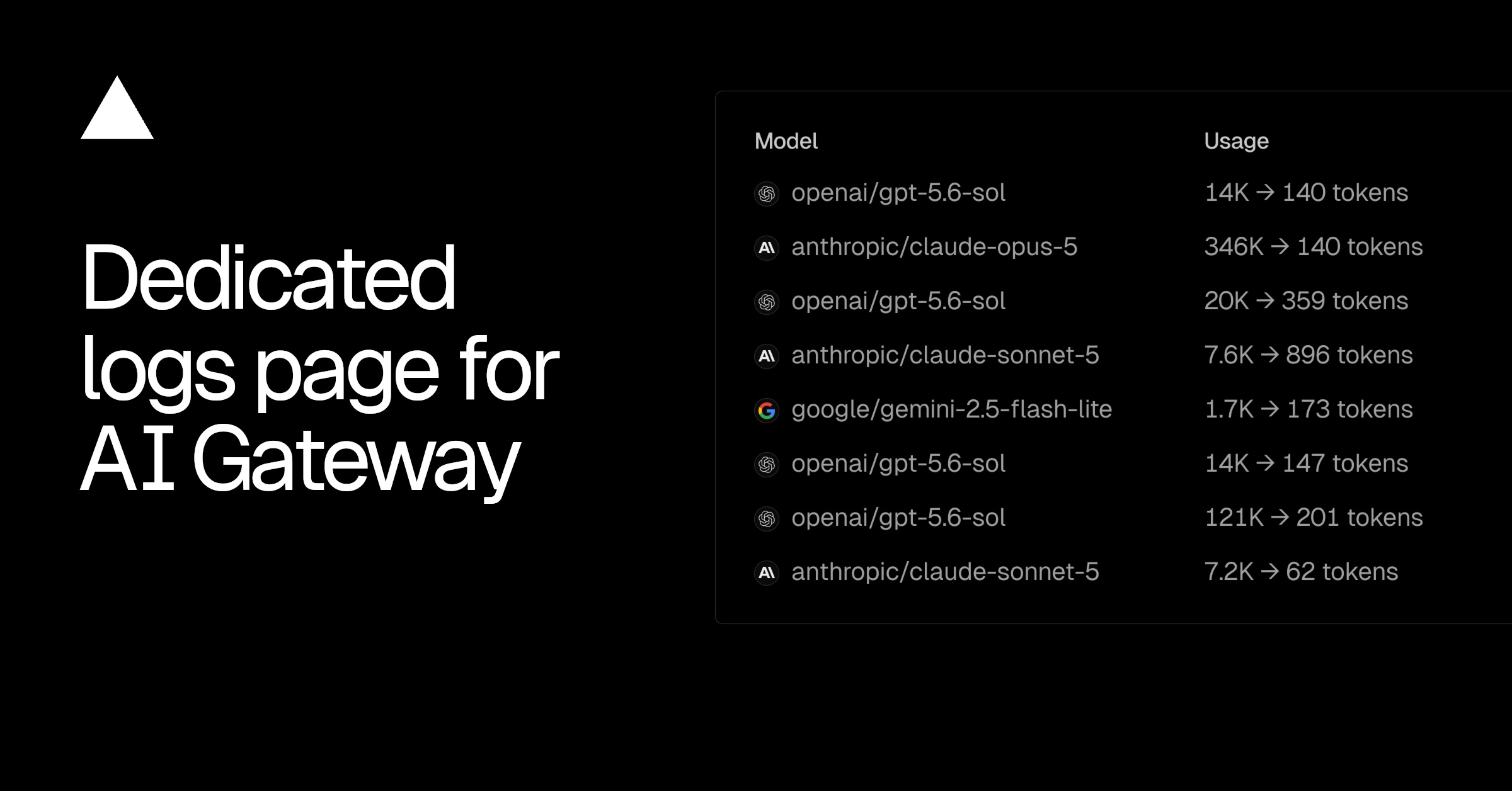
Routing requests through that service brings their usage, costs and request traces into one dashboard. Teams can attach spending limits and expiry dates to credentials and apply provider restrictions to gateway traffic. The controls govern requests sent through the gateway, so the configuration change is what connects an agent's activity to those shared controls.
- AI agent — An AI system that doesn't just answer once but works toward a goal in a loop — taking actions, reading the results, and deciding what to do next.
“Using coding agents means setting up multiple accounts, provisioning API keys, and scattering observability and billing.”
Sam Chitgopekar
“vercel ai-gateway coding-agents setup connects Claude Code, Codex, OpenCode, and more in one command. It finds the agents on your machine, creates the API key, and writes the gateway URL and your credentials into each agent's own config format.”
Sam Chitgopekar
“Team-wide policy your agents can't route around : turn on Zero Data Retention or restrict which providers may serve requests, and it holds for every agent request without editing an agent's config.”
Sam Chitgopekar
“Files are edited in place with their formatting preserved, and setup does not pin to a model. This command supports 9 coding agents to utilize the models in AI Gateway.”
Sam Chitgopekar


Checking sign-in…
Loading comments…