← All IntelIntel / article
How Scribe V2 Realtime Works
- Source
- elevenlabs.io
- Author
- ElevenLabs editorial sitemap
- Date
Context
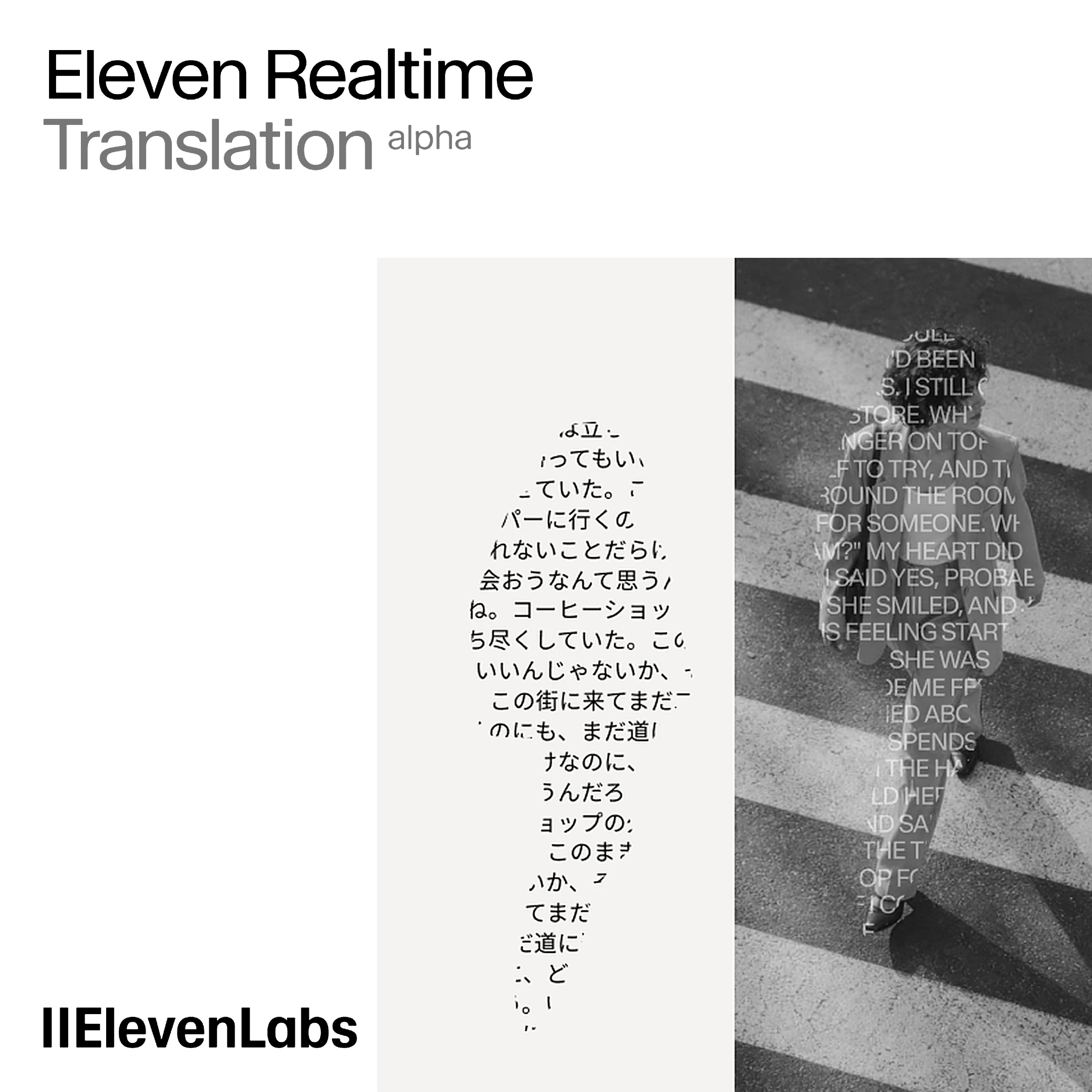
Live transcription has two different outputs: words displayed while someone speaks, and completed segments retained as conversation history. ElevenLabs' Scribe v2 Realtime guide explains that early wording can change as more speech supplies . Applications can finalize segments themselves or let silence detection do it automatically. That choice determines when provisional text becomes a completed segment. In the guide's translation example, Scribe supplies the transcript and a separate browser translation API translates it.
Key takeaways · AI-distilled
- ElevenLabs positions Scribe v2 for accuracy-focused batch transcription and Scribe v2 Realtime for ultra-low-latency uses like voice agents and meeting notetakers. Client-side should use a single-use generated server-side, not the API key.
- Scribe v2 Realtime returns partial transcripts live and committed transcripts per segment. Commit can be manual, ideally at silences or turn boundaries, or automatic via voice activity detection when a silence threshold is reached.
- The commit strategy matters because full-segment context improves accuracy: a partial "I scream" may read as "Ice cream" until the rest of the sentence arrives, so committed text gives a more accurate conversation history than partials.
Terms in this piece · Glossary
- context window — The maximum amount of text a model can consider at once — its working memory for the current conversation or task.
- streaming — Sending a model's response token by token as it is generated, so the reader sees text immediately instead of waiting for the whole answer.
- token — The chunk of text a model reads and writes in — roughly three-quarters of a word — and the unit AI usage is billed in.
Read the source elevenlabs.io
More from ElevenLabs editorial sitemap
Recommended reads
Comments
Checking sign-in…
Loading comments…