Termcast
termcast.app- Category
- Developer Tools
- Rank
- No. 2864Tools index
Previous survey · No. 2785 ·
- Pricing
- Open Source
- Type
- TOOL
- Use case
- Coding
- Interfaces
- CLI · API · SDK
- Builder
- remorses
- GitHub
- 341 stars
- Latest release
- verceltui@0.0.4
- Date
About
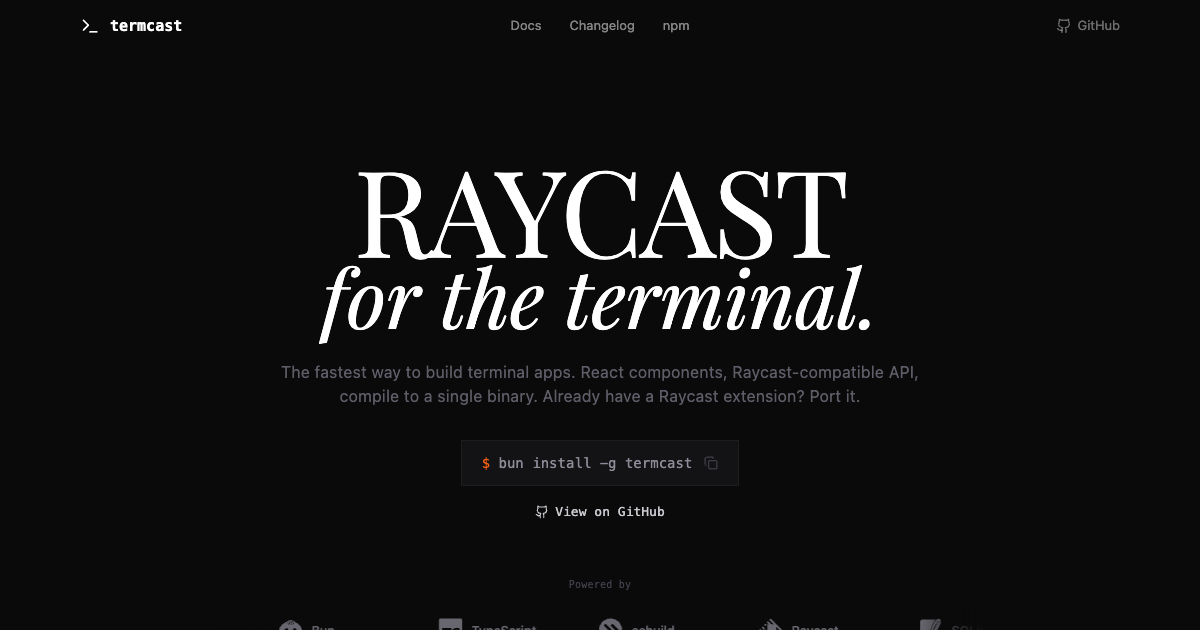
A React-based framework for building terminal user interfaces that's compatible with Raycast APIs. Enables developers to create powerful CLI applications with components like lists, forms, and charts that compile to single binaries.
What it does
Termcast lets you write a keyboard-driven terminal app the way you would write a Raycast extension: a React component that returns a searchable list, a detail pane, a form or an action menu. Existing Raycast extension code runs unchanged because the Raycast package names are redirected to Termcast when the app is built. You can ship a whole app that way, or call it from an ordinary CLI to open one interactive screen. A dev command reloads components in place on save, and a compile command turns the result into one executable that carries its own Bun runtime.
Why it's ranked here
The distribution story is the strongest case for it. One command builds executables for macOS and Linux on both arm64 and x64 plus Windows x64, uploads them to a GitHub release and hands back a one-line install script. Another wraps the app in a desktop bundle with its own terminal emulator. Add a ready-made component model borrowed from Raycast, an MIT license and a CI workflow that runs the test suite, and it is one of the shortest paths from a React component to a shippable terminal tool.
What's good
The component surface is broad. Beyond lists, forms and detail views, the library exports tables, bar and line graphs, candle charts, heatmaps, histograms and progress bars. Lists can pin accessory columns to fixed character widths so tags and timestamps line up like a table. Hot reload keeps component state across saves instead of restarting the app. The architecture guide spells out concrete rules for focus, dialogs and navigation, such as ESC closing dialogs first and popping views second. Compiled binaries load each command lazily, only when it is picked.
Tradeoffs
It needs Bun and does not run on Node; the documented workaround respawns your CLI under Bun just for the interactive screen. Raycast compatibility has gaps: the AI ask call returns a canned message saying it is simulated rather than contacting any model provider. The maintainer's release script points at a local fork on the author's own machine, and the automatic update check is switched off pending a fix. The CI job reruns the test command once if it fails, which can hide flaky tests. The package manifests leave the license field empty; the MIT grant lives only in the license file.
How to use it well
Pick it when you already know React and want a searchable, keyboard-first tool your teammates can install with one curl line and no runtime. It suits dashboards, inbox browsers and internal pickers, and porting an existing Raycast extension to the terminal. Keep plain text commands in your CLI for scripting and reserve the interactive screen for browsing. Do not count on Raycast features that call out to services, like AI, working the same way; check each API before porting. Teams locked to Node should look elsewhere.
Technical notes+
termcast/src/compile.tsx registers a Bun plugin that resolves @raycast/api to the Termcast entry and @raycast/utils to @termcast/utils, then calls Bun.build with compile, bytecode: true and a concrete target string such as bun-linux-x64, since the generic bun target tried to resolve optional musl packages. ALL_TARGETS lists linux arm64/x64, darwin arm64/x64 and win32 x64; musl and baseline variants are commented out. The generated entry imports each command dynamically when it is selected. termcast/src/apis/ai.tsx implements AI.ask as a word-by-word simulated stream. termcast/src/cli.tsx watches with @parcel/watcher and has checkForUpdates commented out. termcast/EXTENSIONS.md stores preferences in SQLite. .github/workflows/ci.yml runs the test script with a single retry.
Observed
- License
- MIT (LICENSE file); license field empty in both package manifests
- Language
- TypeScript with React
- Runtime
- Requires Bun; README states it does not work with Node.js
- Install
- npm package installed globally, exposes a termcast CLI binary
- Interfaces
- CLI (new, dev, compile, release, app build) and importable React component library
- Compile targets
- macOS arm64/x64, Linux arm64/x64, Windows x64
- Raycast compatibility
- Raycast API and utils imports aliased at build time
- AI API
- Simulated stub; returns a canned response, no provider integration
- CI
- GitHub Actions workflow runs the termcast test script, retrying once on failure
Read from README.md, package.json, LICENSE, termcast/package.json, termcast/ARCHITECTURE.md, termcast/EXTENSIONS.md, termcast/src/cli.tsx, termcast/src/index.tsx, termcast/src/compile.tsx, termcast/src/apis/ai.tsx, termcast/src/opentui.tsx, .github/workflows/ci.yml.
What it can do
Build terminal user interfaces using React components
React component code → Terminal-based user interface
Create CLI applications with lists, forms, and charts
Component definitions and data → Interactive terminal application with UI elements
Compile React-based terminal apps to single binaries
React terminal application code → Portable executable binary file
Generate cross-platform terminal applications
Terminal app source code → Multi-platform compatible binaries
Implement Raycast-compatible APIs in terminal apps
Raycast API calls and components → Terminal application with Raycast functionality
Tags
Tech Stack
Media
Comments (0)
No comments yet
Editorially curated, with community endorsements as a secondary signal. Corrections welcome.