Fuser
fuser.studio- Category
- AI Tools
- Rank
- No. 1859Tools index
- Pricing
- Freemium
- Type
- APP
- Use case
- Design & Media · Workflow Automation
- Interfaces
- Web
- Builder
- @fuserstudio
- Date
About
Fuser is a node-based canvas platform that provides access to 220+ AI models and 300+ LLMs for creating workflows across images, video, audio, text, and 3D generation. It allows creatives to build scalable AI workflows without starting from scratch, offering templates and iterative design tools for various creative projects.
What it does
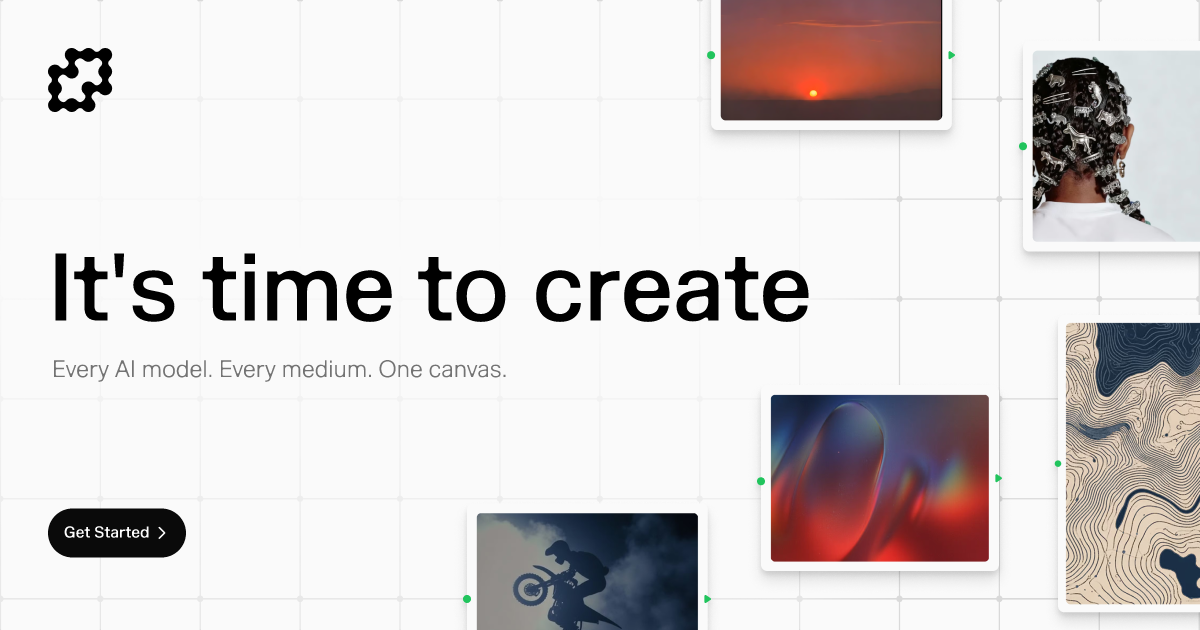
The site presents Fuser as a single working canvas where users combine outputs from many external AI providers, prompt and edit them together, and publish the result as a shareable app, using starter recipes instead of a blank project.
Stated on the product site
- Model/provider integrations
- The page lists a large set of third-party AI model providers it connects to, spanning image, video, audio, text and 3D generation, including OpenAI, Anthropic, Runway and Stability.
- Pricing
- States a credits-based subscription called the Professional Plan, with a free 30-day trial and a starting allotment of credits.
- Billing model
- States that credits do not expire, roll over month to month, and that a plan can be paused, switched between tiers, or skipped for a month.
- Interface
- Frames the product as one canvas covering every medium, rather than separate tools per media type.
Not stated on the site
- The page does not state what the Professional Plan costs once the free 30-day trial ends.
- The page does not specify a license or terms governing outputs generated on the platform.
- The page does not say whether Fuser offers an API or is limited to its web canvas interface.
Written from the product site at fuser.studio.
What it can do
Generate images from text prompts
Text description → AI-generated images
Create videos from text descriptions
Text prompts → AI-generated video content
Generate audio content from text
Text prompts or descriptions → AI-generated audio files
Create 3D models and assets
Text descriptions or parameters → 3D models and assets
Build custom AI workflows using node-based canvas
Multiple AI models and user-defined connections → Automated creative workflows
Process and transform text content
Text data → Processed or generated text content
Chain multiple AI models together
Output from one AI model → Enhanced results from subsequent AI models
Tags
Media
Comments (0)
No comments yet
Editorially curated, with community endorsements as a secondary signal. Corrections welcome.