Building a Voice Agent That Joins Zoom, Meet and Teams Calls
- Source
- recall.ai
- Author
- AssemblyAI
- Date
Context
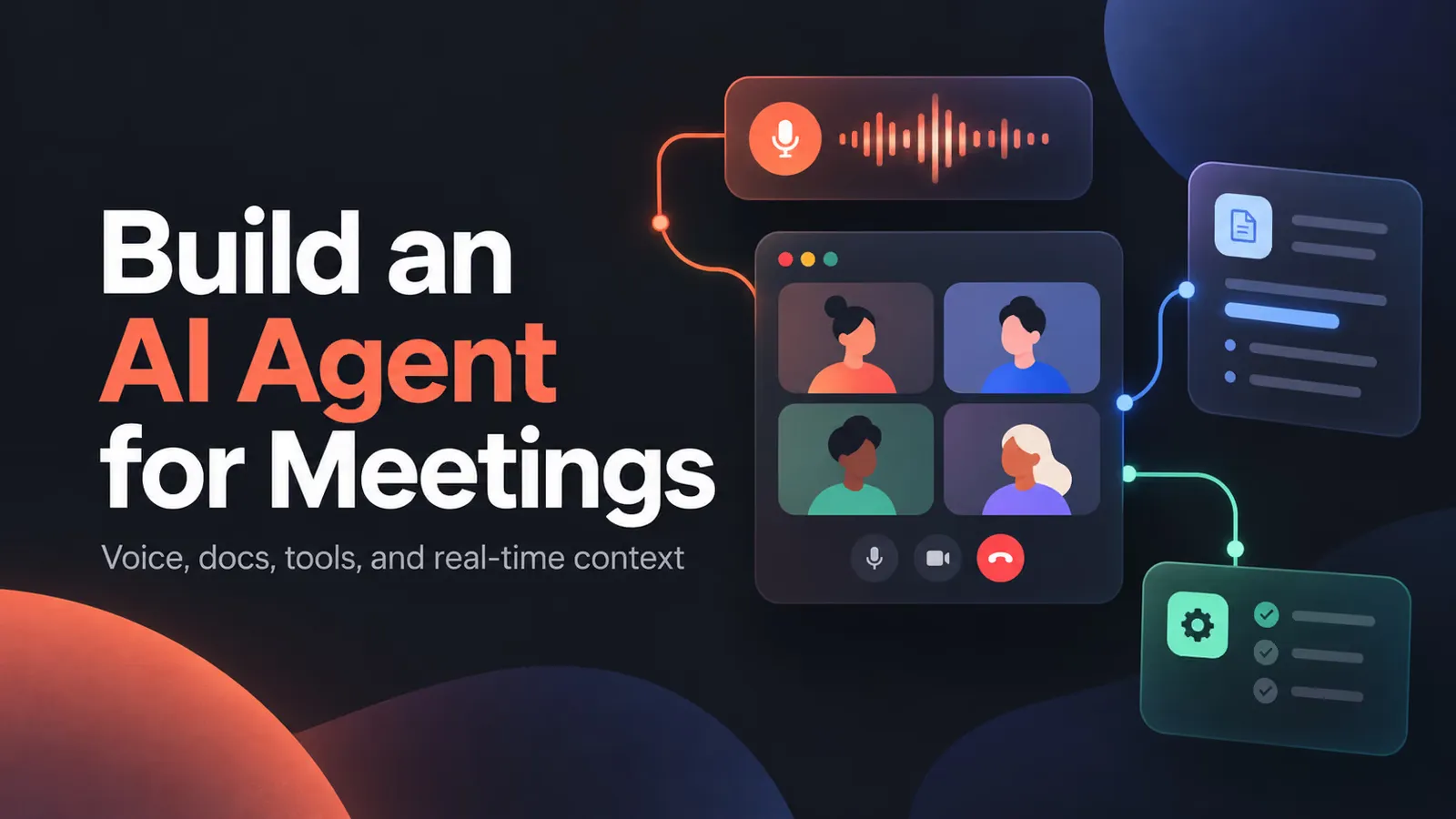
AssemblyAI pointed to a Recall.ai tutorial, written by Aydin Schwartz, that builds a voice which joins a Zoom, Google Meet, Microsoft Teams or Webex call and answers participants out loud. The useful idea is that the agent never integrates with a meeting platform directly. It is an ordinary webpage. AssemblyAI's Voice Agent API runs the conversation inside that page: it transcribes incoming speech, generates a reply with a , and streams speech back. A Recall.ai meeting bot then joins the call, opens the same page in its own browser, feeds the meeting's audio to the page as if it were a microphone, and sends whatever the page plays and displays back into the meeting, through a feature Recall.ai calls Output Media. Because the bot loads the same page on every platform, the tutorial says no separate implementation is needed for each meeting service.
Much of the configuration deals with the agent being one participant among several. The tells it to reply only when someone addresses it directly and otherwise to return the word SKIP, which the page detects so that reply is never spoken. The transcription settings add about the meeting, a list of names and terms the speech model might mishear, and a far-field mode meant for laptop microphones and conference rooms. Tools let the agent fetch information or act during the call. The sample's weather lookup is set to hold the agent's reply until the result returns, so a new remark from someone else does not set off a second answer, and a leave_meeting tool asks Recall.ai to remove the bot when someone tells it to go. Documents uploaded before the call are simply added to the system prompt, which the author says works for a demo but not for hundreds of documents, where a search tool would be the better route.
The page keeps both companies' API keys out of the browser: the server issues a short-lived AssemblyAI token, and the agent's URL carries a short-lived session token so an old link cannot be reused indefinitely. The bot runs on Recall.ai's larger four-core variant because it is doing more work than a notetaker, which the tutorial notes costs extra. This is a vendor walkthrough of two vendors' APIs with sample code, not a measured evaluation, and it reports no latency or accuracy figures.
- Recall.ai's tutorial splits a meeting voice agent in two: AssemblyAI's Voice Agent API handles transcription, the LLM reply and text-to-speech in a webpage, and a Recall.ai bot opens that page in its own browser and streams it into Zoom, Meet, Teams or Webex calls.
- Because most talk in a group call is not aimed at the bot, its system prompt says to reply only when addressed and otherwise return SKIP. The client checks the start of each response and suppresses that audio, so participants never hear it.
- Tools can run in 'hold' mode, which pauses the agent's reply until the result returns and ignores new speech meanwhile. The author uses it so the agent waits for a lookup instead of reacting to whoever speaks next.
- The browser never sees API keys: the server mints a temporary AssemblyAI token, and the agent URL carries a short-lived session token, so a discovered old URL cannot be reused indefinitely.
- Output Media is more compute-intensive than a notetaker, so the sample uses Recall.ai's web_4_core bot variant, which costs extra. The same tool mechanism powers a leave_meeting action that calls Recall.ai's Remove Bot From Call endpoint.
- AI agent — An AI system that doesn't just answer once but works toward a goal in a loop — taking actions, reading the results, and deciding what to do next.
- LLM — A large language model — the neural network behind tools like Claude and ChatGPT, trained on huge amounts of text to predict what comes next.
- system prompt — The standing instructions a model receives before any user input — defining its role, rules, tools, and tone for the whole conversation.
- context window — The maximum amount of text a model can consider at once — its working memory for the current conversation or task.



Checking sign-in…
Loading comments…