OpenAI API dashboard adds rate limit and error analytics
- Source
- x.com
- Date

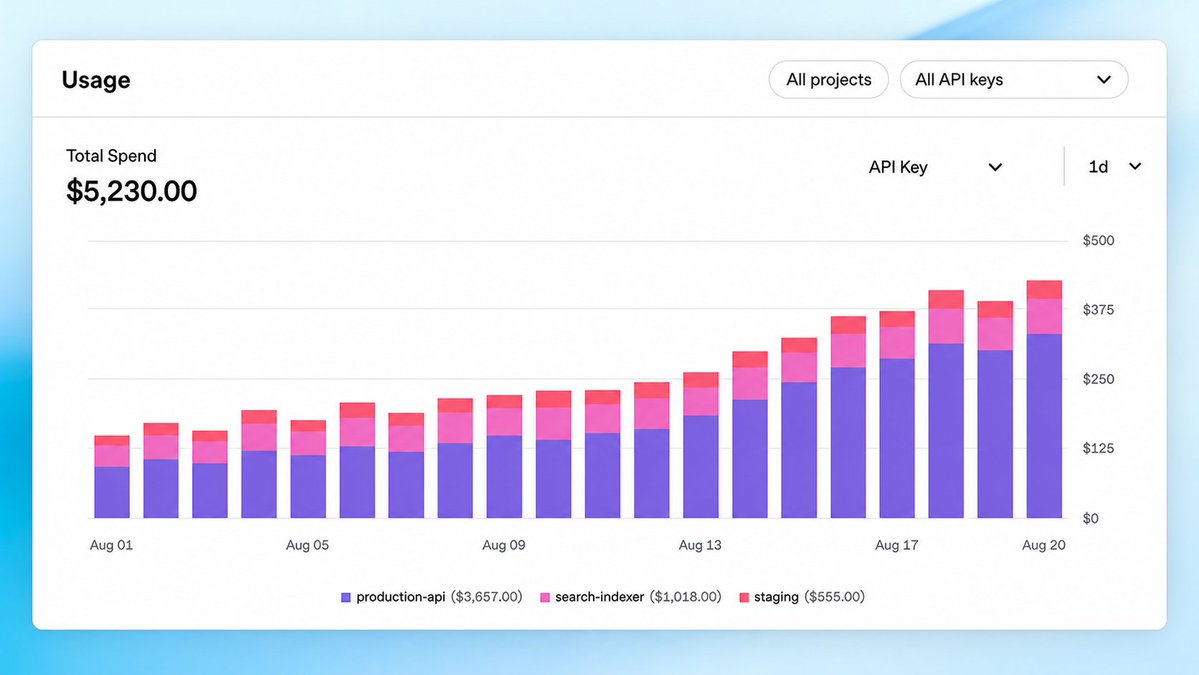
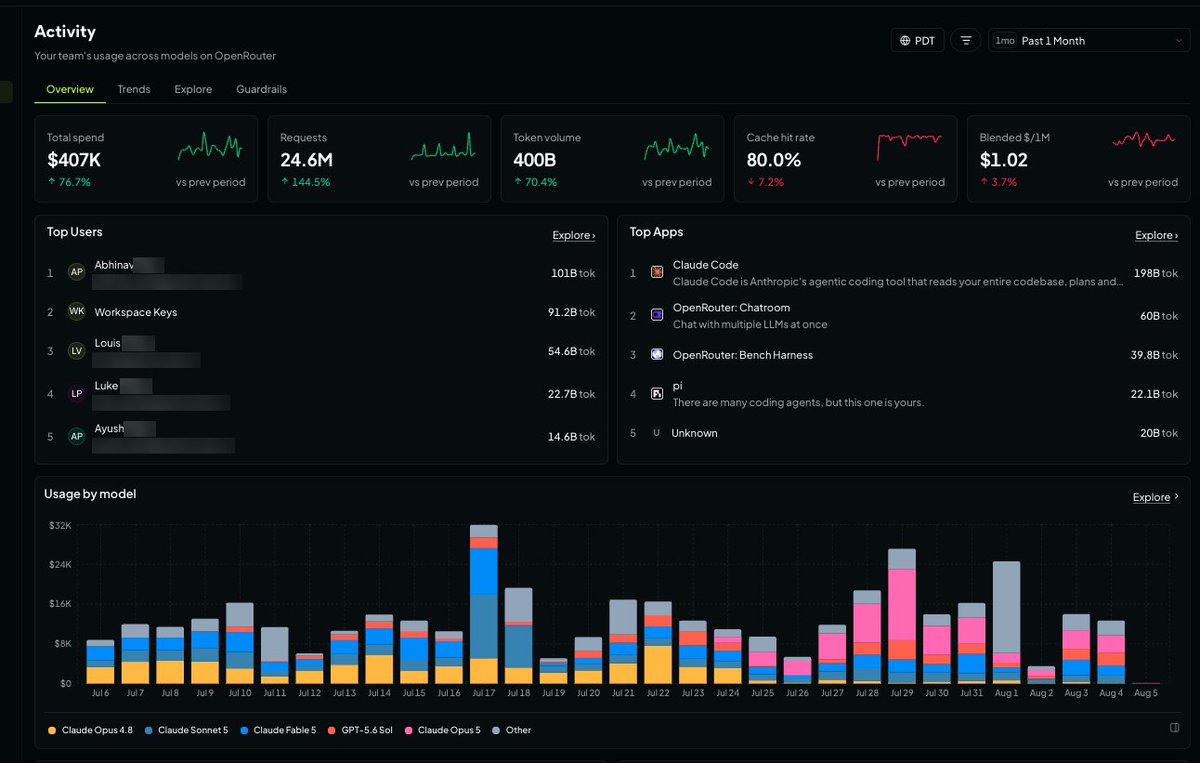
We updated the API usage dashboard to make it easier to monitor your usage and investigate issues. In Analytics, you can now: • Better track usage and spend • Check rate limits and rate-limited requests • Explore errors by model, project, or API key

Context
OpenAI has added rate-limit and error views to the Analytics section of its API usage dashboard. In a post from OpenAIDevs, its developer account, the company says developers can now check rate limits and rate-limited requests, explore errors by model, project or API key, and better track usage and spend. The error breakdown is the part most likely to save a team time, because the same failure can come from several places in an account.
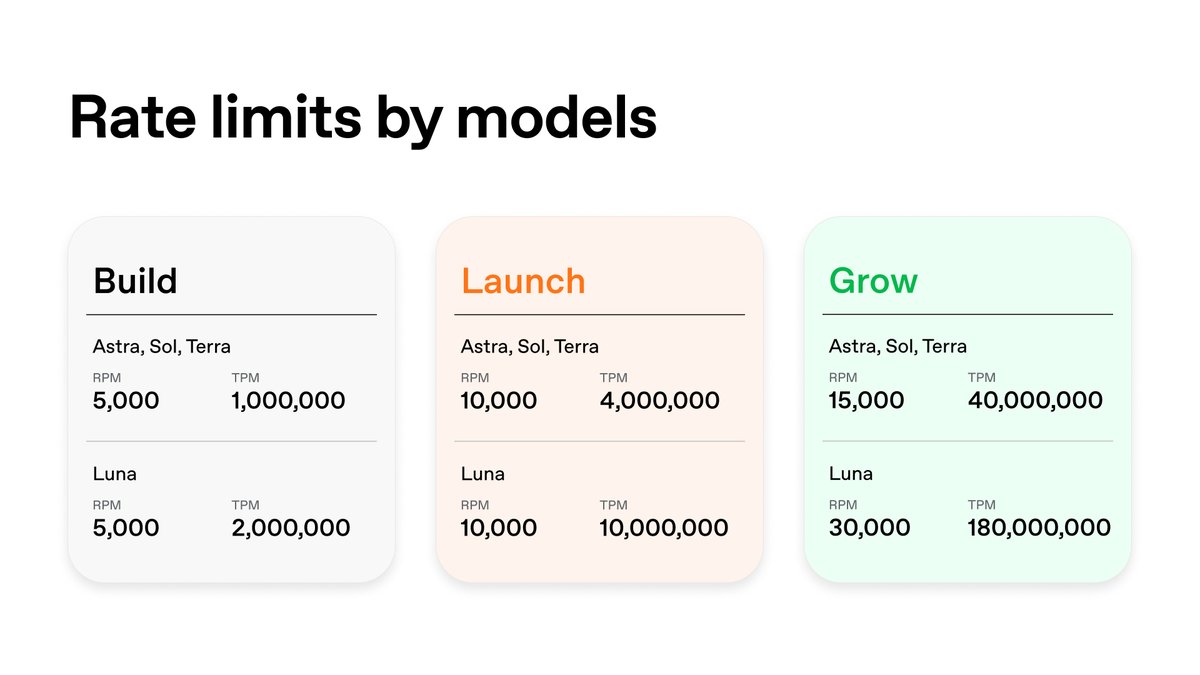
OpenAI's rate-limit guide explains why. Limits are defined at the organization level and at the project level, not per user, and they vary by the model being called. They are counted in requests and per minute and per day, among other measures, and whichever limit is reached first applies. When a request exceeds a temporary rate limit, the API returns a 429 error, and the guide says a hard monthly spend limit also makes affected requests return a 429. The error reaches whichever application made the failing call. When several applications or keys share one project, that application may not be the one using most of the limit. Errors grouped by model, project and key at least show where those failures land across the account, which one application's own logs cannot.
The post is short and the attached video could not be reviewed, so several details are not established: what the new views show, whether rate-limited requests can be broken down the same way as errors, how much history they cover, and whether the dashboard separates rate-limit errors from spend-limit errors. The guide already describes two places to see limit information, the account limits page and the headers returned with each API response. The post does not say whether the new Analytics views change that. For a team running several projects or keys, the update gives one place to start when 429 errors appear. How much it adds depends on details the post does not include.
- token — The chunk of text a model reads and writes in — roughly three-quarters of a word — and the unit AI usage is billed in.

Checking sign-in…
Loading comments…