Build and troubleshoot Observability Pipelines with AI agents
- Source
- datadoghq.com
- Date
Context
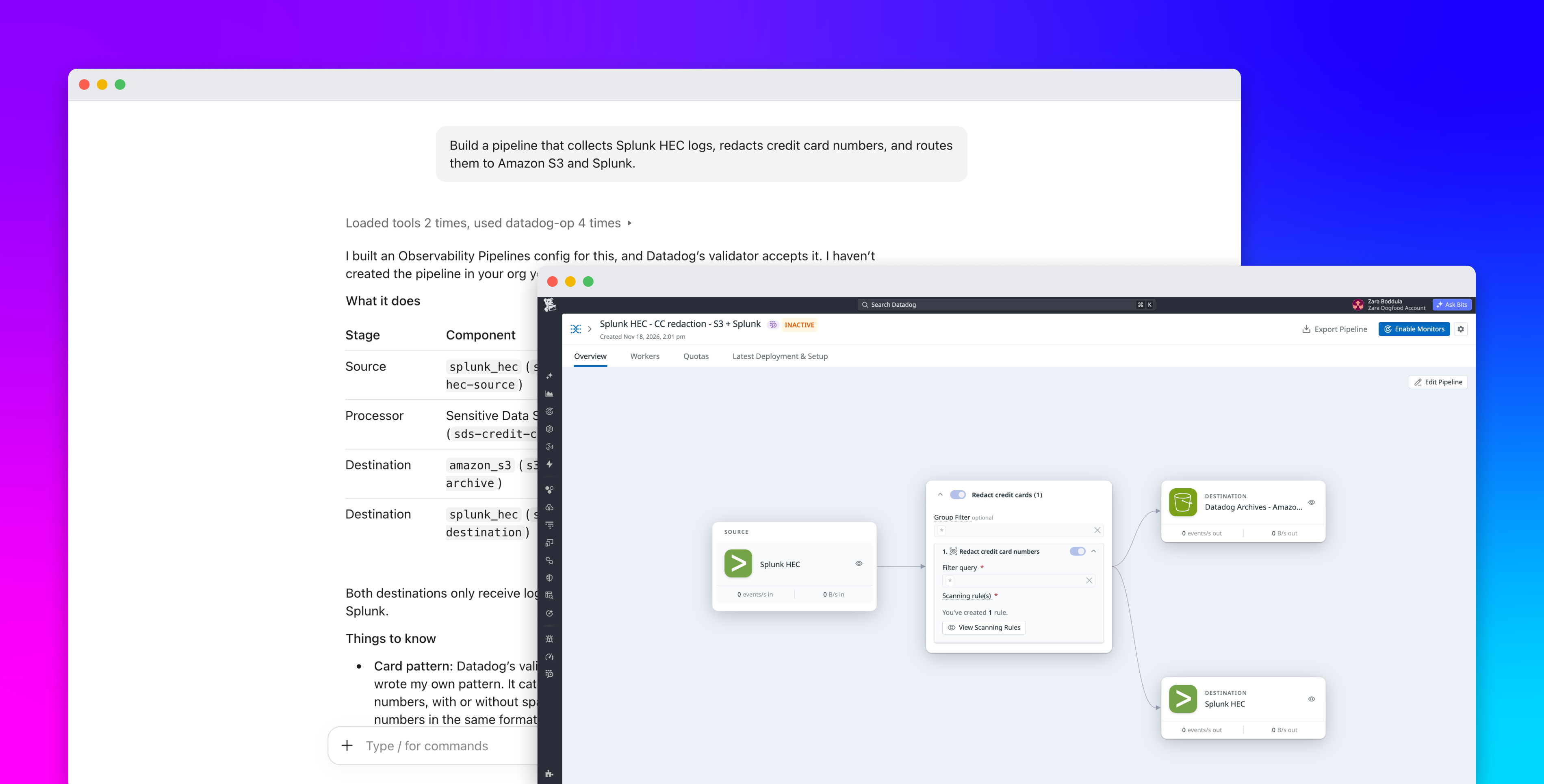
Datadog's new Observability Pipelines tools let an AI coding design, check and measure log pipelines but not change the ones already running. Observability Pipelines is Datadog's product for collecting, transforming and routing logs and metrics inside a customer's own environment before they reach destinations such as Splunk or Amazon S3, for example to redact credit card numbers or cut the volume sent to a security analytics system or data lake. The Datadog Server, which exposes Datadog data and actions as tools that agents in clients such as Claude Code, Cursor and Codex can call, now has a generally available observability-pipelines toolset, according to Datadog's announcement.
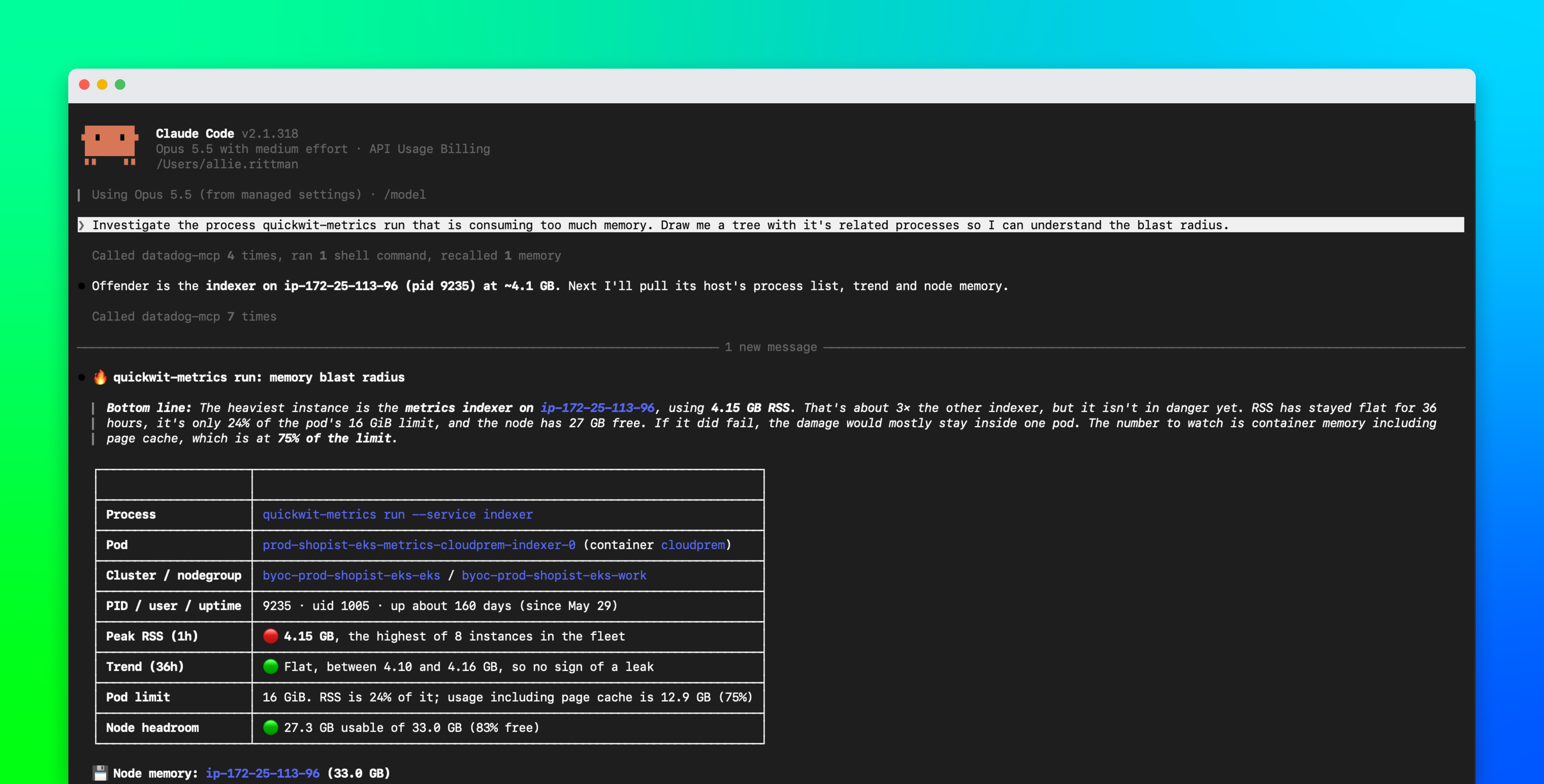
The toolset covers the lookup and checking work that slows pipeline changes. An agent can list the source, processor and destination types and the fields each one requires, then run `validate_observability_pipeline`, which checks a draft and returns all its errors at once without creating or deploying anything. Combined with Datadog's core toolset, the agent can also read the metrics a pipeline's Workers report, such as events received, sent and unintentionally discarded by each component. Each metric carries an `rc_version` tag that increases with every configuration update, so the agent can tie a drop in volume to the version that caused it. In Datadog's own example, a pack of predefined filters for Fortinet firewall logs removed 44 percent of events with no unintended discards.
What the agent cannot do is update or delete an existing pipeline. In Datadog's walkthrough of editing a live pipeline, the agent drafts and validates the change, then creates the result as a new pipeline, and that pipeline processes no data until someone installs the Observability Pipelines Worker for it. Teams can instead apply the validated change themselves in the pipeline builder or through Terraform. The agent also has only the permissions of the person who connects it, and creating a pipeline requires the Observability Pipelines Deploy permission plus an MCP Write permission. An agent can therefore take over the drafting and measuring, while a person still decides what reaches production traffic.
- Datadog's Observability Pipelines tools in its MCP Server can read existing pipelines but cannot update or delete them. Agent-drafted changes go out through the pipeline builder, Terraform, the API, or as a new pipeline tested side by side.
- A pipeline an agent creates processes no data until a team installs the Observability Pipelines Worker for it. Creating one requires the Observability Pipelines Deploy permission plus MCP Write, and the agent inherits the connecting user's access controls.
- validate_observability_pipeline checks a draft without creating or deploying anything and returns every validation error at once, so an agent can fix a configuration in one pass before calling create_observability_pipeline.
- Paired with Datadog's core toolset, an agent can read per-component pipeline metrics for health checks: events received and sent, intended and unintended discards, destination errors, buffer size, and Worker CPU and memory.
- Each pipeline usage metric carries an rc_version tag that increments on every update, so an agent can tie a volume change to the configuration version that caused it, as in Datadog's example of a Fortinet pack removing 44% of events.
- AI agent — An AI system that doesn't just answer once but works toward a goal in a loop — taking actions, reading the results, and deciding what to do next.
- MCP — The Model Context Protocol — an open standard that lets any AI assistant plug into any tool or data source without custom integration code.
- guardrails — The checks around a model that block bad inputs and outputs — filters, validators, and permission rules the model itself can't override.

Checking sign-in…
Loading comments…