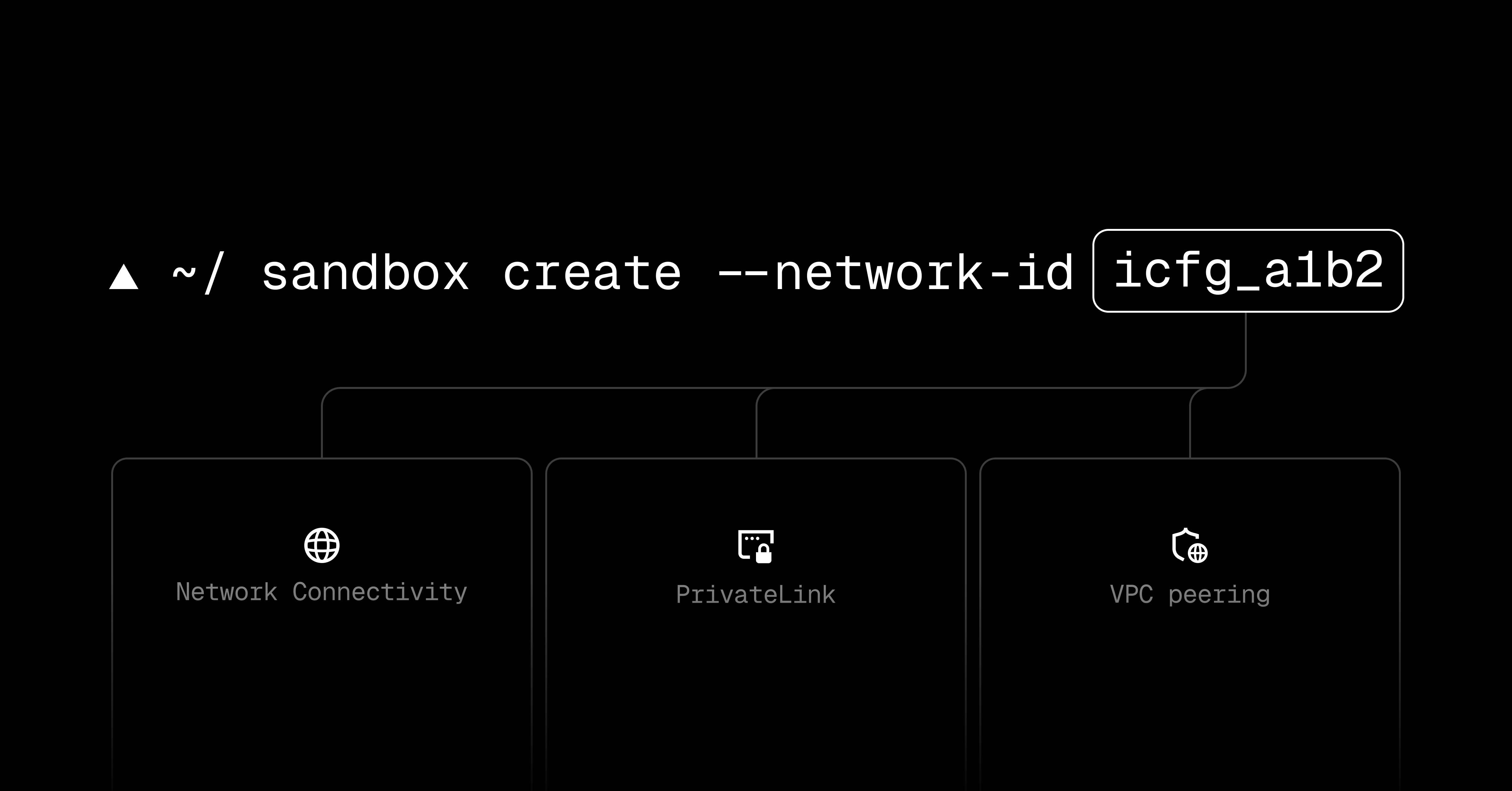
Vercel lets Enterprise teams with Secure Compute attach sandboxes to a dedicated network, according to its changelog. Internet traffic leaves through that network's fixed IP addresses, and VPC peering lets sandboxes reach private resources in an Amazon Web Services virtual private cloud. This gives sandboxAn isolated environment where AI-generated code or agent actions run without being able to touch anything real.Full definition → workloads a defined network path to resources the team already controls.
A network change has a specific timing rule: updating an existing sandbox takes effect in its next session. A session already running retains its current network until it stops, so changing the configuration does not immediately move active work.
Key takeaways · AI-distilled
To attach a sandbox to a Secure Compute network, pass an existing network ID as networkId in Sandbox.create(), or add --network-id to the CLI's sandbox create command.
Existing sandboxes can switch networks with sandbox.update(), but the change only applies from the next session; a running session keeps its current network until it stops.
Once attached, public-internet traffic leaves through the network's static IPs and the sandbox can reach private AWS VPC resources through VPC peering. The feature is limited to Enterprise teams with Secure Compute.
Terms in this piece · Glossary
sandbox — An isolated environment where AI-generated code or agent actions run without being able to touch anything real.