.claude Folder Configuration Guide
- Source
- x.com
- Author
- Akshay 🚀
- Date
Context
Claude Code configuration serves different purposes: written instructions guide the model, while executable hooks can intervene when a tool is about to run. Akshay's configuration guide for Anthropic's coding explains both through the project instruction file and the hooks configured in settings.
The guide acknowledges that CLAUDE.md instructions are suggestions the model usually, but not always, follows. Hooks are scripts that run at set points in the workflow. In its example, a PreToolUse script reads a proposed shell command before it runs and exits with code 2 to block dangerous patterns, whereas a PostToolUse cannot undo an action that already happened. The guide also warns that hooks run with the user's full permissions. The distinction helps teams place conventions in readable instructions and implement specific checks where actions occur.
- Keep CLAUDE.md under about 200 lines. Past that it eats and, the guide claims, Claude's adherence to the instructions actually drops — so a longer file buys you less compliance, not more.
- The content test is specificity: build/test/lint commands, architecture decisions, non-obvious gotchas, naming and error conventions. Leave out anything a linter config should own, documentation you can link to, and paragraphs of theory.
- Rule files take a YAML frontmatter 'paths' field. A rule scoped to src/api/ never loads while Claude edits a React component; rules without a paths field load every session, unconditionally.
- Hooks exist because CLAUDE.md is a suggestion. The model follows written instructions most of the time, not every time — a hook is a shell script bound to a workflow event, so the linter or the notification fires without exception.
- The two .claude folders serve different owners: the project one is committed team config, the home one holds personal preferences plus machine-local state like session history and memory.
- AI agent — An AI system that doesn't just answer once but works toward a goal in a loop — taking actions, reading the results, and deciding what to do next.
- agent hook — A script the harness runs automatically at a fixed point in an agent's loop — before a tool call, after an edit, on session start.
- context window — The maximum amount of text a model can consider at once — its working memory for the current conversation or task.
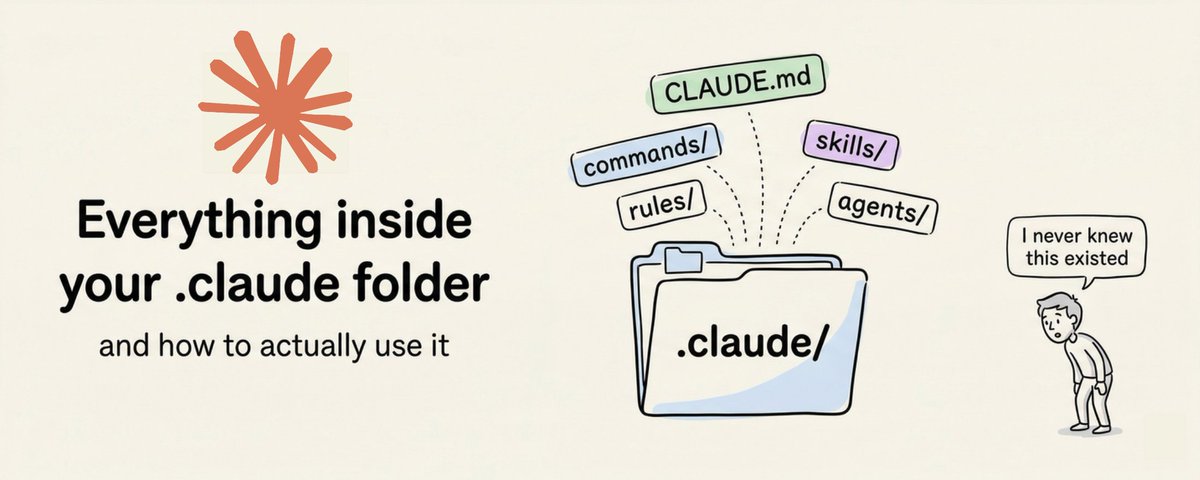
“The .claude folder is the control center for how Claude behaves in your project.”
“Keep CLAUDE.md under 200 lines. Files longer than that start eating too much context, and Claude's instruction adherence actually drops.”
“CLAUDE.md instructions are good. But they're suggestions. Claude follows them most of the time, not all of the time.”


Checking sign-in…
Loading comments…