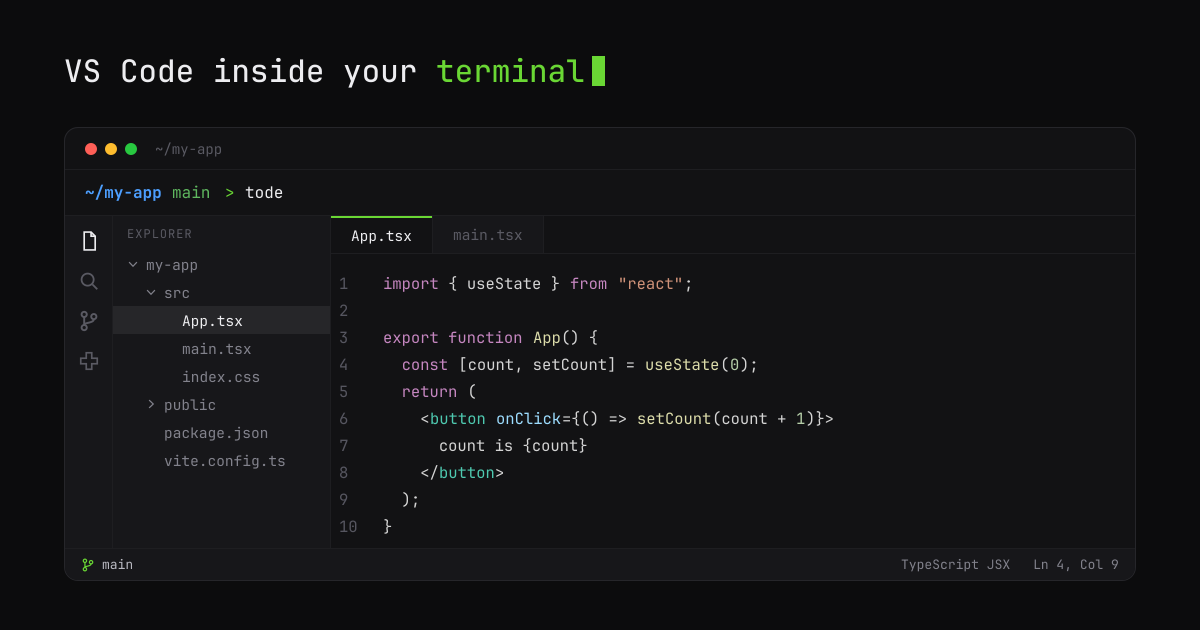
terminal-code brings the browser version of VS Code into a TerminalA program that shows text and accepts typed text.Full definition → by combining two existing components: code-ServerSoftware that receives requests, processes them and returns responses; the computer running it is its host.Full definition → runs the editor, and terminal-browser displays it inside the terminal. This explains how it can offer a familiar graphical editor within a terminal-centered workflow.
The project documents opening the current FolderA named container that holds files and other folders; also called a directory.Full definition →, viewing FileA named unit of stored data that keeps its contents while no program is using it.Full definition → differences and importing settings from compatible editors. Its implementation still uses a browser-based editor underneath, so the terminal presentation should not be confused with a new text-only editor.
Terms in this piece · Glossary
Terminal — A program that shows text and accepts typed text.
Server — Software that receives requests, processes them and returns responses; the computer running it is its host.
Folder — A named container that holds files and other folders; also called a directory.
File — A named unit of stored data that keeps its contents while no program is using it.