Introducing QuiverAI MCP: SVG generation for agent workflows
Source
quiver.ai
Date
Context
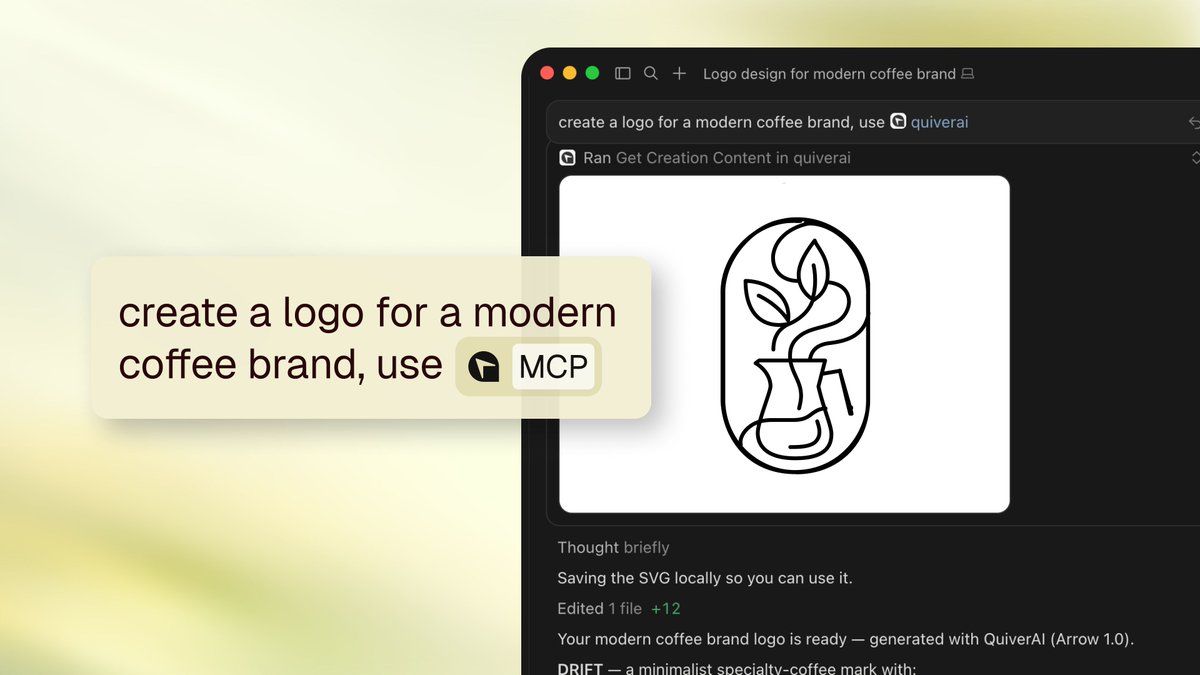
QuiverAI's hosted MCP server lets a compatible AI agentAn AI system that doesn't just answer once but works toward a goal in a loop — taking actions, reading the results, and deciding what to do next.Full definition → request editable vector artwork as part of its work. MCPThe Model Context Protocol — an open standard that lets any AI assistant plug into any tool or data source without custom integration code.Full definition → is a common interface through which agents discover and call external tools. Here, the agent can request an SVG, check whether generation has finished and retrieve the resulting file.
The announcement explains that SVG describes graphics in an editable, scalable form, so the result can move into a website or design workflow. The integration connects asset creation to retrieval instead of leaving the agent with a description of an image. The announced beta requires a client that supports remote MCP connections and an account login; access uses the connected QuiverAI account and its permissions.
Key takeaways · AI-distilled
The hosted MCP server exposes six operations: model discovery, creation lookup, task polling, text-to-SVG generation, raster-to-SVG vectorization, and SVG content retrieval, covering a full generate-track-fetch loop for agents.
Beyond static generation, the server supports animating an existing SVG (either a prior QuiverAI creation or an external SVG source) as an async task polled to completion, not just one-shot image requests.
Authentication runs through the connecting MCP client's own OAuth login flow tied to the user's QuiverAI account, rather than a separate API key, so permissions follow whichever account logs in.
QuiverAI ships as an installable Cursor Marketplace plugin, or via the /add-plugin QuiverAI command, registering the hosted endpoint automatically rather than requiring manual MCP server configuration.
Terms in this piece · Glossary
MCP — The Model Context Protocol — an open standard that lets any AI assistant plug into any tool or data source without custom integration code.
AI agent — An AI system that doesn't just answer once but works toward a goal in a loop — taking actions, reading the results, and deciding what to do next.