- Category
- Productivity
- Rank
- No. 463Tools index
- Pricing
- Open Source
- Type
- TOOL
- Use case
- Productivity & Collaboration
- Interfaces
- CLI
- Builder
- openclaw
- GitHub
- 8.5k stars
- Latest release
- v0.47.0
- Date
About
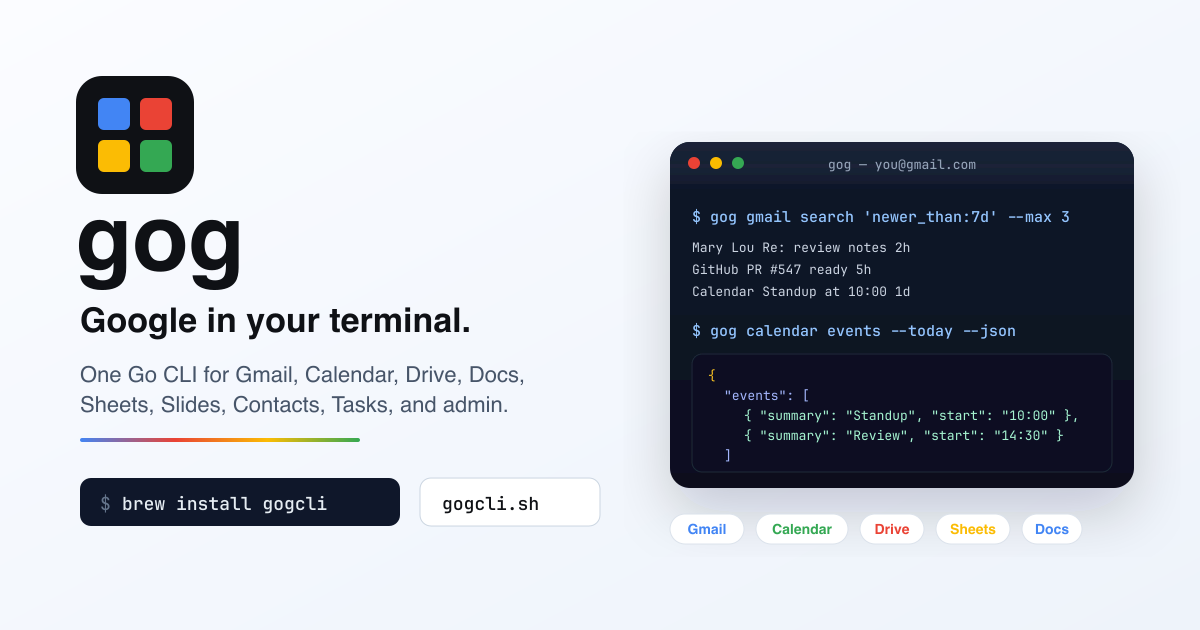
Google Workspace in your terminal — OpenClaw's CLI for Gmail, Calendar, Drive, and Docs from the command line.
What it does
gogcli turns Google services into resource-oriented commands for interactive work, scripts, CI, and agents. It routes requests across multiple accounts and OAuth clients, emits JSON or stable TSV, and supports typed MCP access. Its surface extends into administration, backups, event polling, sharing audits, document editing, and direct Discovery API calls.
Why it's ranked here
The breadth is unusually practical, but the permission model matters more than the command count. Read-only enforcement, exact command allowlists, dry runs, non-interactive operation, untrusted-content wrapping, and restricted MCP tools make serious automation plausible. The trade is substantial Google Cloud and OAuth setup before that value appears.
What's good
Machine output stays separate from prompts, progress, and warnings, which keeps pipelines parseable. One installation handles multiple accounts, OAuth projects, direct tokens, service accounts, and headless credentials. The running binary generates schemas, reference material, and agent skills from its command tree. MCP writes remain hidden without explicit authorization.
Tradeoffs
Initial setup requires a Google Cloud project, enabled APIs, an OAuth consent screen, downloaded client credentials, and service authorization. Several administration, Chat, Groups, and Keep capabilities require a managed Workspace domain, sometimes with domain-wide delegation. The documented Go install shortcut can fail during the module-path transition. Polling state must not have concurrent writers.
How to use it well
Choose it for engineers automating repeatable Workspace tasks across shell scripts, CI, local agents, or tightly scoped MCP clients. Start with only required services, JSON output, read-only mode, non-interactive execution, and narrow command or tool allowlists. Use its watchers for ordinary notification flows, but not as a complete high-volume queueing, monitoring, backpressure, or dead-letter platform.
Technical notes+
The module in go.mod is github.com/openclaw/gogcli, targets Go 1.26.5, and depends on Kong for CLI parsing, Google API clients, keyring storage, age encryption, and mcp-go. Makefile builds ./cmd/gog, runs Go and Node tests, formatting, lint, dead-code, documentation, Docker-version, and generated-agent-skill checks. docs/mcp.md describes a typed stdio server whose calls spawn the same executable with JSON, untrusted wrapping, no-input mode, bounded output, and timeouts. docs/paths.md documents separate config, data, state, and cache resolution. docs/install.md covers Homebrew, Docker, release archives, Windows, and source builds.
Observed
- License
- MIT
- Primary language
- Go
- Packaging
- Single binary, Homebrew formula, Docker image, release archives, and source builds
- Interfaces
- Command-line interface and typed stdio MCP server
- Platform support
- macOS, Linux, and Windows release assets are documented
- Authentication surface
- OAuth, direct access tokens, Application Default Credentials, and Workspace service accounts
Read from README.md, go.mod, Makefile, docs/mcp.md, docs/spec.md, docs/index.md, docs/dates.md, docs/paths.md, docs/watch.md, docs/backup.md, docs/sedmat.md, docs/install.md, docs/polling.md.
What it can do
Send emails
Email content, recipient addresses, subject line → Sent email confirmation
Read and list emails
Gmail account credentials and search filters → List of emails with metadata and content
Create calendar events
Event details (title, date, time, attendees) → Created calendar event confirmation
View calendar schedule
Date range and calendar selection → List of scheduled events and appointments
Upload files to Google Drive
Local files and destination folder path → Uploaded file URLs and metadata
Download files from Google Drive
Google Drive file IDs or paths → Downloaded files to local storage
Create and edit Google Docs
Document content and formatting instructions → Created or updated Google Doc with shareable link
Search Google Drive files
Search query and file type filters → List of matching files with metadata and links
Tags
Tech Stack
Media
Comments (0)
No comments yet
Editorially curated, with community endorsements as a secondary signal. Corrections welcome.