Microsoft's Autopilot agent ships built on OpenClaw framework
- Source
- x.com
- Date
Microsoft's new Autopilot is a persistent agent that acts proactively rather than waiting for prompts, and it runs on OpenClaw, an open-source agent framework. Peter Steinberger, OpenClaw's maintainer, confirmed the connection and said the project spent months hardening its codebase so it could hold up at the scale Microsoft needs. A major vendor shipping a flagship agent on an open framework, instead of an in-house stack, is a signal about where the durable value sits: in the product surface and integrations more than in the agent loop itself. For teams already building on OpenClaw, the hardening work should flow back into the open project. For teams choosing a framework, a large production deployment is useful evidence, though Microsoft's own changes on top of it have not been described in the announcement.

Microsoft shipped a really compelling product on top of @OpenClaw today. We worked with them since March to make the codebase ready for large-scale deployments, they are a great partner and open-source contributor. 🙏🦞 https://t.co/CeTy58pWXU
Context
Peter Steinberger created OpenClaw, an open-source framework, after leaving his previous company. He says Microsoft shipped a product built on top of OpenClaw, and that his team had worked with Microsoft since March to get the codebase ready for deployment at large scale. Independent reporting names that product Scout, described as a Microsoft 365 enterprise agent built on the OpenClaw framework.
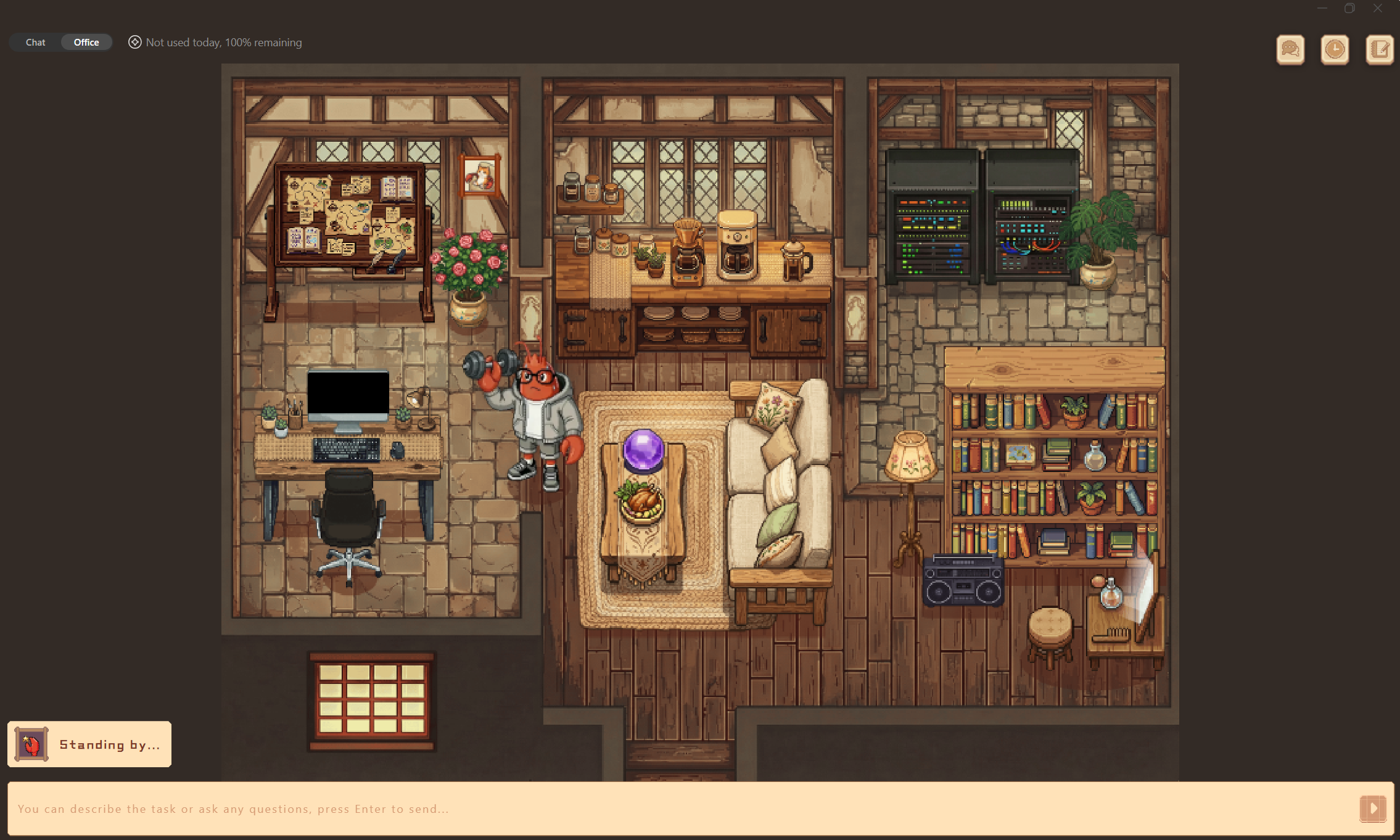
This is not the first commercial product built on OpenClaw; Tencent had already shipped an international beta wrapping the same open-source framework in a desktop app, QClaw. A Microsoft deployment adds a different kind of evidence: Steinberger's own account that his team spent months preparing the codebase specifically for large-scale enterprise use, rather than Microsoft simply adopting the framework as-is.
- AI agent — An AI system that doesn't just answer once but works toward a goal in a loop — taking actions, reading the results, and deciding what to do next.


Checking sign-in…
Loading comments…