TinyHand
tinyhand.app- Category
- Productivity
- Rank
- No. 2610Tools index
- Pricing
- Open Source
- Type
- APP
- Date
About
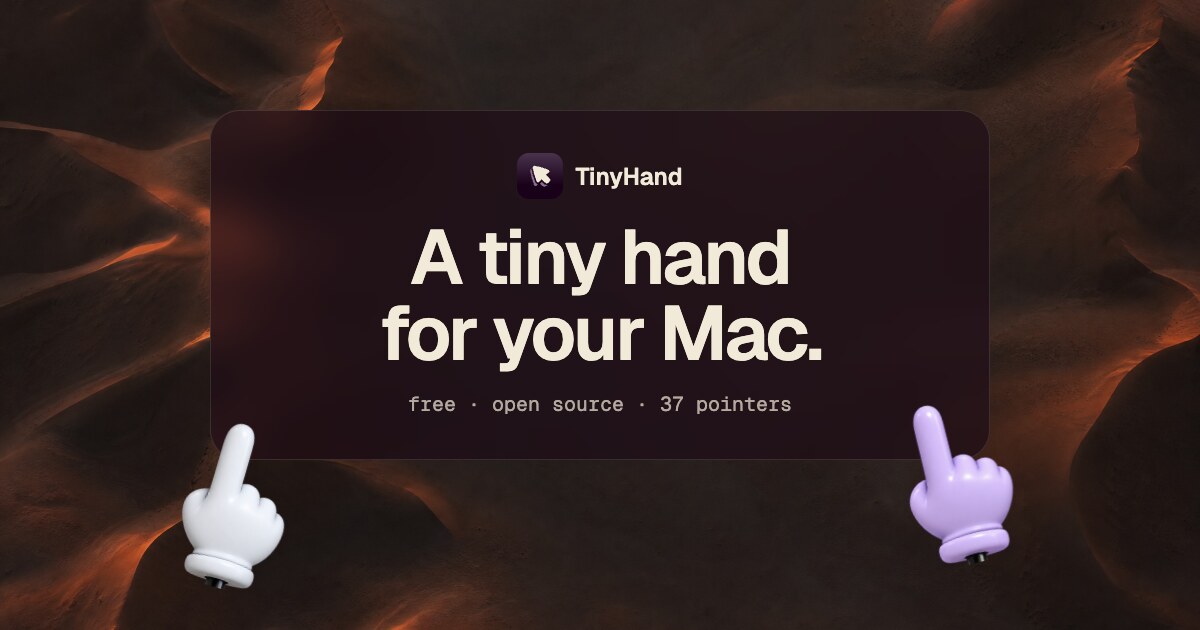
TinyHand is a macOS menu bar app that shows a toy hand on a stick following the mouse pointer. Clicking makes a soft tap and holding and dragging draws lines that fade after three seconds, which is useful for pointing at things during demos or screen sharing. It needs Accessibility permission to turn clicks into taps, offers a choice of hands or a laser dot, and updates itself.
At a glance
TinyHand is a free, MIT-licensed menu bar app that puts a small hand on your Mac screen. The hand follows your mouse, a click shows a soft tap, and holding and dragging draws lines that fade after 3 seconds. It suits pointing things out while others watch your screen, as long as you remember that clicks stop reaching your apps while it is on.
Good fit
Mac users who want a playful, visible pointer when showing something on screen and an occasional quick sketch to circle a detail. You can pick one of 36 hands or a laser dot from the toolbar, and mute the tap sound if it distracts.
Consider something else when
You are on Windows, Linux or a macOS release older than 13. Also skip it if you need annotations that stay on screen, since drawn lines fade after 3 seconds, or if you need to keep clicking inside apps while pointing.
Start here
Download TinyHand.dmg, drag TinyHand to Applications and allow Accessibility when macOS asks. Press ⌃⌥H or click the menu bar icon to show the hand, click to tap, then hold and drag to draw. ⌃⌥X clears the drawing; Esc clears everything and turns the pointer off.
Cost and requirements
Free and open source under the MIT license. Version 1.0.1 runs on macOS 13 or later on Apple silicon and Intel Macs. It needs Accessibility permission, which the README says it uses to turn clicks into taps, and it updates itself.
Limits to know
While the pointer is on, a click becomes a tap and nothing underneath gets clicked, so you have to toggle it off to use your apps. Drawings disappear after 3 seconds. Settings live behind a right-click on the menu bar icon.
Sources checked 2026-10-31. Source-based assessment.
Tags
Media
Comments (0)
No comments yet
Editorially curated, with community endorsements as a secondary signal. Corrections welcome.