Claude's computer use moves to the background on macOS
- Source
- x.com
- Date
Anthropic added background computer use to Claude Code and Cowork in its macOS desktop app. Claude can click, type and open desktop applications while the user continues working elsewhere, instead of monopolizing the active screen. That changes desktop automation from a supervised demonstration into asynchronous work, which is much more useful for long tasks. It also makes task boundaries, activity visibility and interruption controls more important because users cannot watch every action as it happens. The feature is currently a beta for Pro and Max plans and must be enabled in Settings. Teams should treat it as a workflow capability, not blanket permission for unattended high-impact actions.

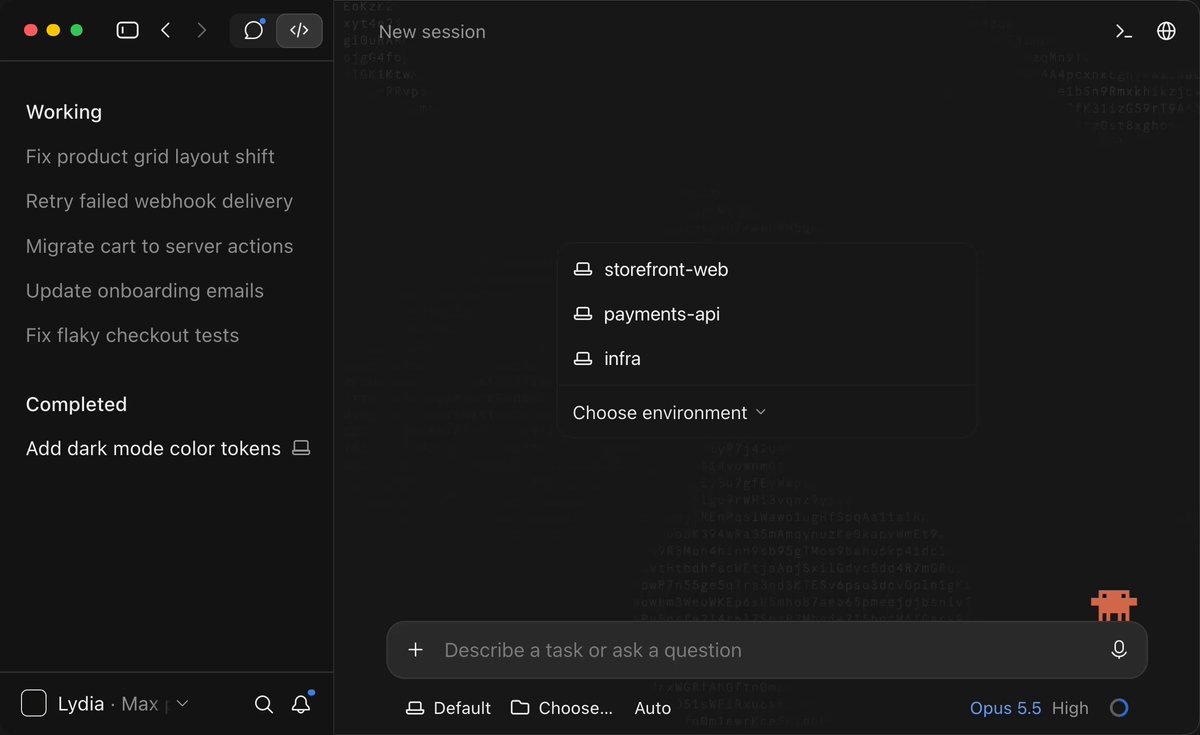
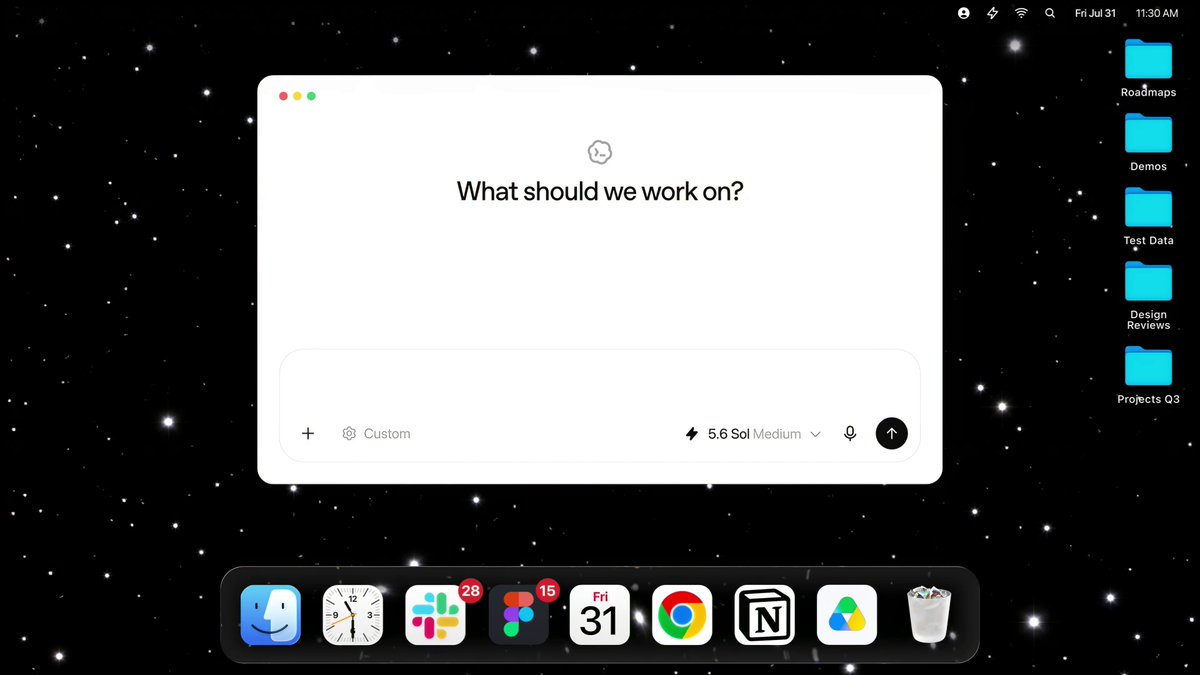
Claude can now use your computer in the background in Claude Cowork and Claude Code. Give it something to do on your desktop and Claude clicks, types, and opens apps just like you would, while you work on something else.

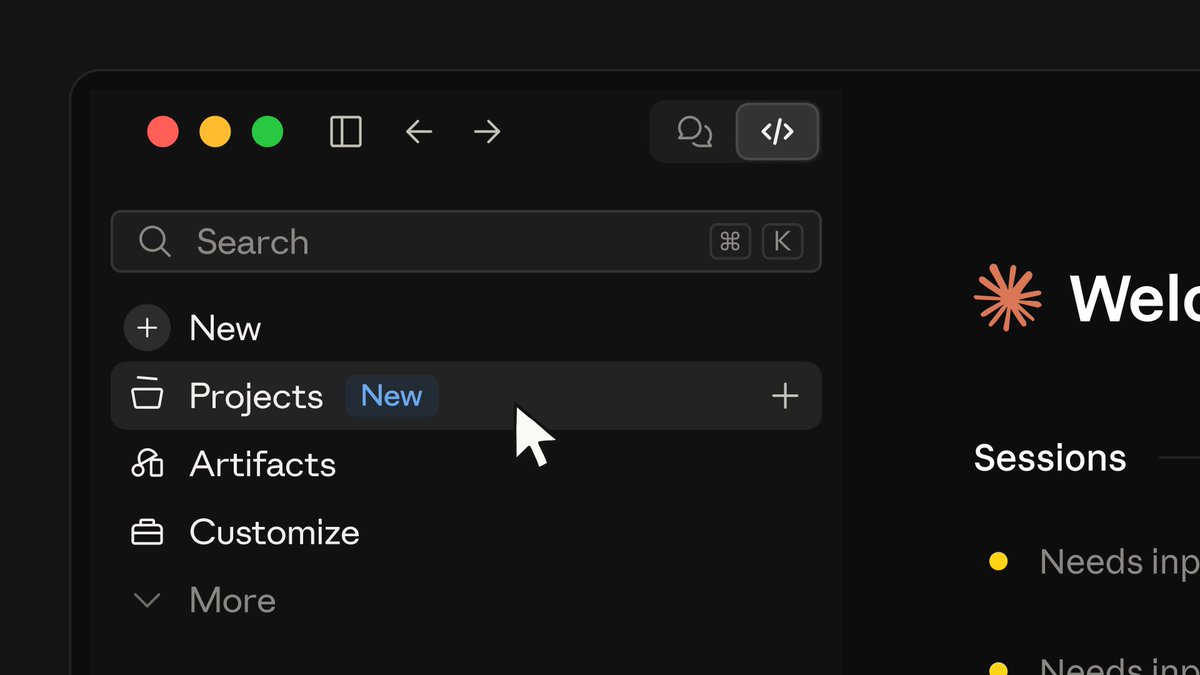
Available in beta on Pro and Max plans, in the desktop app on macOS. If you're new to computer use, turn it on in Settings → General → Computer use. How it works, and how to use it safely: https://t.co/WTNqd5F0BG
Context
Claude announced that its computer-use feature can now run in the background on macOS within Claude Cowork and Claude Code, meaning a user can assign it a desktop task and keep working on something else while it clicks, types, and opens applications. Anthropic said the feature is in beta on Pro and Max plans, available in the desktop app on macOS, and can be turned on under Settings, General, Computer use.


Checking sign-in…
Loading comments…