Checking accessibility with screenshots instead of markup rules
- Source
- x.com
- Date

Brendan Works is a product manager focused on paratransit services in Seattle. See how he built PointCheck, a website accessibility checker powered by our open Molmo, MolmoWeb, & Olmo 3 models. 👇
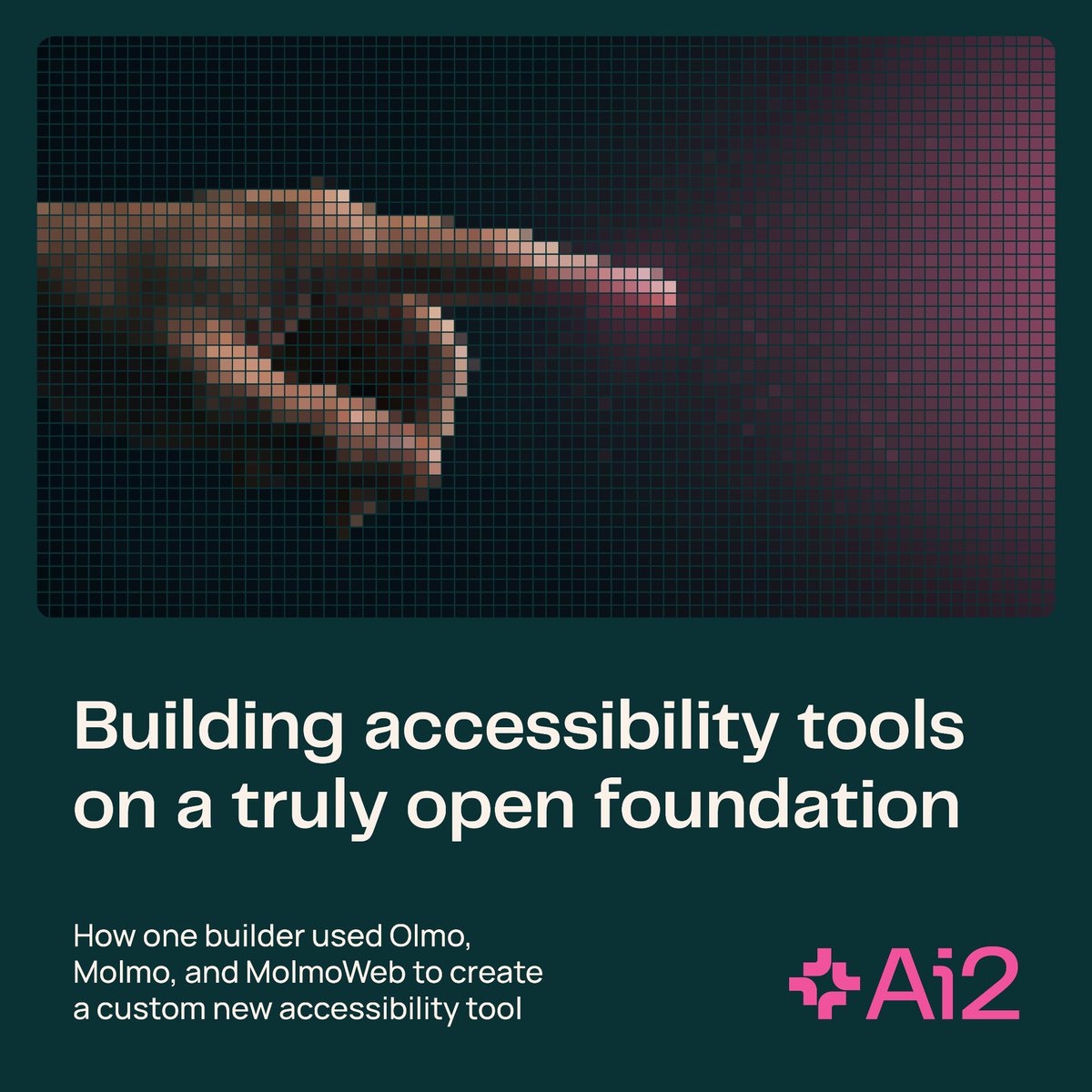
In his day job, Brendan sees how often digital tools fail the people who most depend on them—like a booking app that won't load or a scheduler a screen reader can't navigate. "It cuts someone off from getting to see their friends or getting to class," he says.
Most web accessibility checkers inspect code & compare it against guidelines, but compliant code can still produce unusable pages. Works wanted something that could catch what only shows up on screen—like a focus ring that's invisible against a colored background.
PointCheck tabs through a page like a keyboard user and screenshots each step. Molmo locates the focused element; MolmoWeb and Olmo 3 handle the rest. Brendan chose open models for his experimental side project so teams can self-host—no files leave the environment.

Context
PointCheck checks whether keyboard users can actually see which control is selected on a webpage. The independent accessibility project uses models from Ai2: it tabs through a page, captures screenshots, uses MolmoWeb to locate the focused element, and asks Molmo whether its visual highlight is visible. A focus outline can exist in a stylesheet yet disappear against the rendered background. Inspecting screenshots lets the tool check that visible result alongside code-based accessibility tests. Ai2's account describes the workflow.





Checking sign-in…
Loading comments…