Cowork gets its own sandboxed browser, separate from yours
- Source
- x.com
- Publisher
- Anthropic
- Date

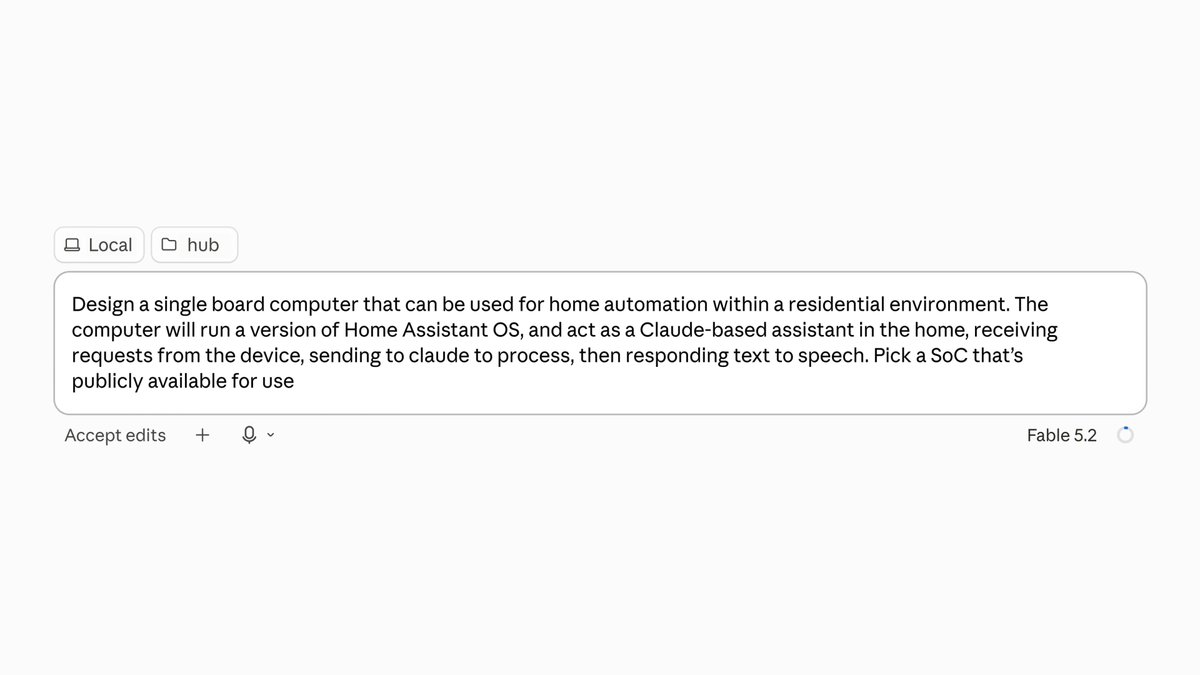
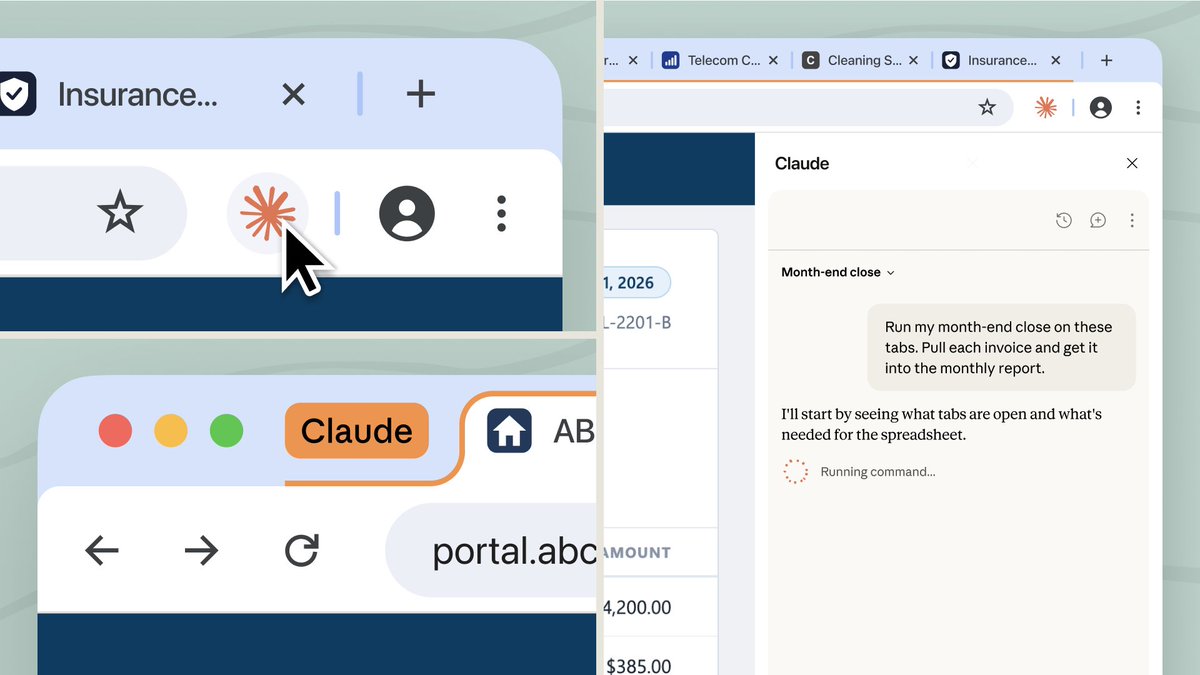
Claude now has its own built-in browser in Cowork. When your task involves a website, a browser opens in Cowork's side panel, and Claude navigates, fills forms, and finishes the job.

Context
Anthropic has given Claude a browser of its own inside Cowork, the part of the Claude desktop app where Claude carries out tasks for the user. When a task involves a website, the announcement says, a browser opens in Cowork's side panel and Claude navigates, fills forms and finishes the job there. Anthropic's blog post states the point the announcement leaves out: "It's Claude's browser, not yours." Claude never sees the user's tabs, bookmarks or passwords.
That separation means Claude starts without the user's logins. The help article says users can stay signed in by importing cookies from their own browser, and the blog says banking, email and single sign-on sites are left out unless the user chooses to include them. Claude asks permission before acting on a site for the first time, and Anthropic says its safeguards meaningfully reduce the risk of the browser acting wrongly but cannot eliminate it.
Claude in Chrome, which works inside the user's own Chrome, is not going away. Anthropic describes it as the for "the page you already have open, with the accounts you're already signed in to," and the built-in browser as the way to hand web tasks to Claude while you keep working. Anyone who already uses Claude in Chrome keeps it as the default for Cowork, and the choice can be changed under Preferred browser in Cowork's settings. The built-in browser runs in the desktop app on macOS and Windows, with Linux in beta.
- Tool — An operation that the software around a model makes available for the model to request, with a name, expected inputs and a kind of result.