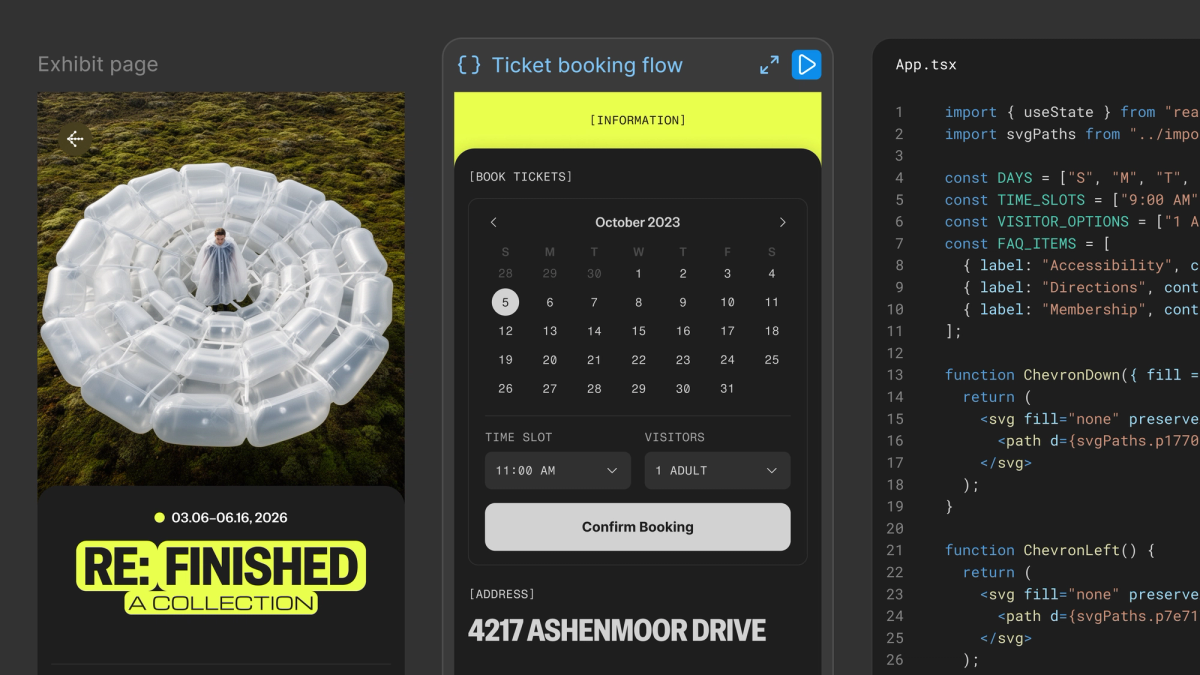
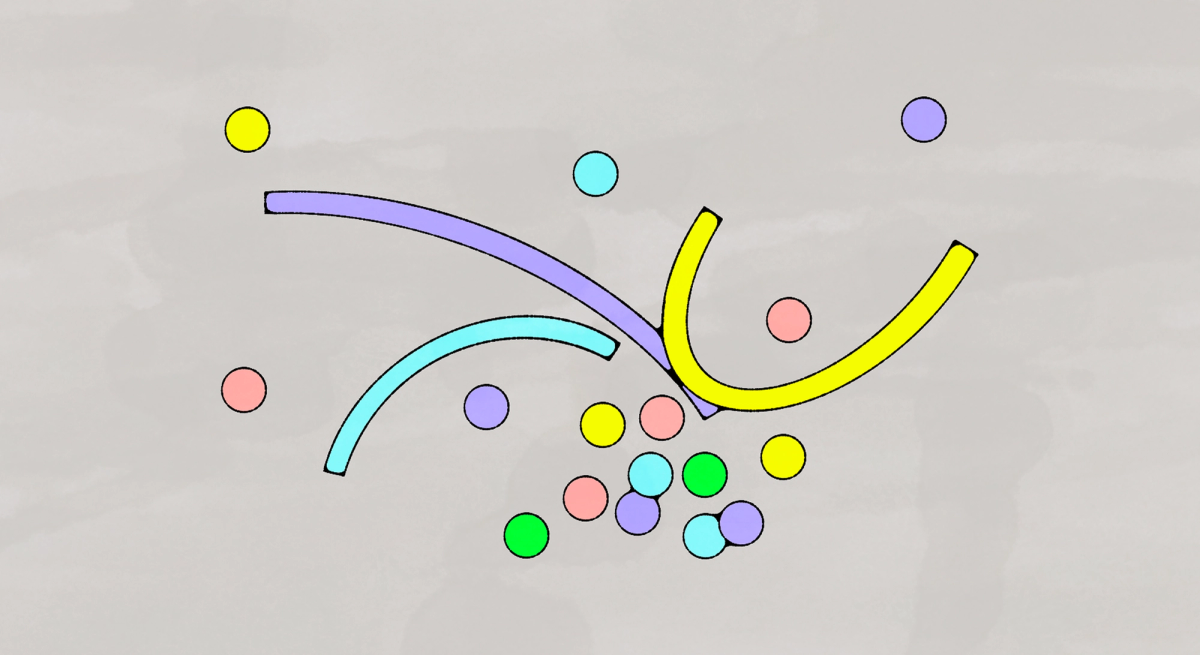
Figma’s code layers let a website designer add behavior that exceeds the canvas’s built-in interactions. A selected component becomes an interactive element backed by React code. The designer can ask the built-in AI to change its behavior or edit the code directly, then compare variations on the same canvas. The launch article uses a flower-arranging interface to explain the difference: dragging a flower is a preset interaction, while repeatedly creating draggable copies requires custom logic. Code layers provide a place for that logic within Figma Sites. Their adjustable properties and reusable components let the designer carry the interaction into other pages without starting again.