Delete a run's data on demand in Workflow SDK
- Source
- vercel.com
- Author
- Peter Wielander
- Date
Context
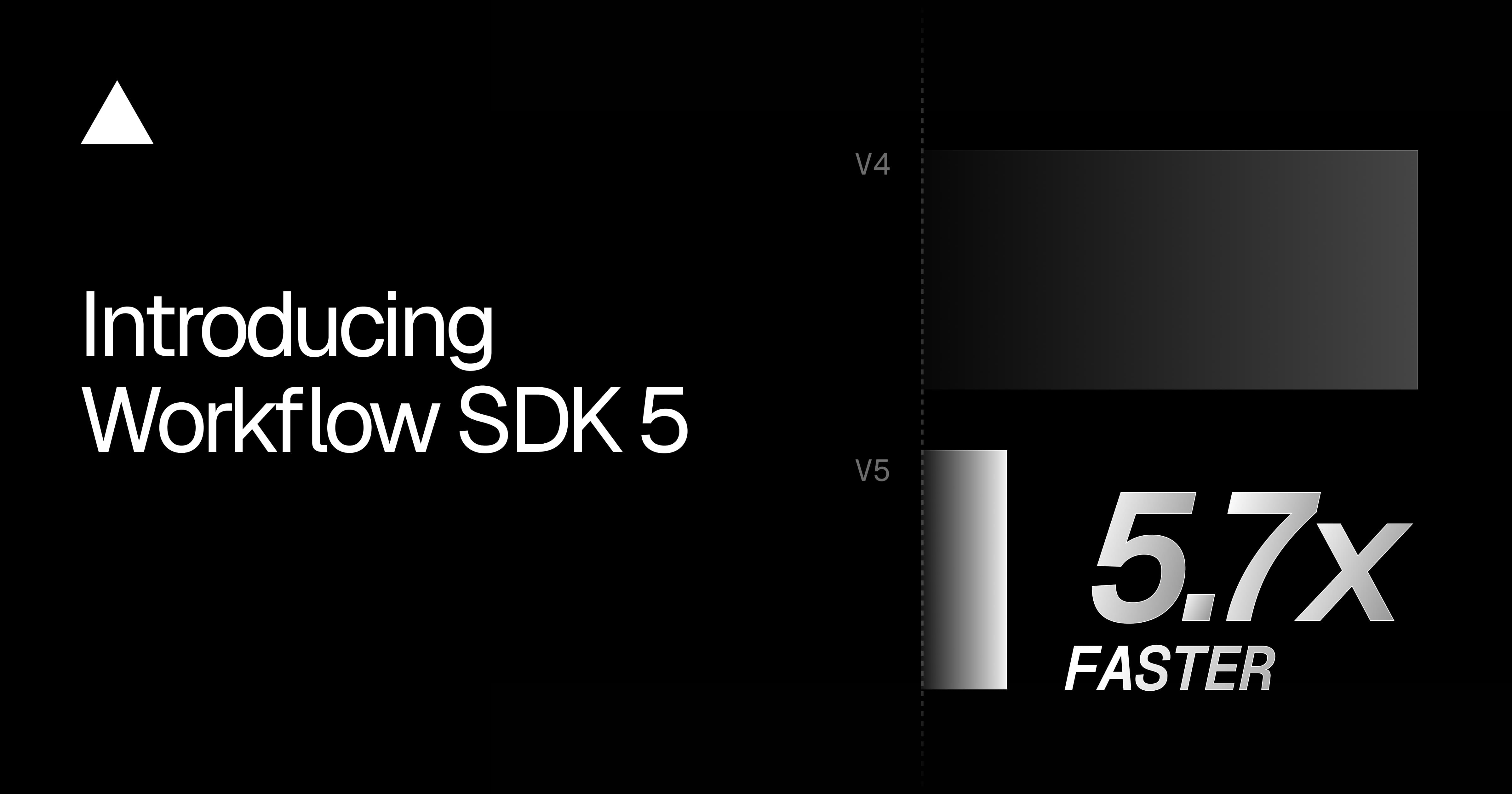
Vercel's Workflow SDK, which Vercel's Workflow SDK 5 announcement describes as a way to keep ordinary async JavaScript running through crashes, deployments and long waits, stores the data each run takes in and produces. Starting with workflow 5.7.0, developers can erase that stored data for a finished run on demand, which the changelog presents as a way to meet compliance and security requirements when sensitive data has to be purged.
Deletion removes a run's inputs, outputs, payloads and error traces, for the run and its related entities. It keeps the run's : the run is still listed in observability, and its attributes, hook and the timings of its steps and events can still be inspected. Anything sensitive a team has put in those retained fields is therefore not removed by a deletion.
Only finished runs can be deleted; a run that is still going is skipped and keeps running. Deletion is available from the Vercel Dashboard, from the with workflow delete, or in code with getRun(runId).delete() for one run and deleteRuns() for up to 100 runs at once. Vercel points teams that want a run's payload gone as soon as it finishes to the retention settings instead, so this feature covers purging specific runs after the fact.
- agent hook — A script the harness runs automatically at a fixed point in an agent's loop — before a tool call, after an edit, on session start.
- Metadata — Data about a file, such as its name, size and timestamps, as distinct from its contents.
- Token — A piece of text, such as a word, part of a word or a punctuation mark, that a language model represents as numbers and handles as a unit.
- Terminal and shell — A text interface for navigating files and running programs.

Checking sign-in…
Loading comments…