Install an artifact as an app
- Source
- support.claude.com
- Author
- Anthropic (Claude Help Center)
- Date
Context
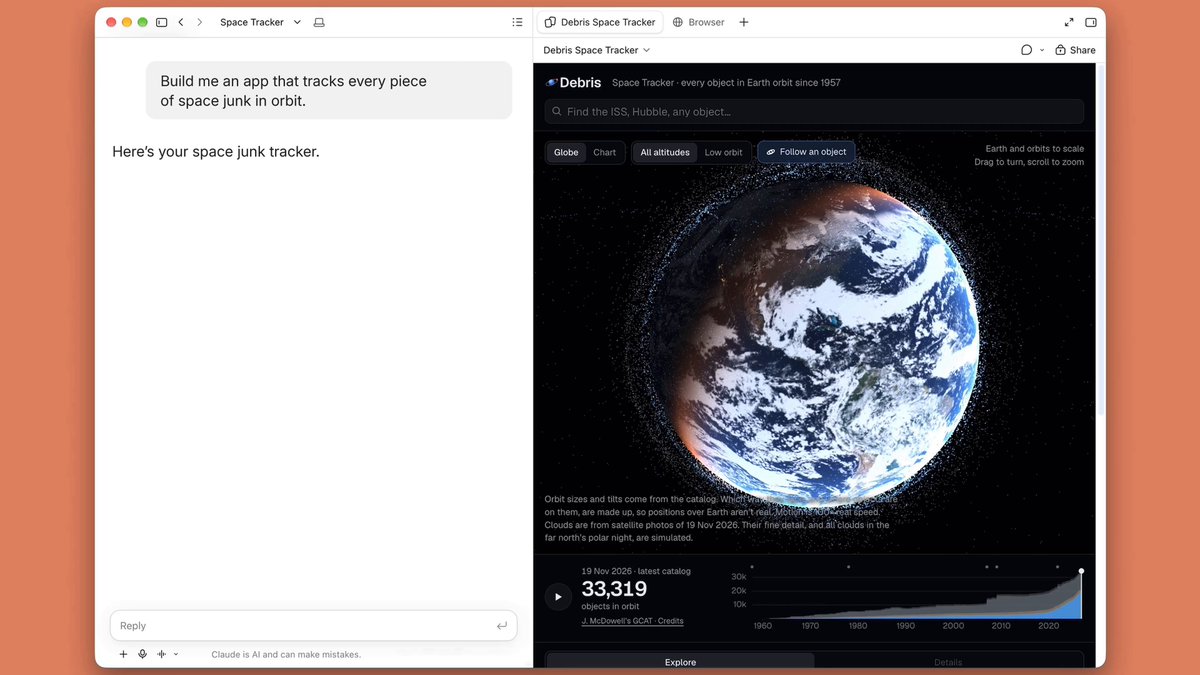
Installing an artifact wraps a desktop launcher and a few operating-system hooks around something that still lives in Claude, and Anthropic's Help Center guide is mostly about what that means once the app is on your machine. The installed app shows the same artifact in a window of its own, changes when you or another editor changes it, and opens only while you are online and signed in to Claude Desktop, which must be version 6.28899.0 or later. You install it from the artifact's title menu, by right-clicking it, or from Share, and an artifact can even build its own install button if you ask for one. Whichever route you take, Claude asks you to confirm before anything is installed.
On a Mac, installed apps go into a Claude Apps inside the Applications folder in your home folder, and they show up in Spotlight and the Apps launcher; you can keep one in the Dock from its icon's options. On Windows they appear in a Claude Apps folder in the Start menu and as a desktop shortcut. Claude Desktop lists them all under → Apps (on Windows, File sits under the menu button), and that list is where you open, adjust or uninstall each one. Closing the window does not always stop an app. One with a menu bar item or system tray icon keeps running, so on a Mac you quit it from the Dock or with Cmd+Q while it is the active app, and on Windows you choose Exit from its tray icon's menu.
You can change an app's permissions while it is running, from the app's name in the macOS menu bar, from the title bar on Windows (right-click or Alt+Space), or from File → Apps. What each permission allows, and why an Allow lasts only until the next version, is explained in our Context on the ClaudeDevs announcement. The guide adds what happens when access ends without your doing anything. If you lose access to an app, for example because its owner stops sharing it with you, the programs it started also stop, but this can take up to about 20 minutes, and longer while Claude cannot check, such as when you are offline, signed out or using another organization. The same menu that holds Permissions offers Report Artifact where it is available.
Uninstalling removes less than the word suggests. Choosing Uninstall in File → Apps moves the app to the Trash on a Mac or removes its shortcuts on Windows, and it removes the permissions you granted, but it does not delete the artifact, and any Dock, taskbar or Start pin has to be removed by hand. Removing the app and removing the artifact are separate steps. In the other direction, if the artifact is deleted, taken down or no longer shared with you, Claude usually offers to uninstall the app the next time you open it.
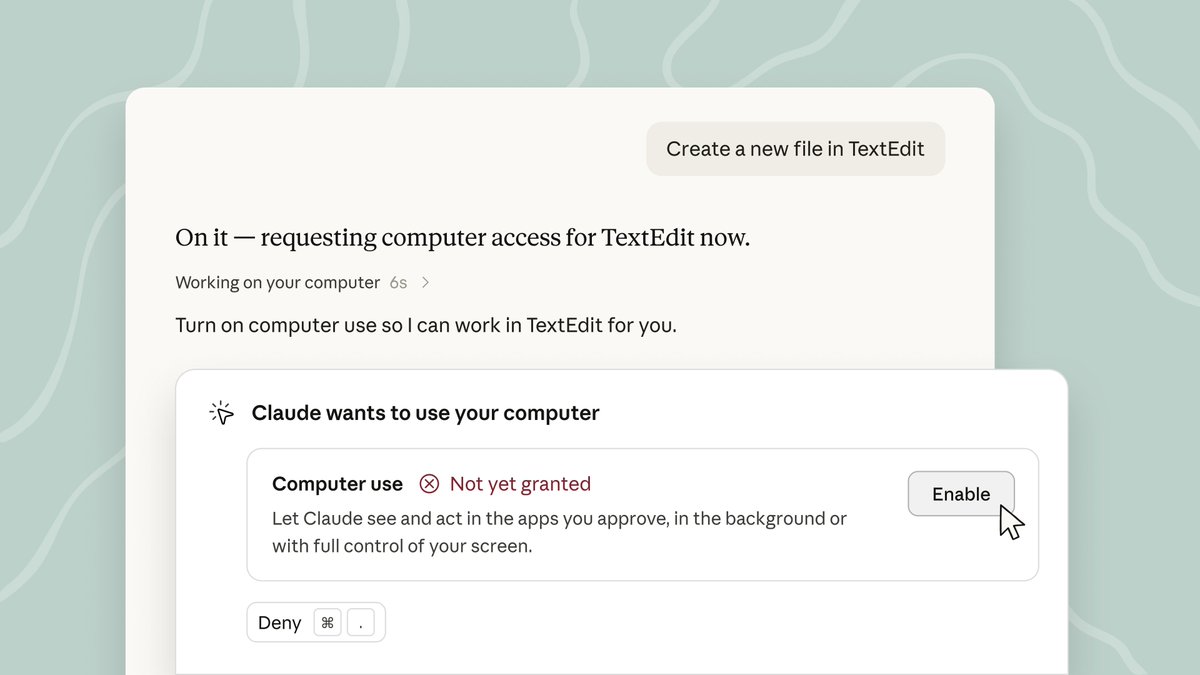
Several limits in the beta affect specific groups. Apps are not available on Linux, the web or mobile. Artifacts made from a template, such as Docs, Slides or Sheets, cannot be installed, and neither can legacy artifacts or live artifacts from Claude Cowork. Claude for Teachers and K-12 organizations cannot grant full access, and may not be able to install apps at all. Organizations with zero data retention for Claude Code can install apps once an owner turns on both Artifacts and Install as app, but those apps are not covered by zero data retention, which matters to any team that relies on that setting for its data. And when Claude operates your Mac through computer use, it can see an installed app but cannot click or type in it.
- Folder — A named container that holds files and other folders; also called a directory.
- File — A named unit of stored data that keeps its contents while no program is using it.
- Context and context window — Context is the information available for a generation; the context window is the capacity available to hold it.
Checking sign-in…
Loading comments…