A local agent harness for Windows, scoped to folders you approve
- Source
- x.com
- Date

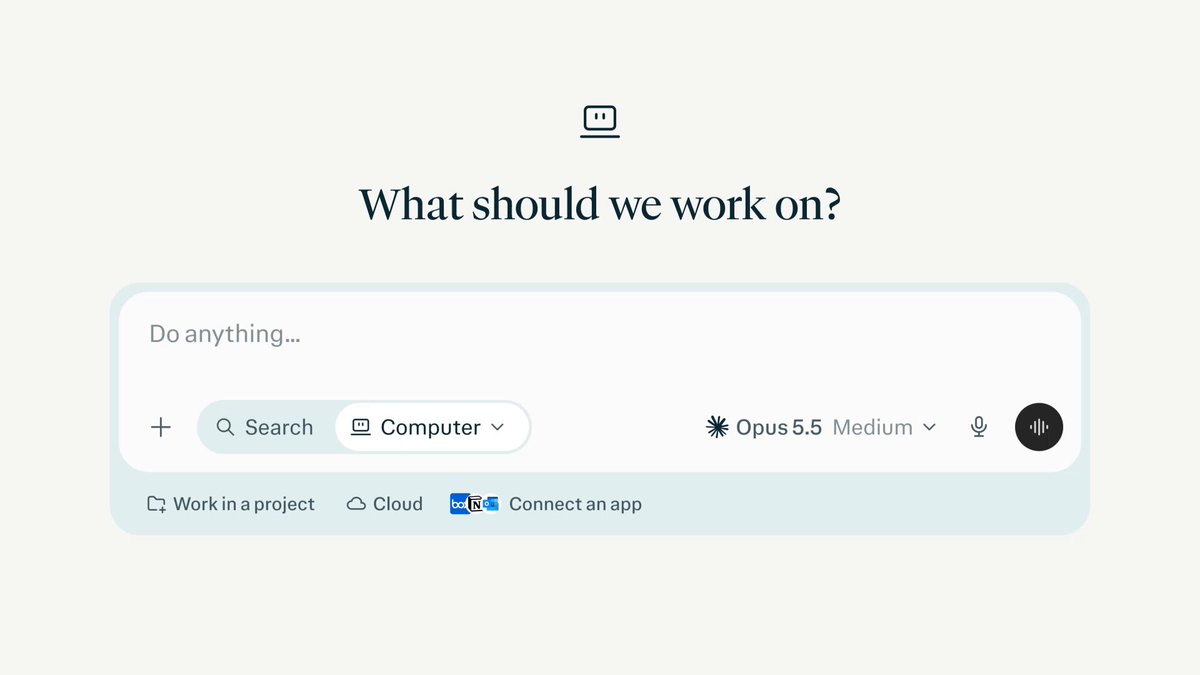
Personal Computer is now available in the Perplexity app for Windows. Personal Computer is the local agent harness for your work. It orchestrates agents across your local files, connected apps, and the web. Research, code, browse, and build all inside one unified system.

Personal Computer routes work to subagents using 15+ models. Computer can open, read, and edit files inside approved local folders on your desktop. Every task starts with full context from your past tasks, files, and projects using Brain, our persistent memory system.

Personal Computer can pull data from 400+ connected apps into your local files. It also works with your existing Microsoft Excel, PowerPoint, Word, and Outlook files. Read more about connecting Microsoft 365 apps to Computer: https://t.co/0itt5XcFRX

Personal Computer is available now for Pro, Max, and Enterprise subscribers on Windows 10 and 11. Download the new Perplexity app on Windows to get Personal Computer: https://t.co/5SEJhUs59d
Context
Perplexity's Personal Computer for Windows lets its work with files in local folders the user approves. The July 28 announcement says it can open, read and edit those files while coordinating work across connected applications and the web. It also draws on Brain's persistent context from earlier tasks and projects. The supported workflow is therefore a task that combines local documents with outside information, with folder approval defining the announced scope of desktop file access. The release thread specifies these capabilities.
- AI agent — An AI system that doesn't just answer once but works toward a goal in a loop — taking actions, reading the results, and deciding what to do next.
- context window — The maximum amount of text a model can consider at once — its working memory for the current conversation or task.
- agent harness — The scaffolding around a model that turns it into a working agent — the loop, the tools it can call, and the rules for when to stop.
- multi-agent — Using several AI agents on one problem — splitting work in parallel, checking each other, or filling different roles like planner and reviewer.


Checking sign-in…
Loading comments…